Zombie Gift Card: What Does “Infected” Mean When Trading? [2026]
The card can look healthy on the outside while its internal status tells a very different story.
A gift card can look completely normal. The code is still visible. The card may even show a balance when checked. But when a vendor tries to process it, the card is flagged with a strange status such as Zombie Card, Infected, Disabled, or Blocked.
Apple does not document “Zombie” or “Infected” as official gift-card statuses. Those terms appear in third-party trading or checking environments and can be used differently by different systems.
For comparison, Apple’s official gift-card troubleshooting guidance uses specific statuses, while the term “infected” also appears in Apple Community user discussions.
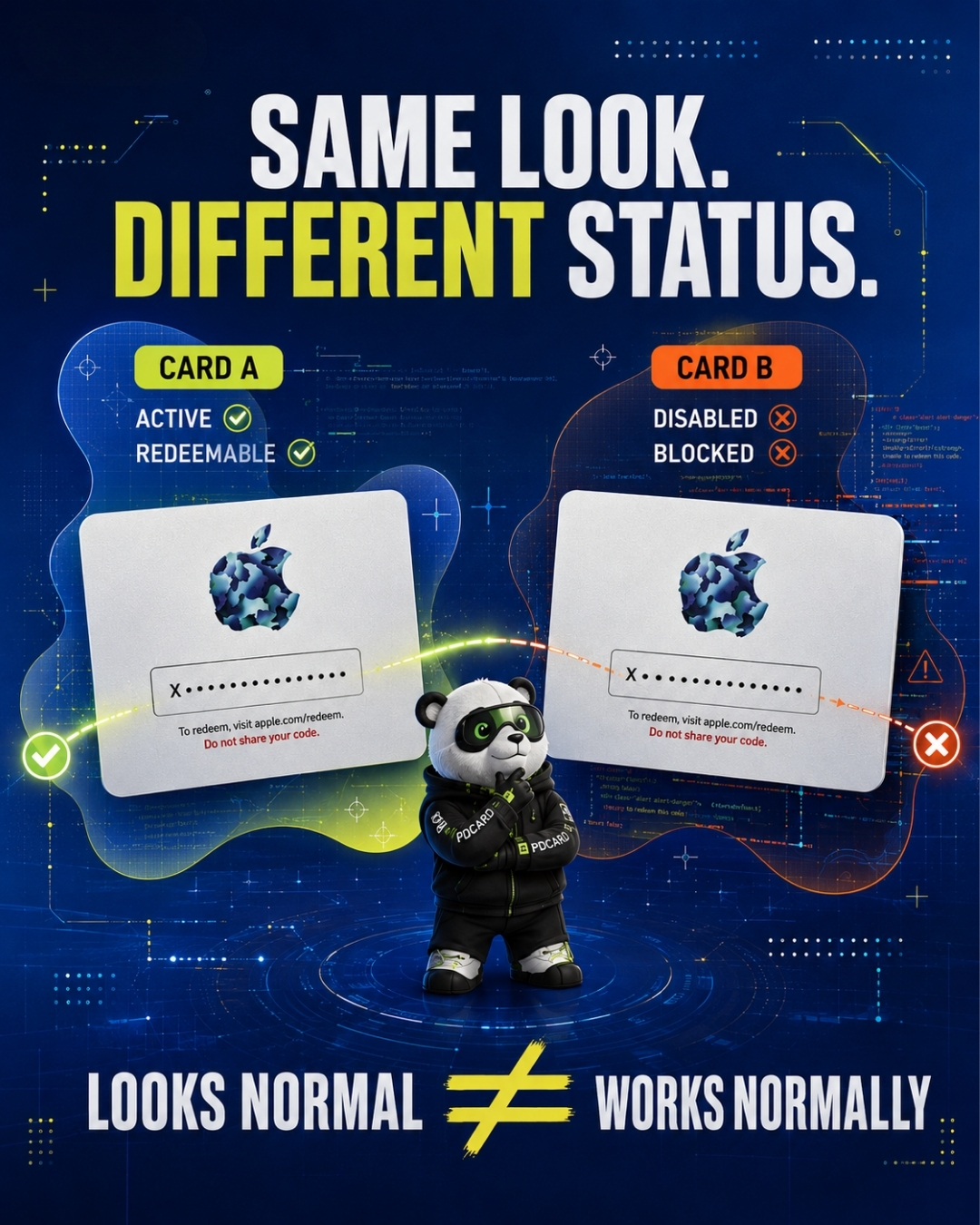
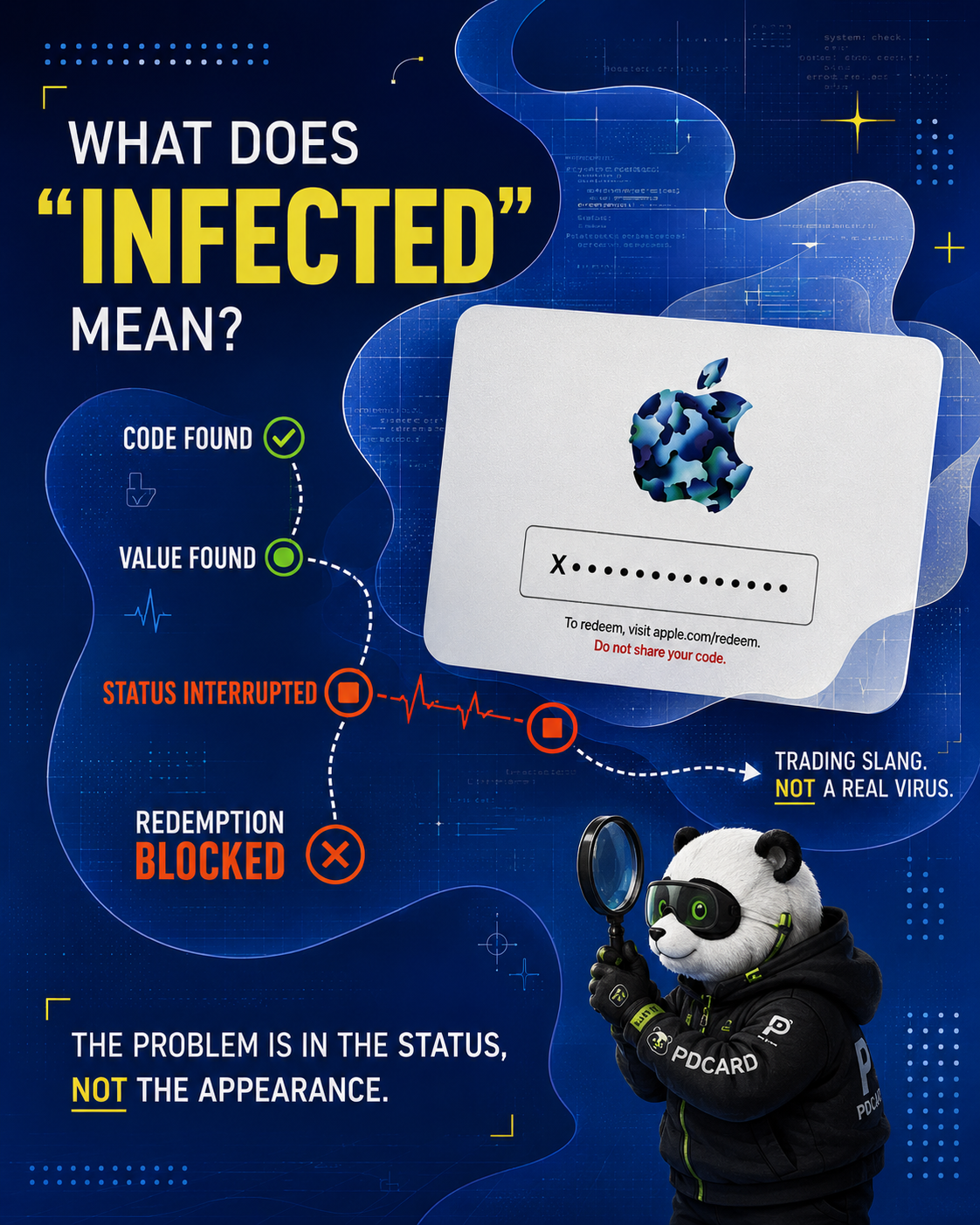
The Card Exists, but Normal Redemption Is Interrupted
The exact technical cause is not defined by the slang itself. The checker is telling you there is an abnormal status, not necessarily the full reason.
The card is still recognized.
The code may still be readable or detectable.
The system reports an abnormal condition.
The card cannot be treated as normally usable.
Treat It as a Third-Party Warning Label
It does not mean the gift card contains a virus or anything literally infectious. It is better understood as a label from a particular checker or vendor.
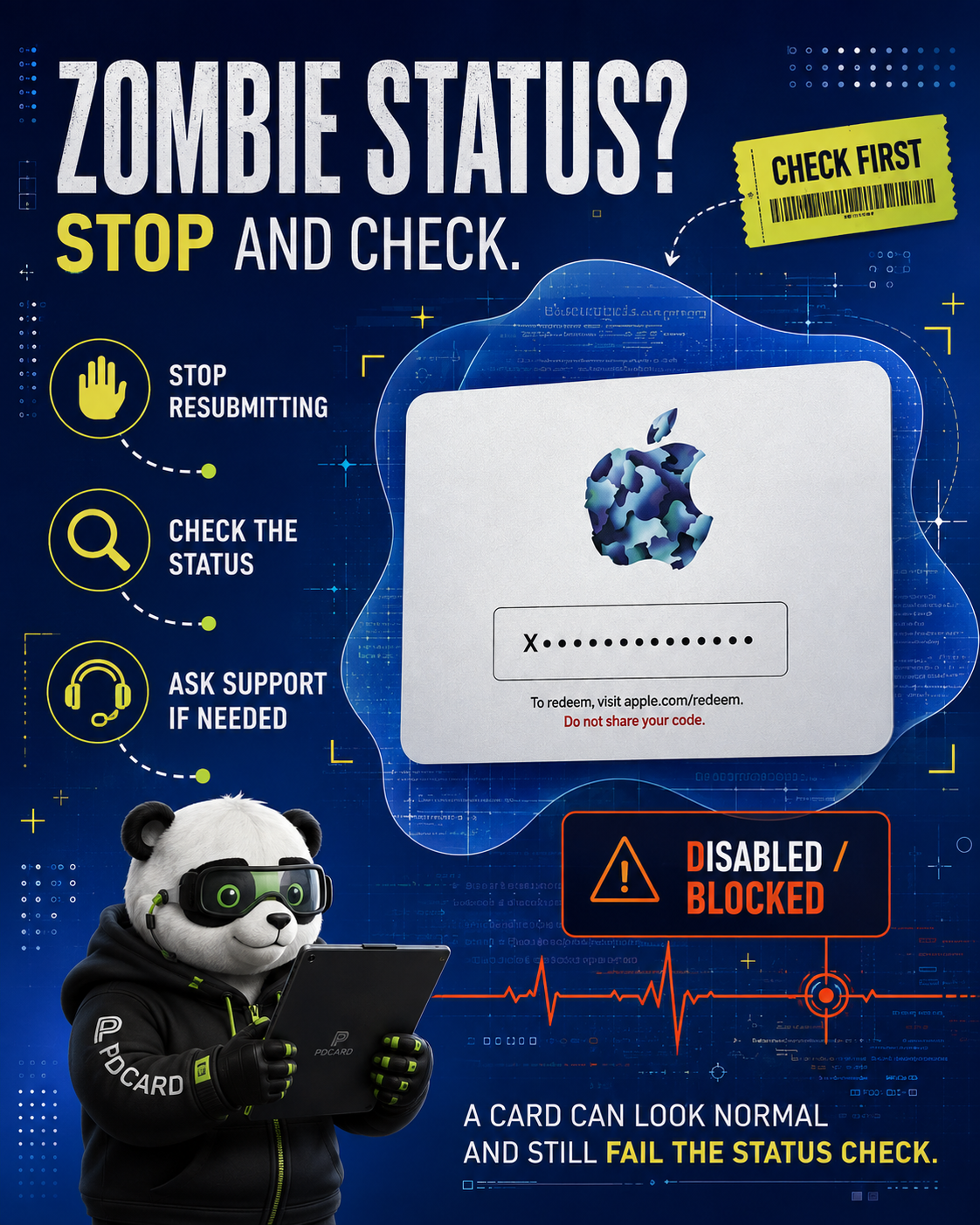
A Card Can Look Normal and Still Have a Status Problem
The artwork, denomination, scratch area, and code format can all look normal. A physical inspection alone cannot tell you everything about the current redemption state. Before trading, it also helps to identify the correct Apple Gift Card type so that appearance, type, and system status are not confused.
Do Not Translate “Zombie” Into One Apple Status
“Zombie / Infected” is a third-party label. Apple’s official statuses describe different, specific problems.
The code has already been redeemed to an Apple Account.
A distinct activation problem that Apple advises resolving with the retailer. If this is the actual result you received, see what an Apple Gift Card “Not Activated” result means.
Apple recommends checking whether the correct redemption code is being entered.
A warning or abnormal-status label used by a third-party checker or vendor.
Does Seeing a Balance Mean the Card Is Healthy?
Not by itself. The important question is not only whether a system can see a value. It is whether the card can actually be processed or redeemed normally. This is also different from a case where an Apple Gift Card appears valid but shows a $0 balance, which has its own explanation.
Stop, Preserve the Evidence, Then Verify
Treat the label as a reason to pause and investigate — not as a reason to keep submitting the same card.
Stop resubmitting
If the same unusual status has already been returned, another identical trade is unlikely to explain the problem.
Keep the original card
Do not discard it. The original front, back, serial number, and physical condition may matter later.
Keep the receipt
It can help establish where and when the card was purchased.
Keep the redemption code private
Do not post the full code publicly while asking for help.
Ask what the vendor actually means
Zombie and Infected are not standardized Apple terms. Ask for the exact transaction or checker result.
Escalate through the correct channel
If the problem concerns Apple redemption rather than the trading platform, use Apple’s official troubleshooting route.
When you need to escalate, keep the full redemption code private, follow Apple’s gift-card safety guidance, and send support the key transaction details needed to investigate the card.
Zombie, Infected, Disabled — Not the Same Language
Third-party checker terms can overlap in meaning, but they do not necessarily map to one universal technical condition.
A slang label indicating the card is being treated as abnormal or unusable by a checker or vendor.
Another non-official warning label indicating an abnormal status.
A more direct description that normal processing or redemption is being prevented.
Before creating another trade, check whether the card’s type, condition, details, and required information are ready. The guide Is Your Gift Card Ready to Trade? covers the checks to make before you submit again.
Open the App or Jump to the Community
Use the app for trading and transaction access. Use official community channels for PDCard updates.
Apple gift card trading on PDCard
If an issue like this is raised while you sell Apple gift cards, ask official support to explain the status of that specific order. A headline rate alone cannot establish whether a particular card is valid or eligible for trading.
Related guides: how to sell Apple gift cards in Nigeria and Apple gift card rates and naira value.