PlayStation Gift Card Region Guide: How to Identify the Correct PS Store Card Before Trading
Trade Western Union for Naira
Learn what to prepare, where to contact PDCard and what to confirm before submitting any Western Union transfer information.
transfer details
support
What is Western Union?
Western Union is an international money transfer service that allows people to send and receive money across different countries.
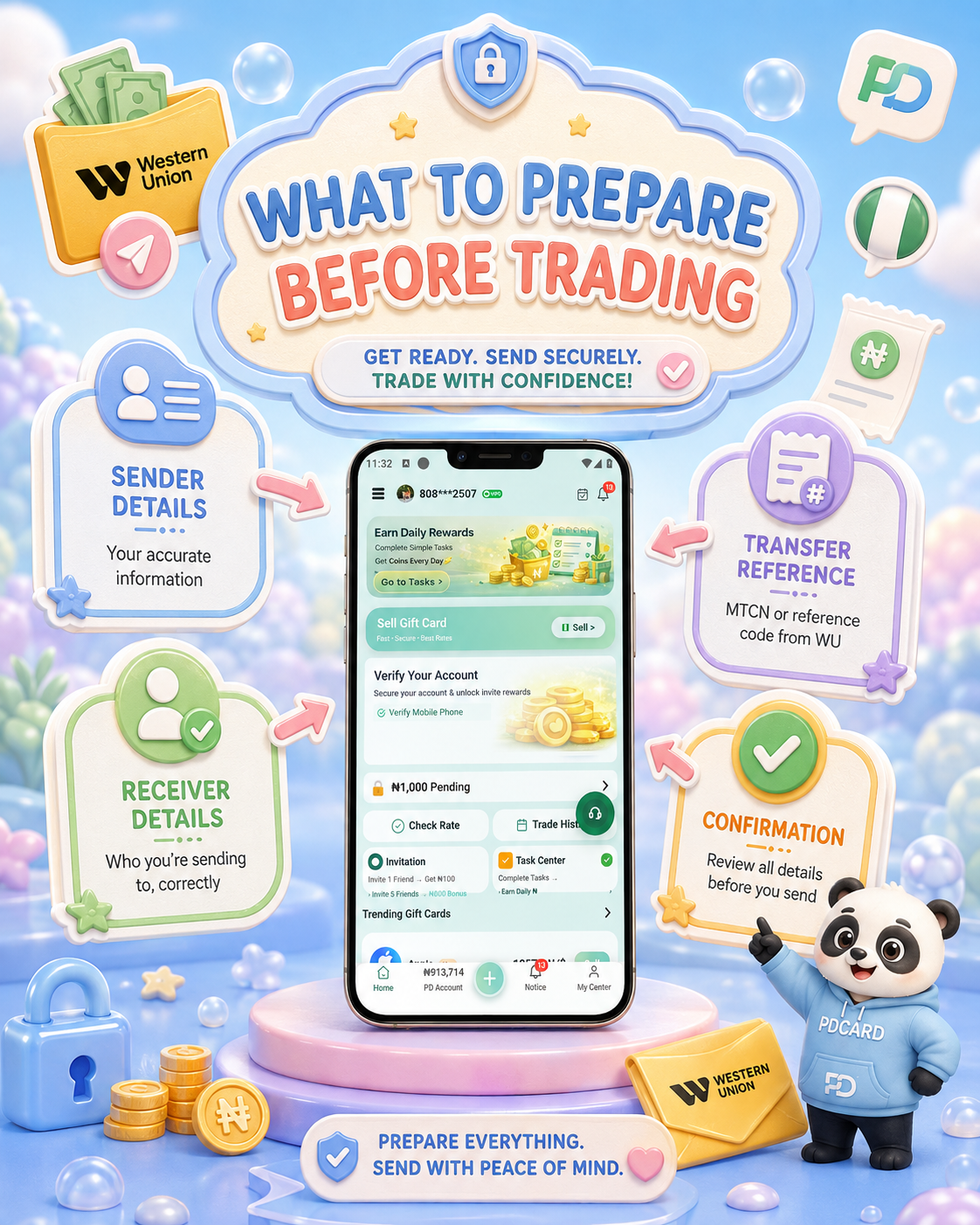
A transfer usually includes sender details, receiver details, the transfer amount, the sending country and a transaction reference number. Accuracy matters because each transfer is connected to specific information.
Name and sending country
Name and destination details
Transfer value and currency
MTCN or confirmation number
Contact PDCard before proceeding.
If you have a Western Union transfer and want to process it through PDCard, contact the PDCard support team for guidance. Support can confirm the next steps and the information required for your transaction.
Choose WhatsApp or Online Support. Confirm the current requirements before sending transfer information.
What information should you prepare?
Prepare the important details related to the Western Union transfer before contacting support.
- Sender name
- Sending country
- Western Union transfer information
- Receiver name
- Destination information
- Required transaction details
- MTCN
- Transfer reference number
- Confirmation details
- Western Union receipt
- Confirmation page
- Transfer notification
How to Trade Western Union for Naira With PDCard
Use the simulator to practise opening Customer Service and starting a Western Union request. It does not submit a real transaction or send a real message.
Interactive PDCard Western Union support simulator
Follow these five steps.
Open PDCardOpen the app and access your account.
Contact supportOpen Customer Service and choose a channel.
Provide detailsShare only the information support requests.
ConfirmReview names, references and documents.
CompleteFollow support instructions and retain records.
Why confirm before sending?
A small mistake can make verification harder, create additional communication with support and cause unnecessary delays.
✓ Check receiver information
✓ Check the transfer reference
✓ Keep the receipt
02 — Losing the transfer reference
03 — Sending incomplete screenshots
04 — Reusing old transaction information
Each Western Union transaction has its own information. Always use the latest and correct details.
Western Union Trading Checklist
Check every required item before contacting PDCard support or proceeding with the transfer.
Interactive Western Union trading checklist
Contact PDCard support.
Open My Center → Customer Service and choose WhatsApp or Online Support. Prepare the transfer information, sender and receiver details, reference number and transaction proof.
Prepare your information. Confirm your details.
Contact PDCard support before completing your transaction. With the correct information ready, the process becomes easier to understand and manage.
Useful next guides
A PlayStation region guide applies to PlayStation cards. If you also sell Apple gift cards, check the Apple issuing country independently and select the corresponding category before reviewing the naira value.
Check the current Apple gift card rate in Nigeria and follow the PDCard selling steps when you are ready.
Apple gift card trading on PDCard
PlayStation region guidance should not be used to choose an Apple category. Before you sell Apple gift cards, check the Apple card’s issuing country and format and obtain the corresponding quote.
Related guides: how to sell Apple gift cards in Nigeria and Apple gift card rates and naira value.