How to Identify the Correct Gift Card Before Submitting
How to Identify the Correct Gift Card Before Submitting
Reading time: 5 minutes
Identify an Apple card before selecting a rate
Use the country, Code/EcodeImage/Physical category and individual denomination together. The Apple-specific rate table provides per-$1 prices and $100 examples only after those details match an eligible row.
Sell Apple gift cards in Nigeria: trading and bulk guide · Apple payouts for US$100, US$200 and US$500 by card type. Confirm the correct category and current app quote before submission.
Submitting the correct gift card details is one of the easiest ways to help your trade move smoothly. However, many delays happen simply because the wrong card type is selected during submission.
Two gift cards may look almost identical but belong to different categories, countries, or currencies. Choosing the wrong option can slow down the review process and may require additional confirmation before your trade can continue.
In this guide, we'll explain exactly what to check before submitting your gift card on PDCard.
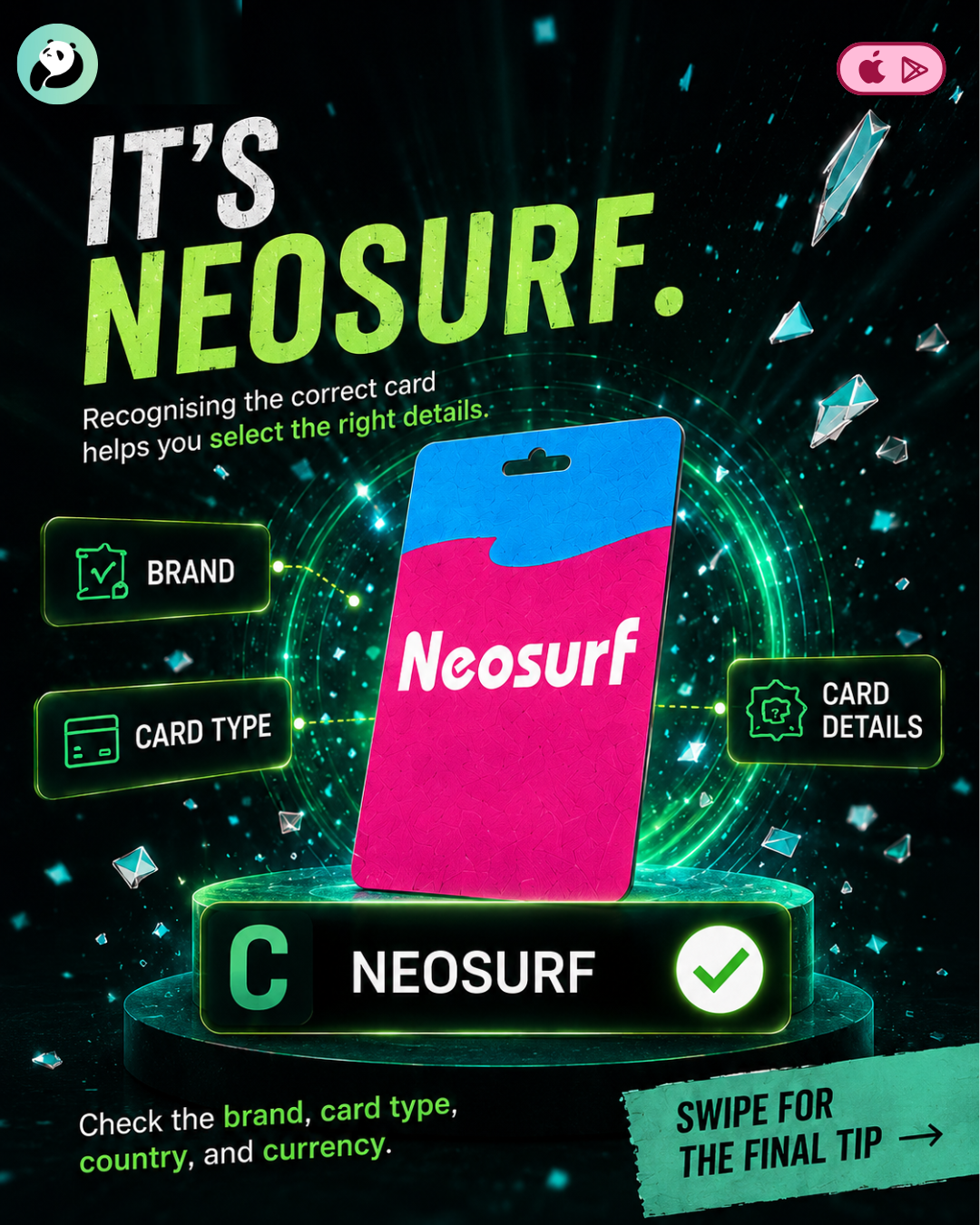
Why Identifying the Correct Gift Card Matters
Every gift card has its own characteristics. Even if two cards are issued by the same brand, they may have different values depending on where they were purchased or how they were issued.
For example, an Apple Gift Card purchased in the United States is different from one purchased in the United Kingdom. Likewise, a Steam Wallet card issued in Europe is not the same as a Steam Wallet card issued in the US.
Submitting the correct information helps ensure your trade is reviewed based on the right product.
Check the Gift Card Brand
The first thing to verify is the brand.
Look carefully at the logo and the text printed on the card. Common brands include:
- Apple Gift Card
- Steam Wallet
- Google Play
- Amazon
- Xbox
- PlayStation
- Razer Gold
Some gift cards have similar colours or layouts, so always rely on the official branding instead of the design alone.
Confirm the Country or Region
Many gift cards are region-specific.
You can usually find the country on:
- The front of the card
- The back of the packaging
- The purchase receipt
- The email containing the digital code
Examples include:
- Apple Gift Card US
- Apple Gift Card UK
- Steam Wallet EUR
- Amazon US
Selecting the wrong country may result in additional verification before your trade can proceed.
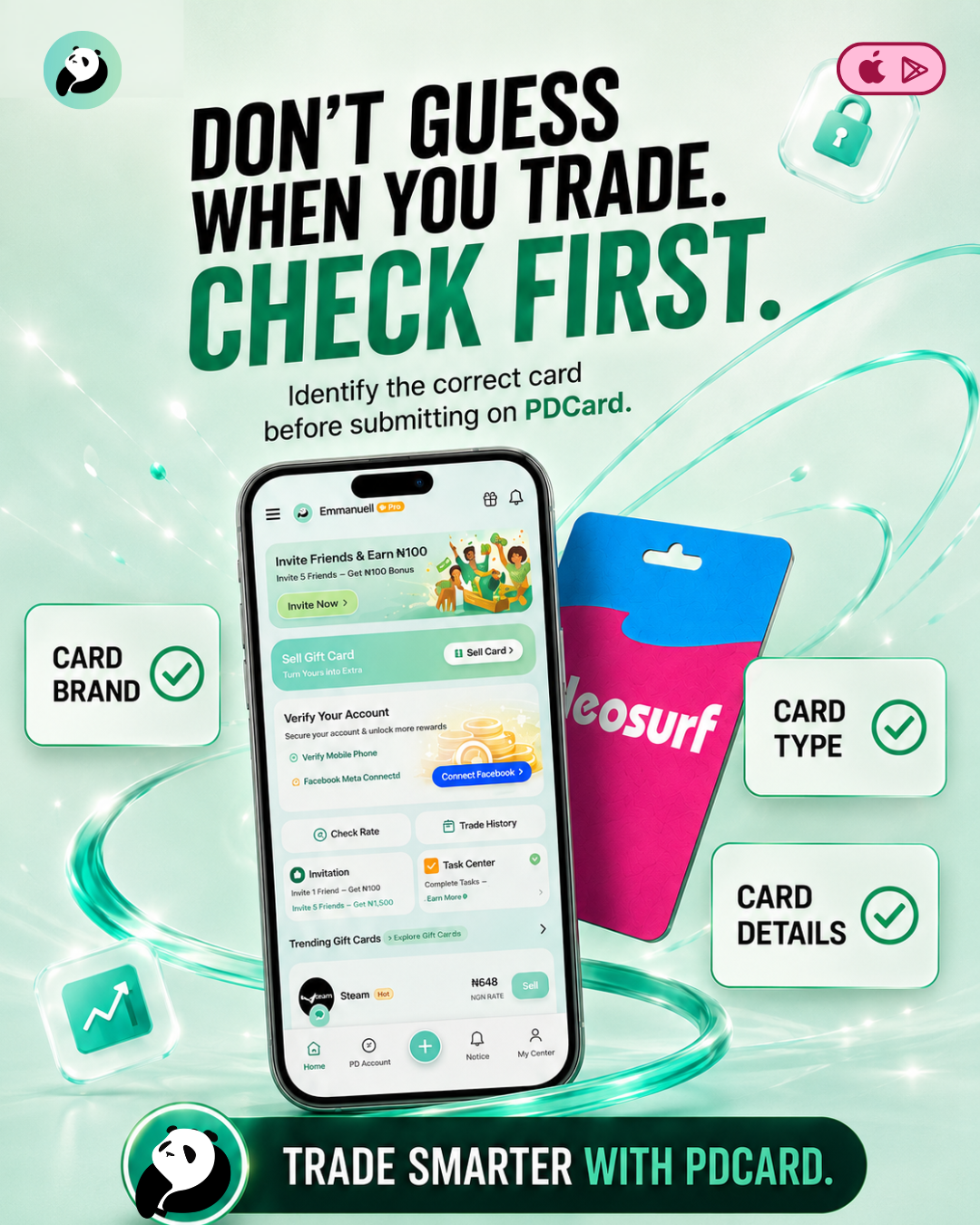
Verify the Currency
The currency is another important detail.
Gift cards may be issued in:
- USD ($)
- GBP (£)
- EUR (€)
- CAD (C$)
- AUD (A$)
Even if two cards have the same value, their currencies may be different.
For example:
A $100 USD Steam Wallet card is different from a €100 Steam Wallet card.
Always double-check the currency shown on the card before submitting.
Check the Denomination
Next, confirm the card value.
Examples include:
- $25
- $50
- $100
- ₦5,000
- €20
Submitting the correct denomination helps prevent unnecessary follow-up questions during the review process.
If your card was purchased digitally, the denomination is usually shown in the purchase confirmation email or receipt.
Take a Clear Screenshot or Photo
A clear image makes it easier for our team to review your submission.
Before uploading, make sure:
- The entire gift card is visible.
- All important information can be read clearly.
- The brand, country, currency, and denomination are visible where possible.
- The image is not cropped, blurry, or covered.
If you're submitting a digital gift card, use the original screenshot instead of editing or compressing the image.
Review Everything Before You Submit
Before tapping Submit, take a moment to review your information.
Ask yourself:
- Is the brand correct?
- Did I choose the right country?
- Does the currency match the card?
- Is the denomination accurate?
- Is my screenshot clear enough?
Spending a few extra seconds checking these details can help reduce unnecessary delays.
Submit Your Gift Card on PDCard
Download PDCard, select the correct gift card category, upload the required details, and track your submission in the app.
Final Thoughts
Submitting the correct gift card isn't complicated, but paying attention to a few important details can make the process much smoother.
By confirming the brand, country, currency, denomination, and screenshot quality, you help ensure your submission contains the information needed for review.
If you're ever unsure which category your gift card belongs to, take a moment to check the card carefully before submitting. A little preparation goes a long way.
Continue Reading
- Read the related Apple Gift Card guide
- Read the related Steam Gift Card guide
Join the PDCard Community
Join our official community channels for PDCard updates and helpful information.
Meta Description
Learn how to identify the correct gift card before submitting it on PDCard. Find out how to check the brand, country, currency, denomination, and screenshot for a smoother submission process.