What Can You Do When Your Transaction Isn’t Available in the PDCard App?[August 2026]
What Can You Do When Your Transaction Isn’t Available in the PDCard App?
Some transactions fit the normal PDCard flow. Others need a direct review from Customer Service. This guide shows which path to use and what information you may need.
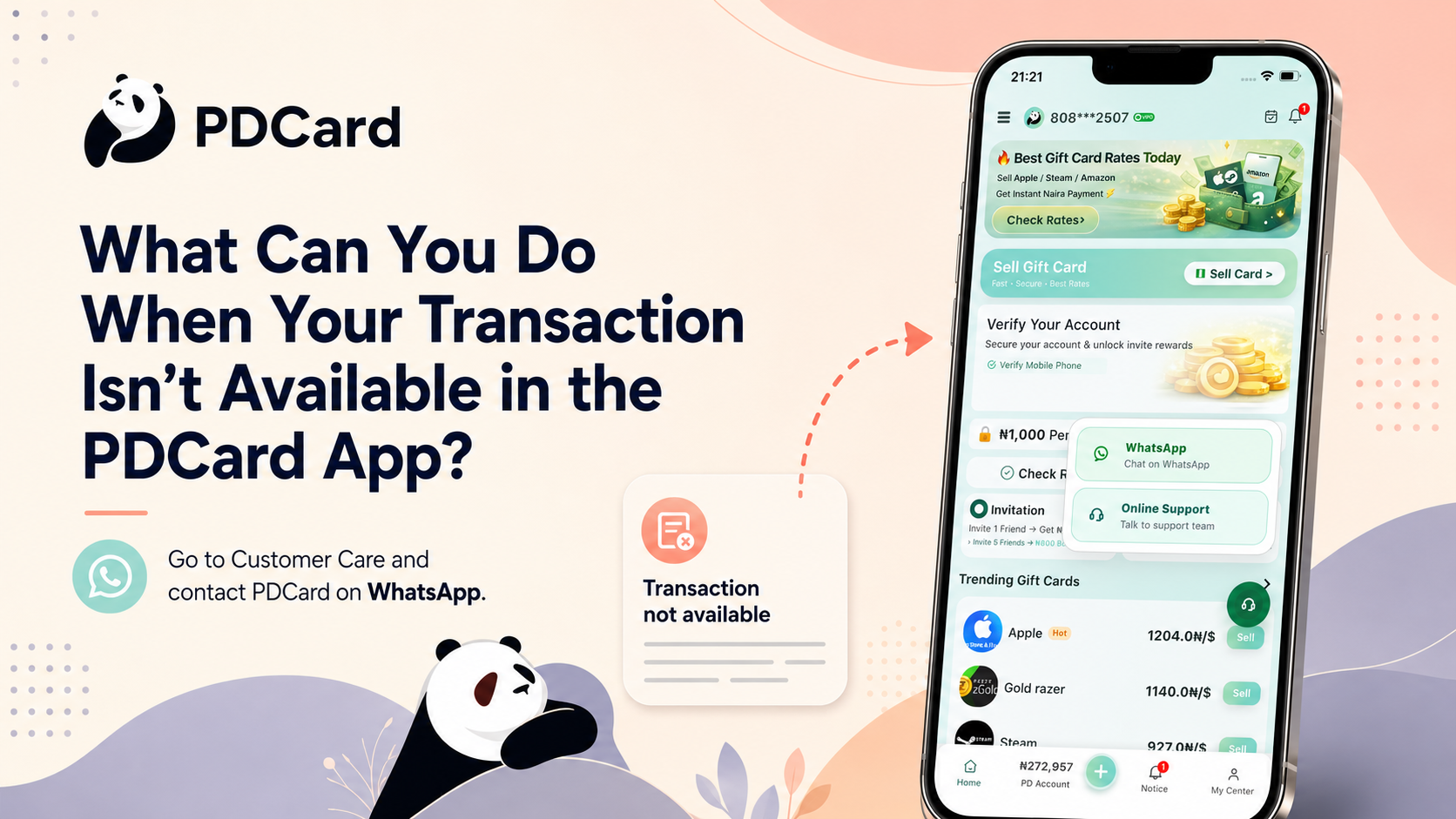
Jump straight to the section you need
This article has two main paths.
PDCard allows users to trade many popular gift cards directly through the app. You can choose the correct card category, check the available rate, submit your card details and follow the transaction from one place.
However, not every transaction has a dedicated option inside the PDCard app.
There are two situations you may need to handle directly with PDCard Customer Service on WhatsApp:
- The gift card you want to sell is not listed in the app.
- You need help with a money transfer or money pickup.
In both cases, you can open Customer Care ↗ inside PDCard, choose WhatsApp, and speak directly with the Customer Service team ↗.
What If Your Gift Card Is Not Listed on PDCard?
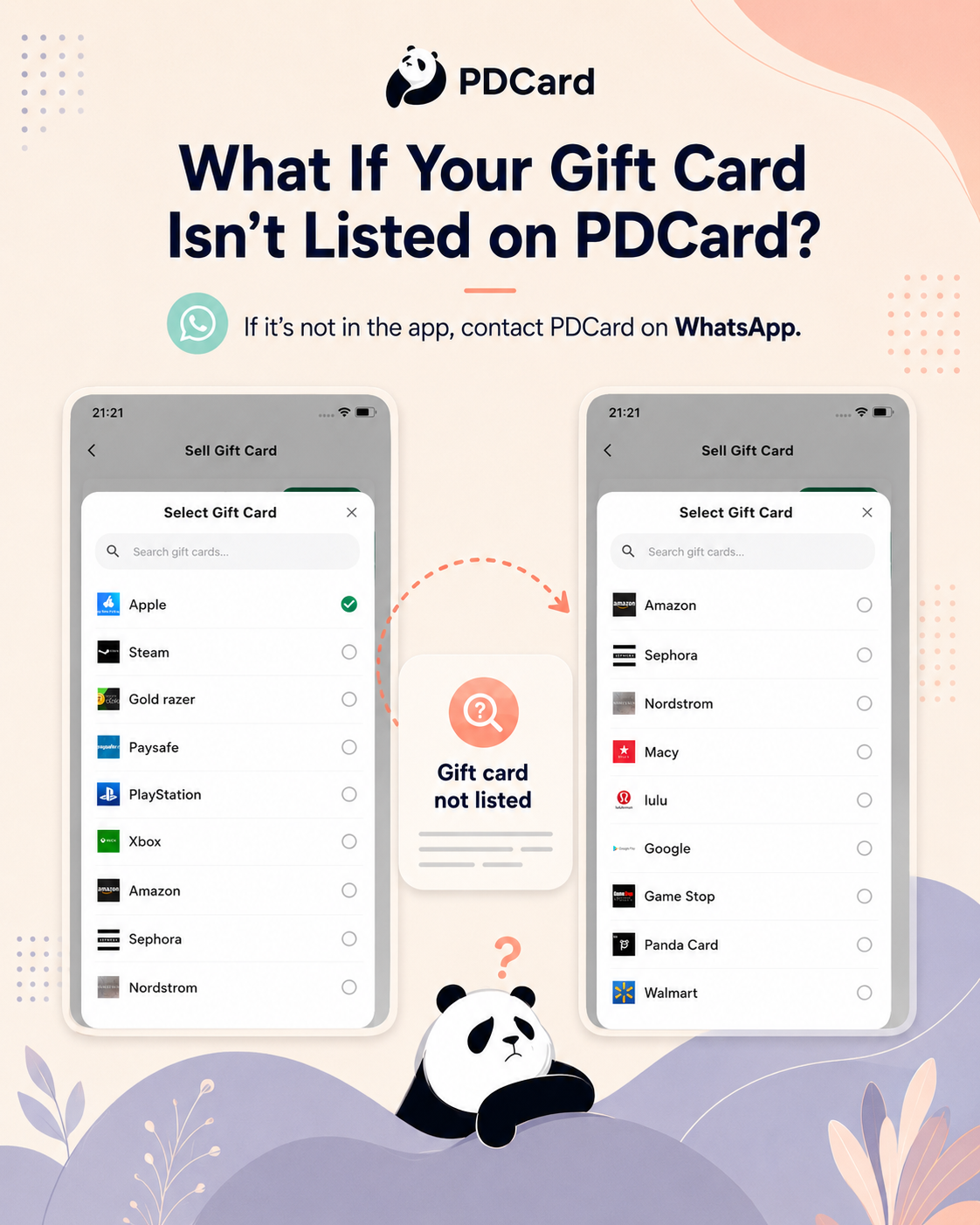
PDCard buys many different types of gift cards, but not every card needs to appear as a standard category inside the app.
Some cards may not have a fixed rate that can be displayed in advance. Others may require more information before the transaction can be handled.
Why Some Gift Cards Need Extra Information
Related guide · Read more ↗Some gift cards are more straightforward to trade than others.
For common card categories, PDCard may already have the information needed to display a trading option and available rate.
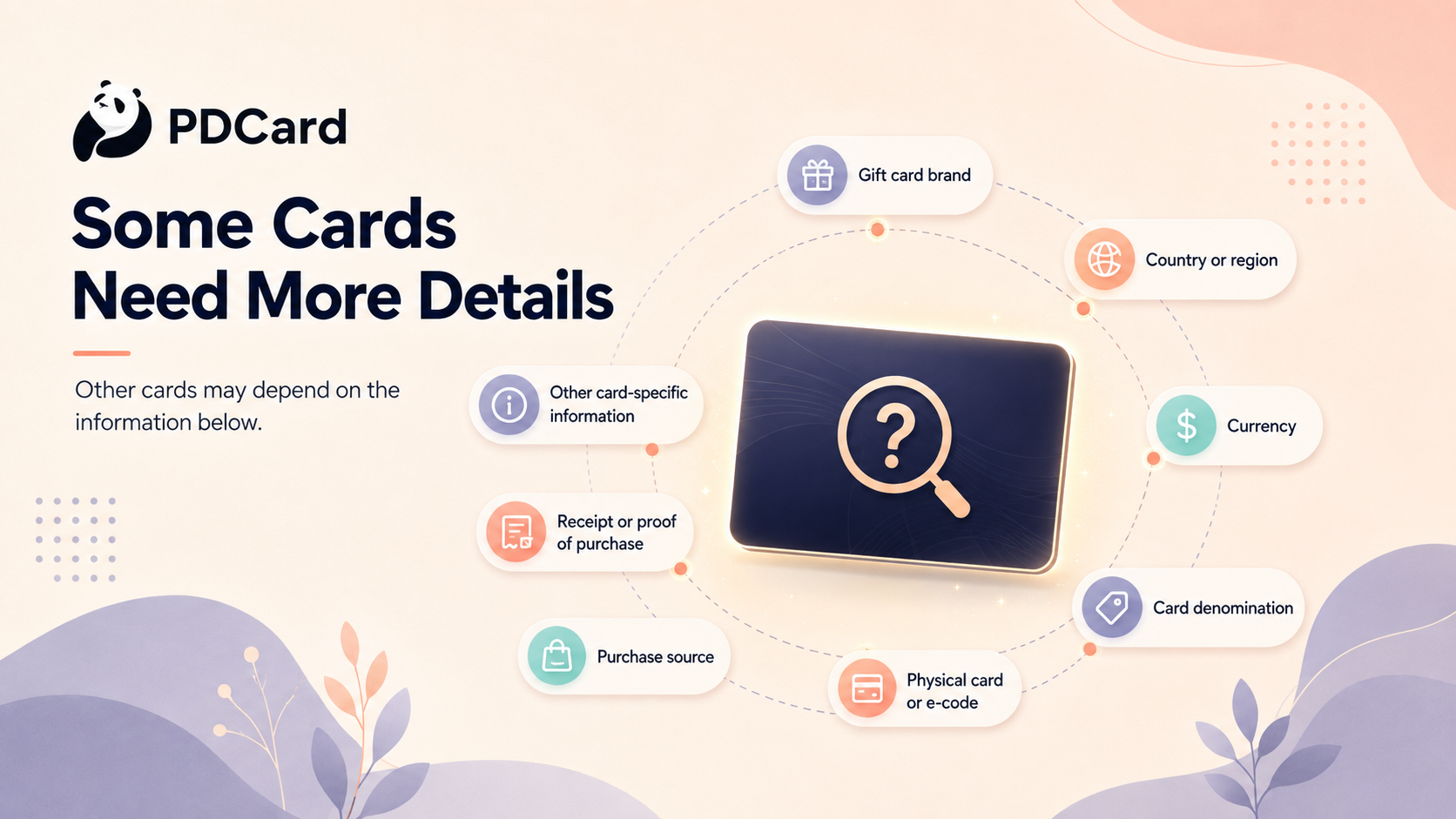
Other cards may depend on details such as:
These details can affect how the card is checked and traded ↗
Because of this, simply sending a card image or code may not always be enough.
How to Trade a Gift Card That Is Not in the App
Related guide · FAQ 75 ↗If you cannot find the exact gift card category in PDCard, do not choose another category just to create a transaction.
Instead:
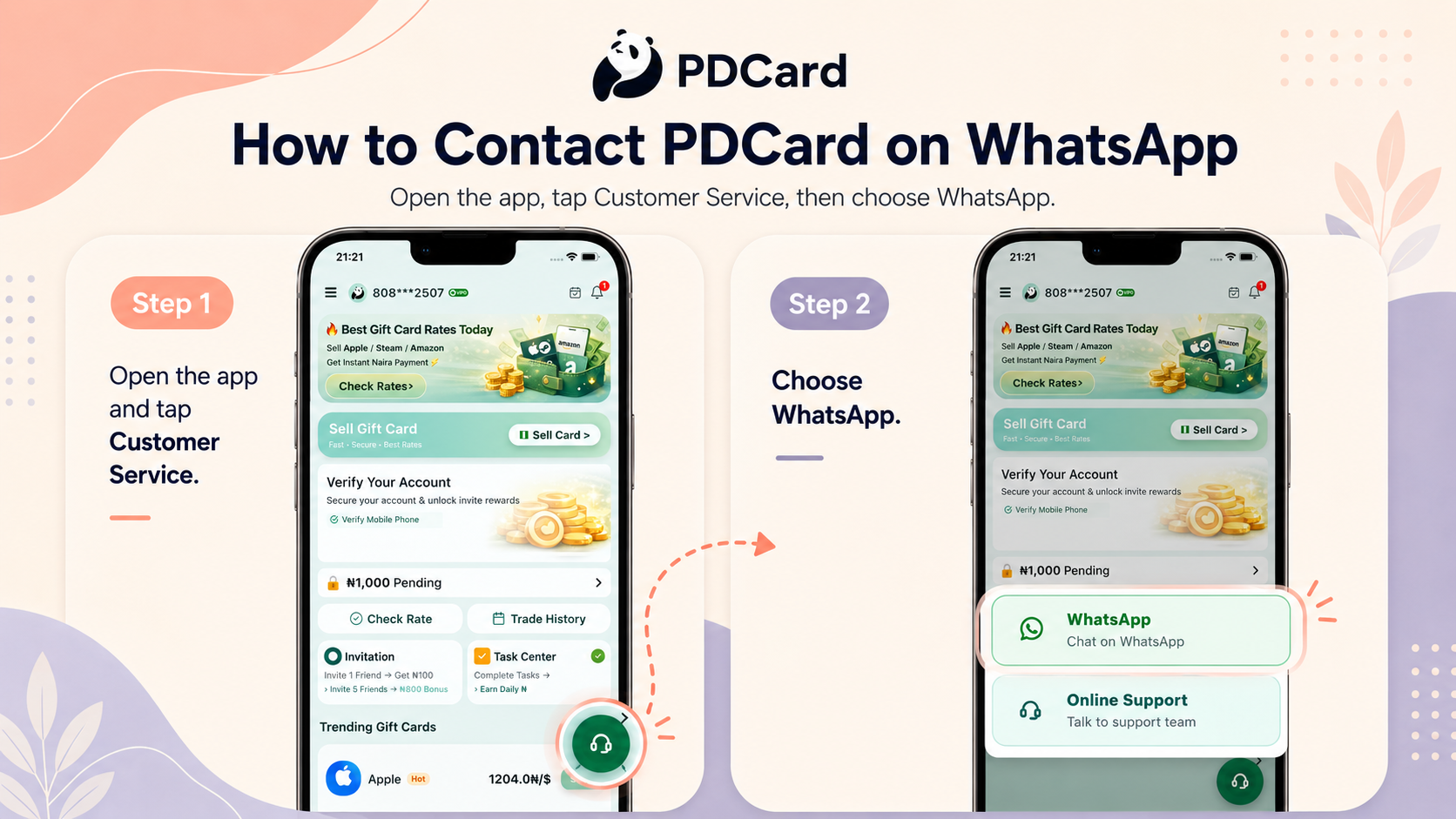
You may then be asked to provide additional information about the card.
Once the details are confirmed, PDCard Customer Service can continue the trade with you directly through WhatsApp, just like a normal transaction.
Do Not Submit Under the Wrong Category
Related guide · Wrong category ↗If the exact card is not listed, avoid selecting a similar card, different region or unrelated category.
Using the wrong category can create a mismatch between the card you actually have and the transaction information submitted.
Need Help With Money Pickup?
PDCard can also assist with certain money transfer situations.
For example, someone may want to send money to you through a transfer service, but you may not have the required app or receiving method to collect the money yourself.
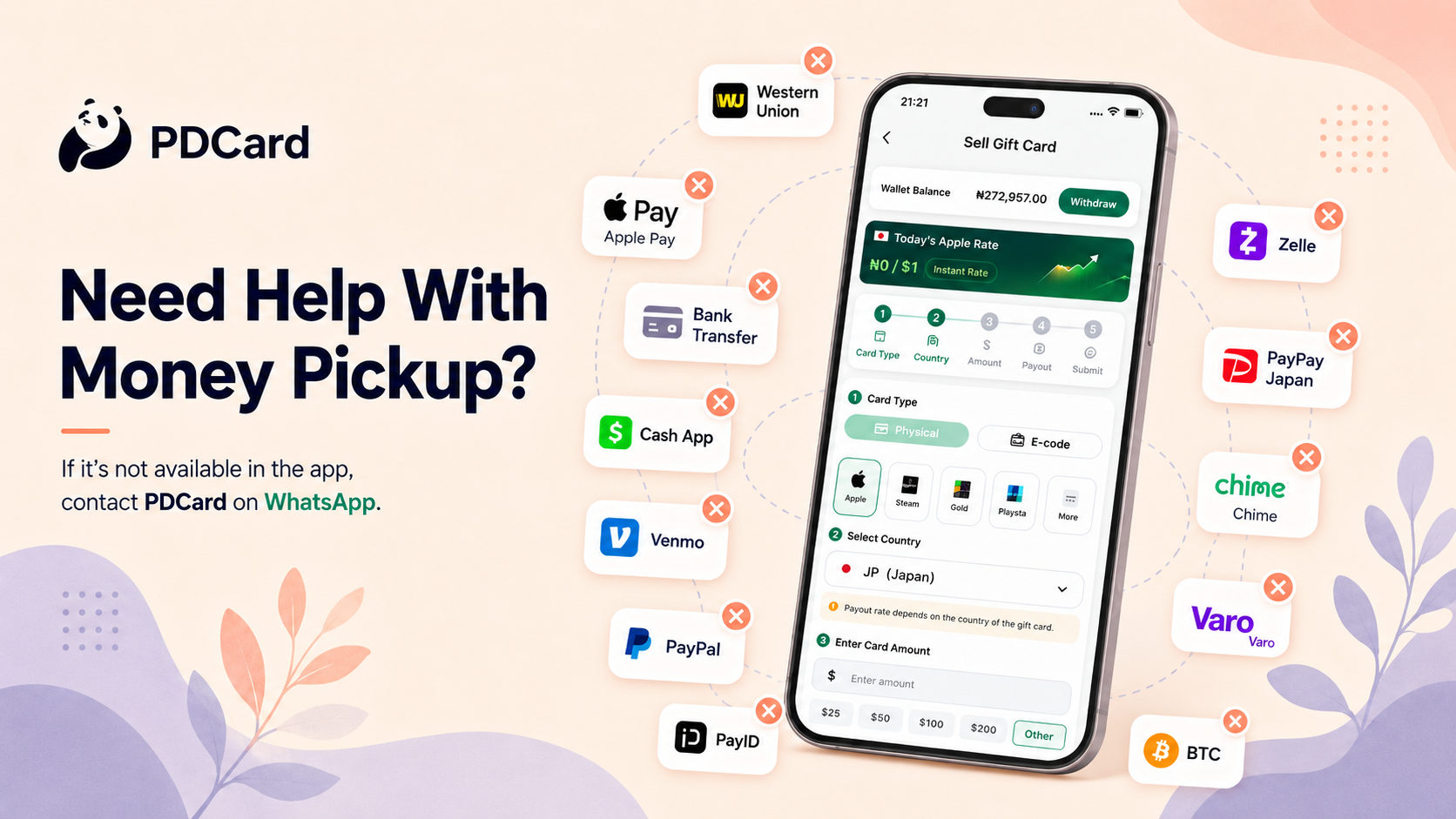
In this situation, you can contact PDCard Customer Service to ask about money pickup assistance.
This service is also handled directly through WhatsApp because there is no standard money pickup section inside the PDCard app.
How Money Pickup Assistance Works
If you need help receiving a transfer, go to:
Then explain the transfer to Customer Service.
Depending on the situation, you may need to provide information such as:
Customer Service will check the information and let you know how the transaction can proceed.
If the transfer is supported, the process can continue directly through WhatsApp.
Why Are These Transactions Handled on WhatsApp?
Some transactions are easy to standardize inside an app.
Others are not.
An unlisted gift card may require additional information before a rate or trading method can be confirmed. A money pickup request can also depend on the transfer provider, country, currency and receiving conditions.
WhatsApp gives PDCard Customer Service the flexibility to review these situations individually.
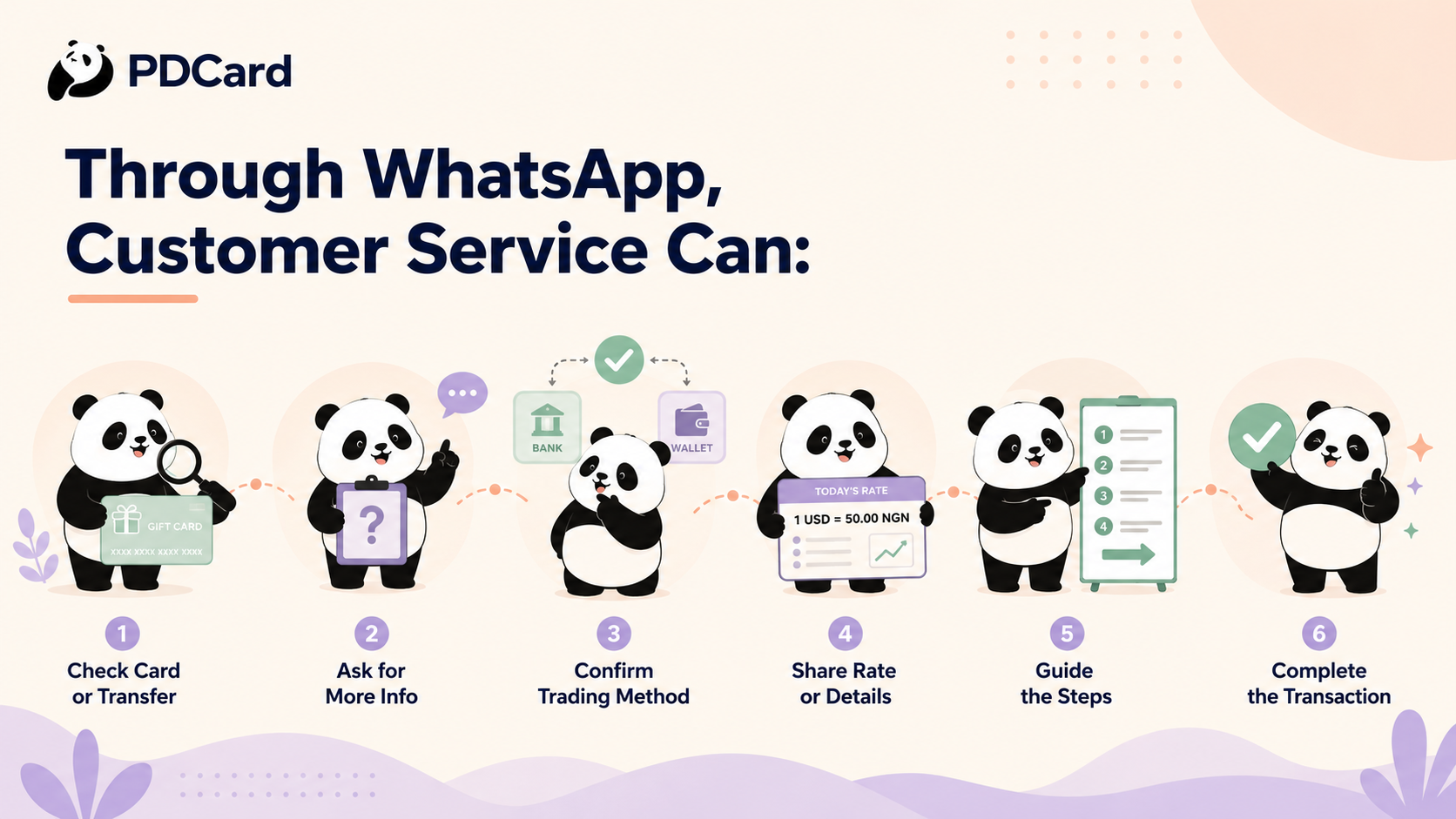
What Customer Service can do on WhatsApp
Tap one row to open its matching image. This version uses native HTML only, so it is more reliable inside the CMS.
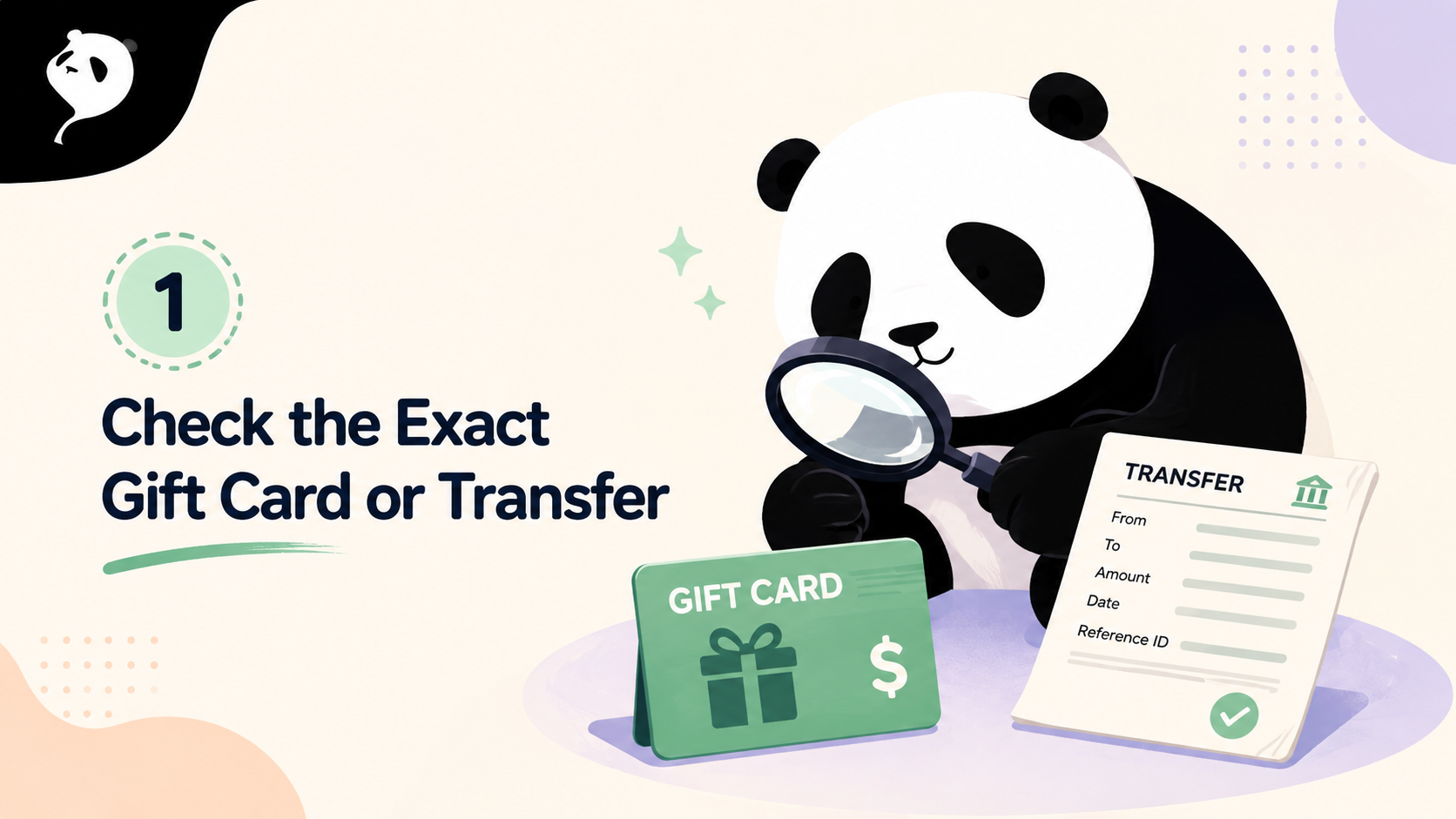
01 Check the exact gift card or transfer
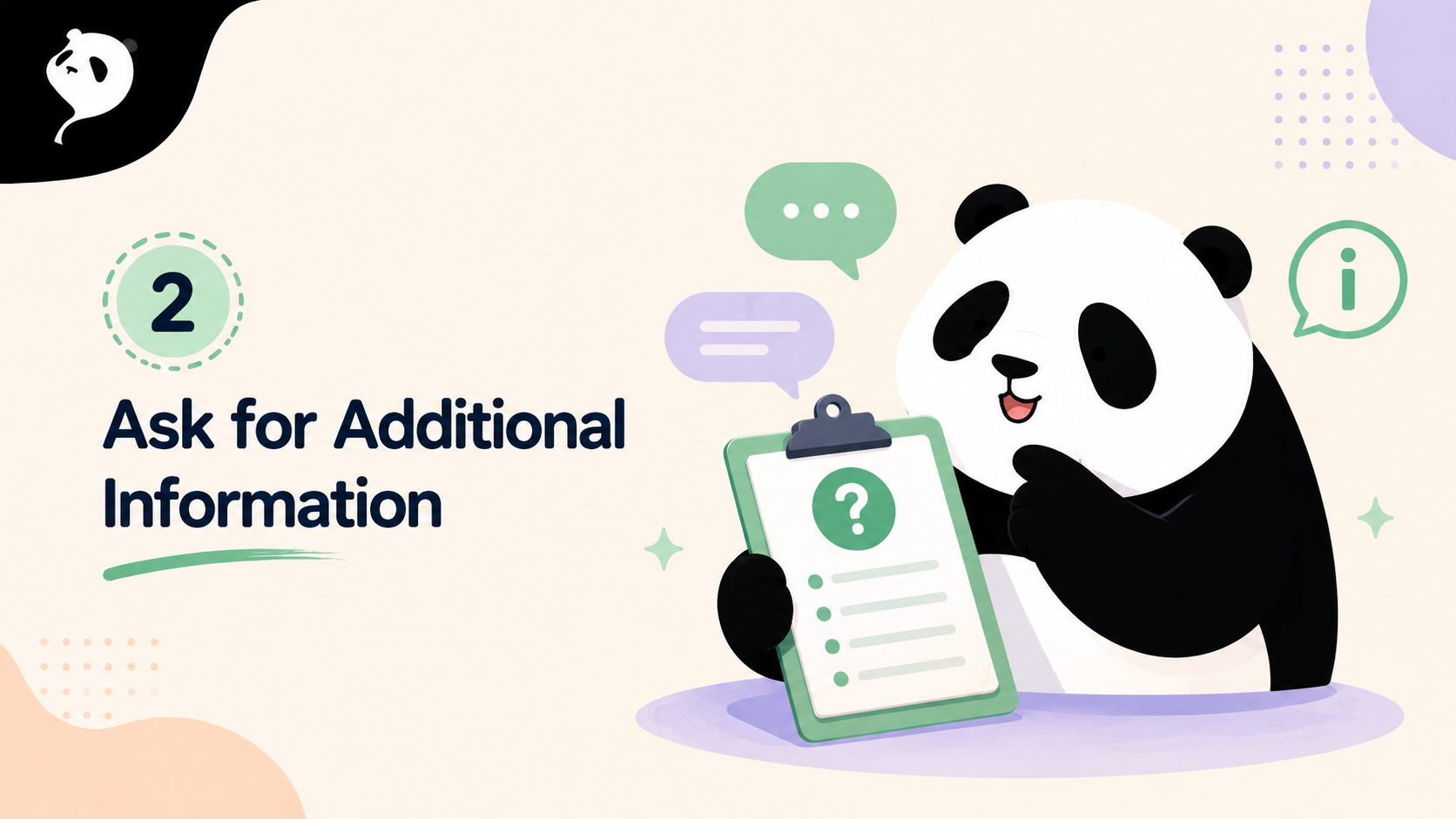
02 Ask for additional information
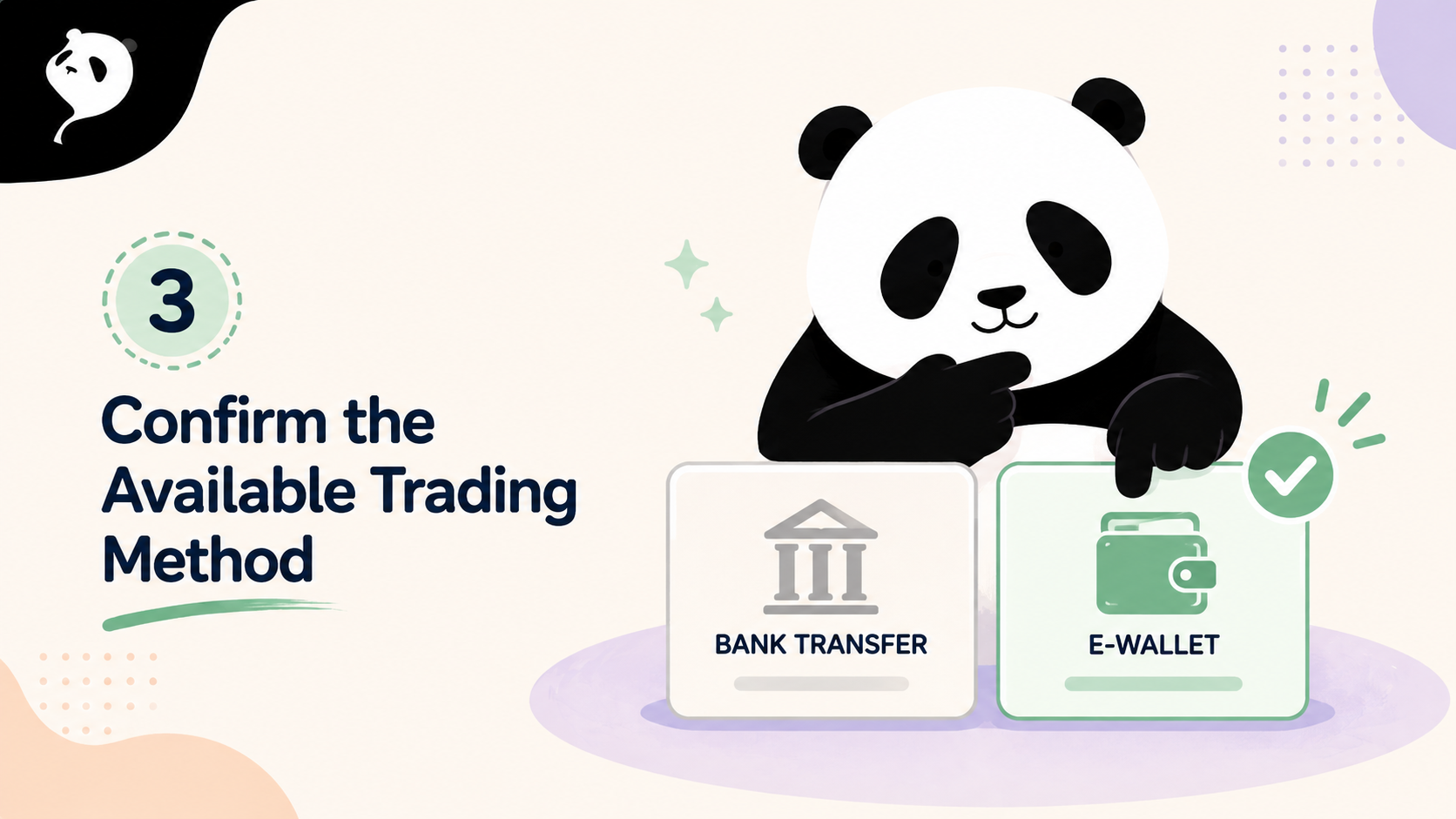
03 Confirm the available trading method
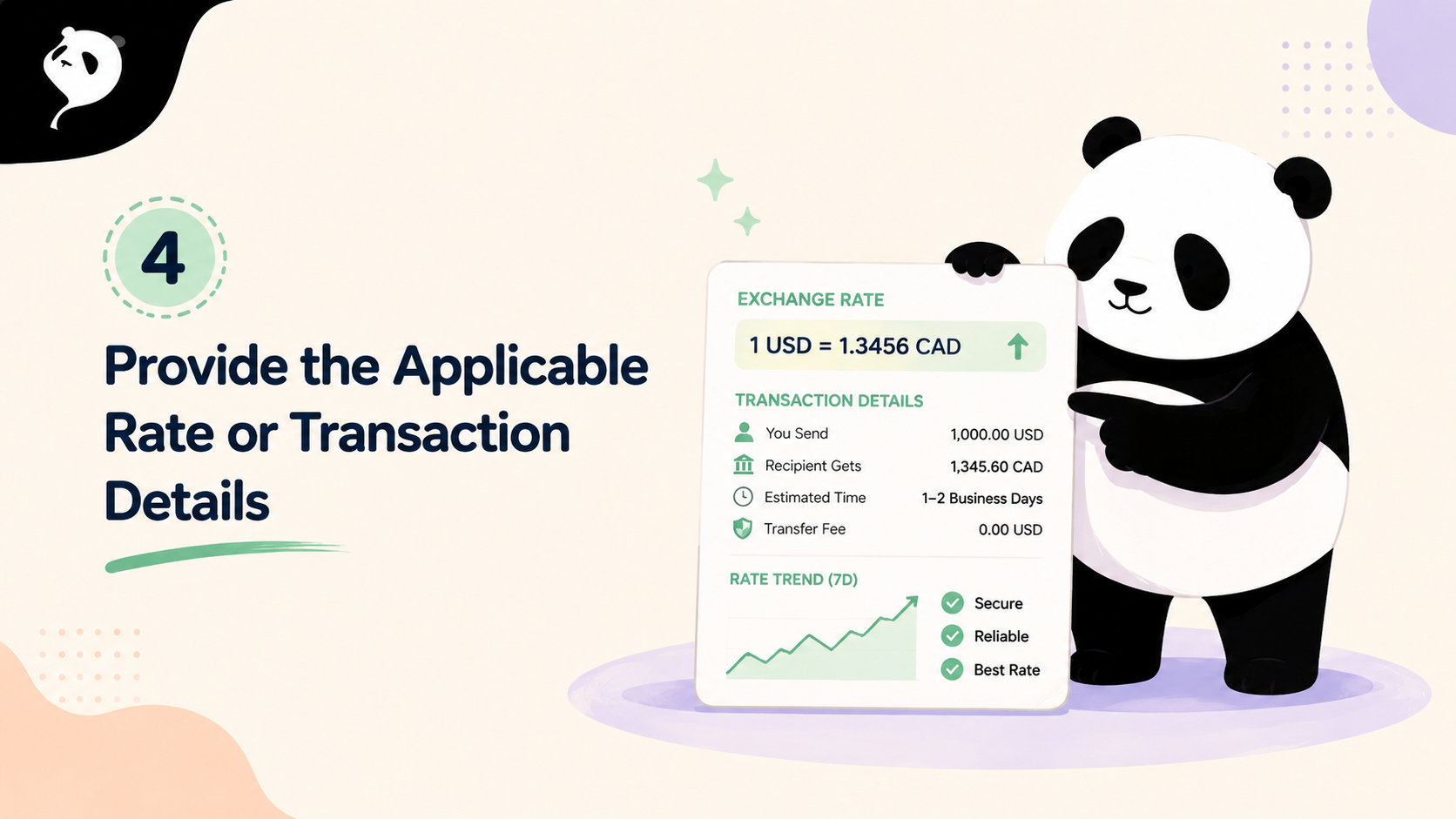
04 Provide the applicable rate or transaction details
05 Guide you through the required steps

06 Complete the transaction directly with you
This is why some transactions are handled through Customer Service instead of a standard option inside the app.
Two Ways to Trade With PDCard
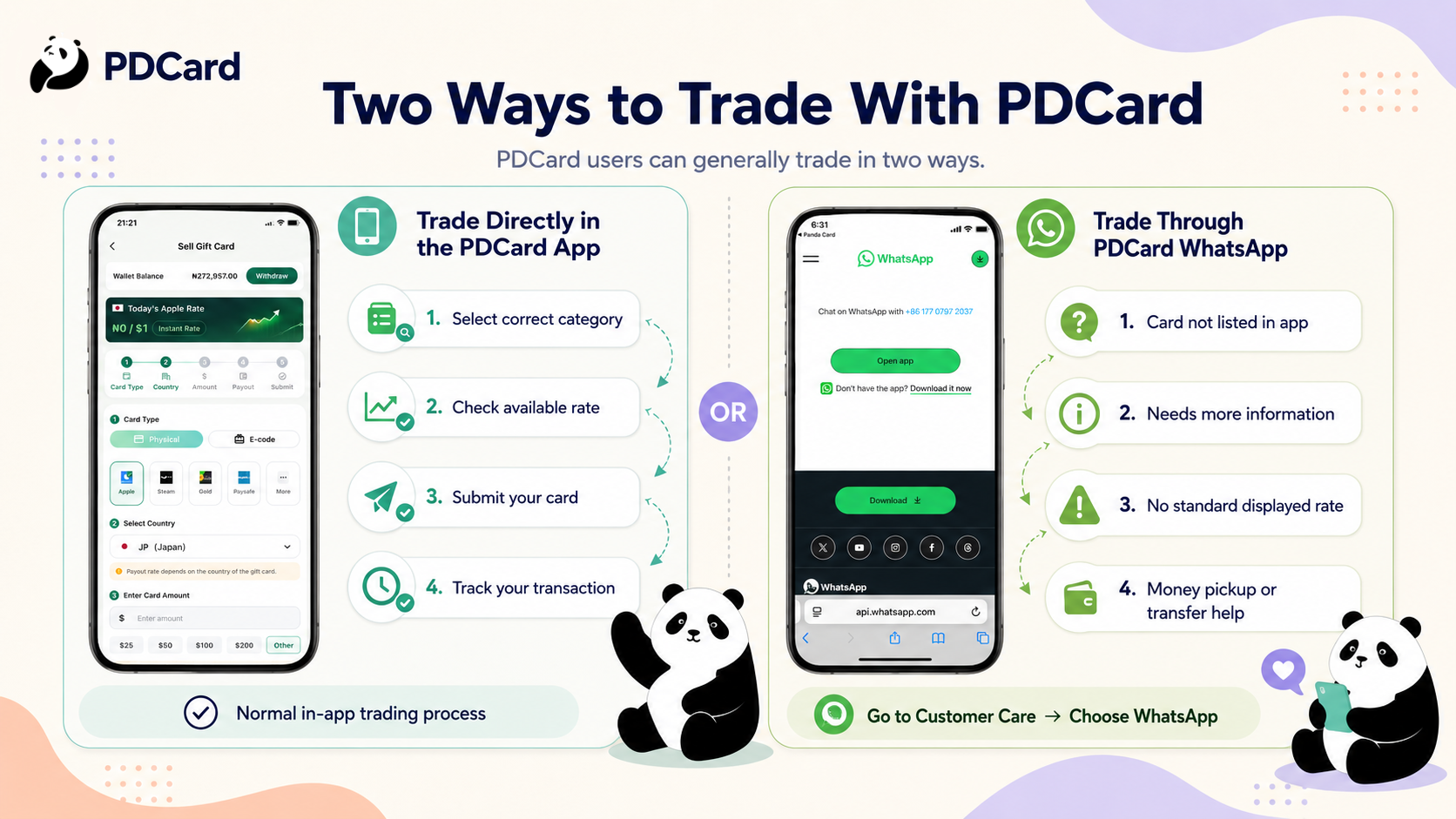
PDCard users can generally trade in two ways.
Trade Directly in the PDCard App
Related guide ↗If your gift card is already listed, you can:
- Select the correct category
- Check the available rate
- Submit your card
- Track your transaction
This is the normal in-app trading process.
Trade Through PDCard WhatsApp
Use WhatsApp when:
- Your gift card is not listed in the app
- The card needs additional information
- The card does not have a standard displayed rate
- You need help with a money pickup or transfer
Not in the App Does Not Mean Not Available
The important thing to remember is that the PDCard app does not need to display every possible transaction as a separate option.
Some transactions are better handled directly by Customer Service.
So if you have a gift card you cannot find in PDCard, do not assume PDCard cannot buy it.
And if you need assistance receiving a money transfer, you can also contact PDCard to check whether money pickup is available for your situation.
Stay Connected With PDCard
Join the community or download the official app.
Apple gift card trading on PDCard
If the app does not show the category you need, confirm availability with official support before submitting. To sell Apple gift cards, use an exact match for your card rather than choosing a similar-looking country or format.
Related guides: how to sell Apple gift cards in Nigeria and Apple gift card rates and naira value.