7 Benefits of Using PDCard for Gift Card Trading[2026]
7 Benefits of Using PDCard for Gift Card Trading
Trading gift cards should not require complicated steps or several different platforms. PDCard brings the essential parts of gift card trading into one mobile application, allowing users to submit cards, follow transactions, manage account information, and access support more conveniently.
Here are seven benefits users can find when trading gift cards with PDCard.
1. Fast Gift Card Trading
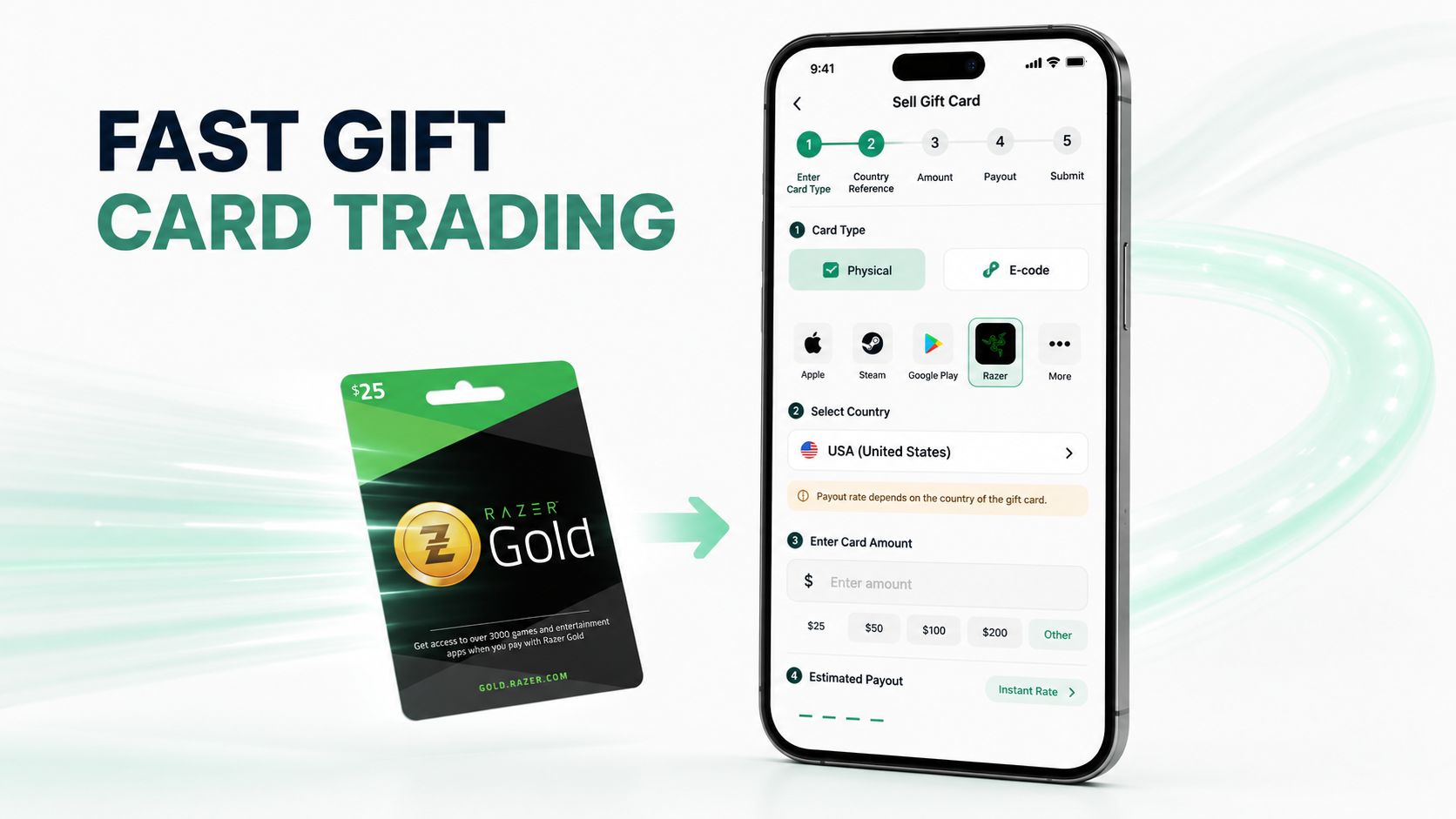
PDCard provides a straightforward process for submitting a gift card on PDCard. Users can select the card type, country, amount, and other required information directly inside the application.
The structured submission process helps users complete a trade without moving between different platforms or sending card details through unofficial channels.
2. Track Transactions in Real Time
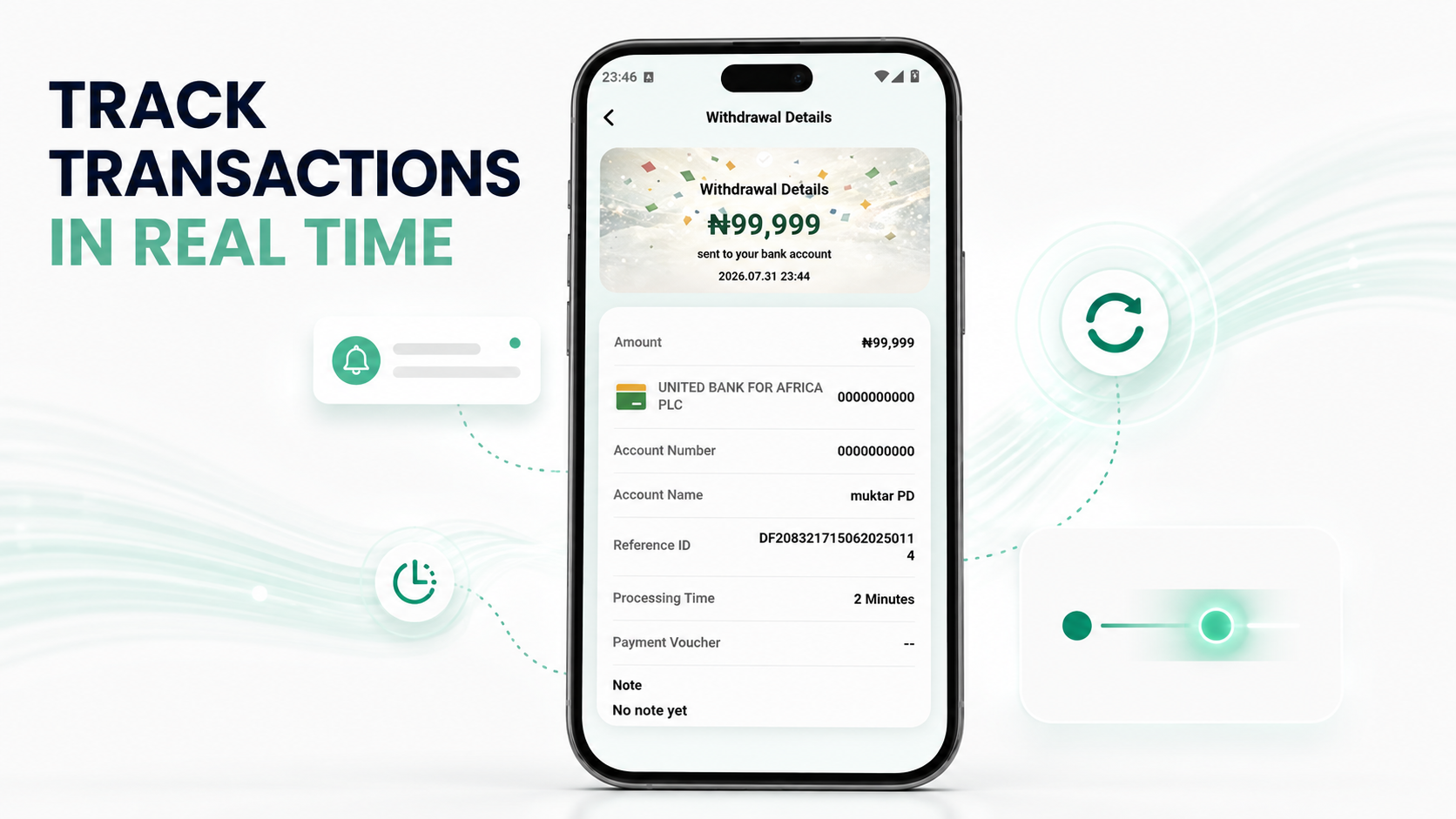
After submitting a transaction, users can check its current status from their PDCard account.
Transaction details may show whether an order is being reviewed, completed, or requires additional information. This makes it easier to follow the progress without repeatedly contacting customer support.
3. Simple and Easy to Use
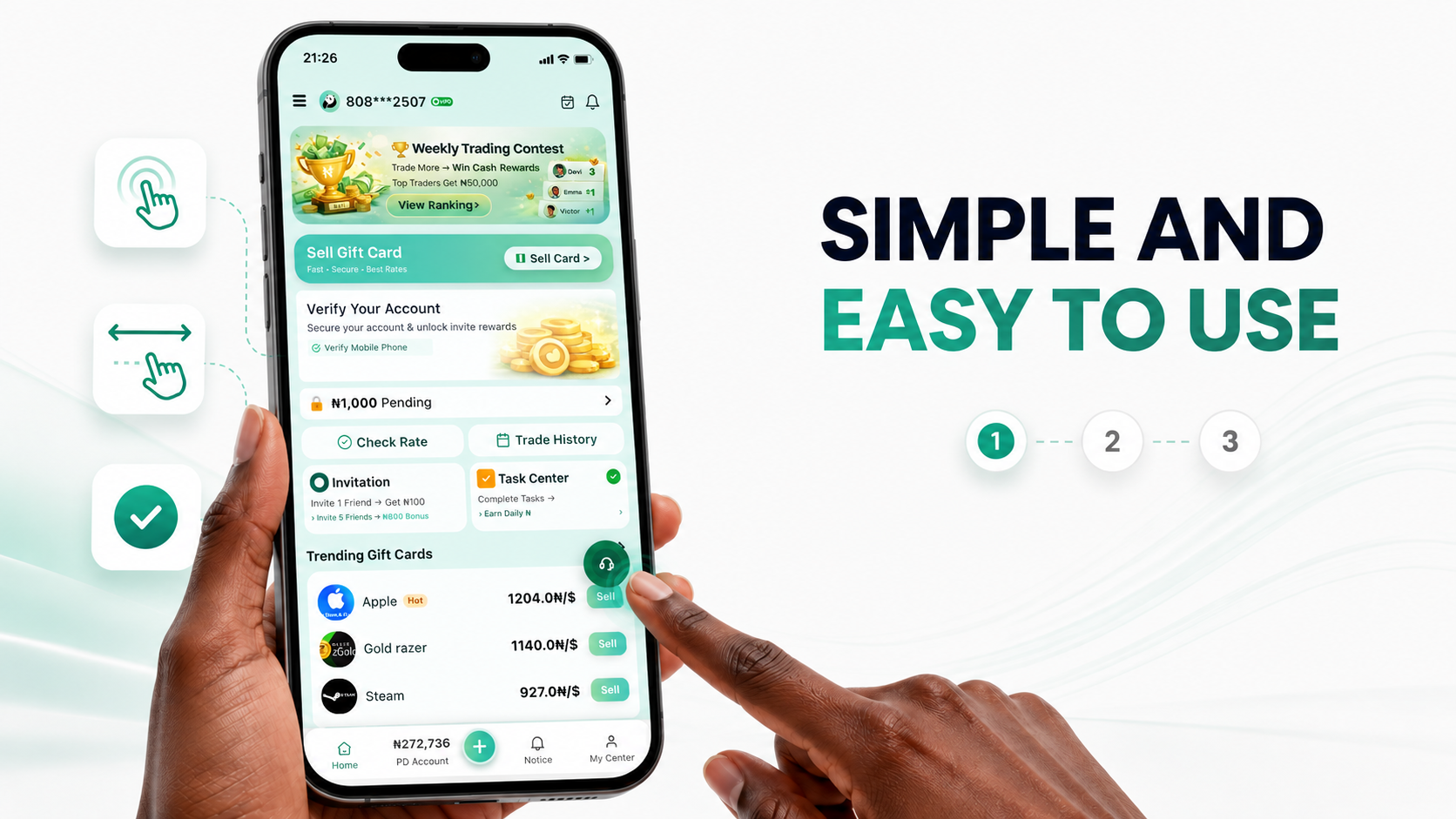
PDCard is designed with a clear mobile interface that helps both new and experienced users navigate the application.
Important features such as checking available rates, submitting gift cards, viewing transaction history, and managing account settings can be accessed from the main dashboard.
4. Multiple Gift Cards in One App
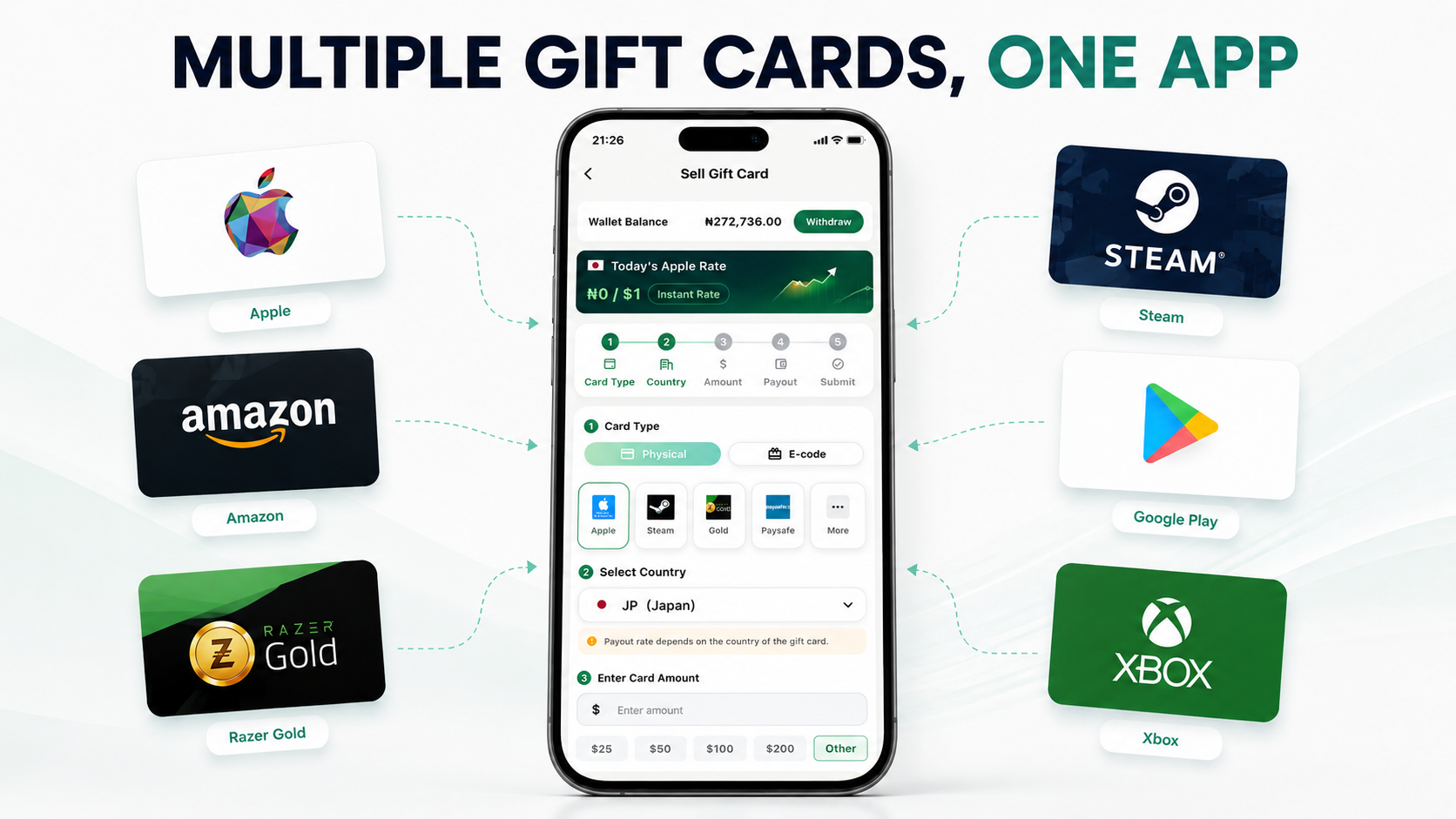
Users can trade different supported gift card categories through the same application, including popular options such as:
- Apple Gift Cards
- Steam Gift Cards
- Amazon Gift Cards
- Razer Gold Cards
- Google Play Gift Cards
- Xbox Gift Cards
Available card categories, countries, and rates may vary. Users should always select the exact card information shown on their gift card before submitting a transaction.
5. Account and Information Protection
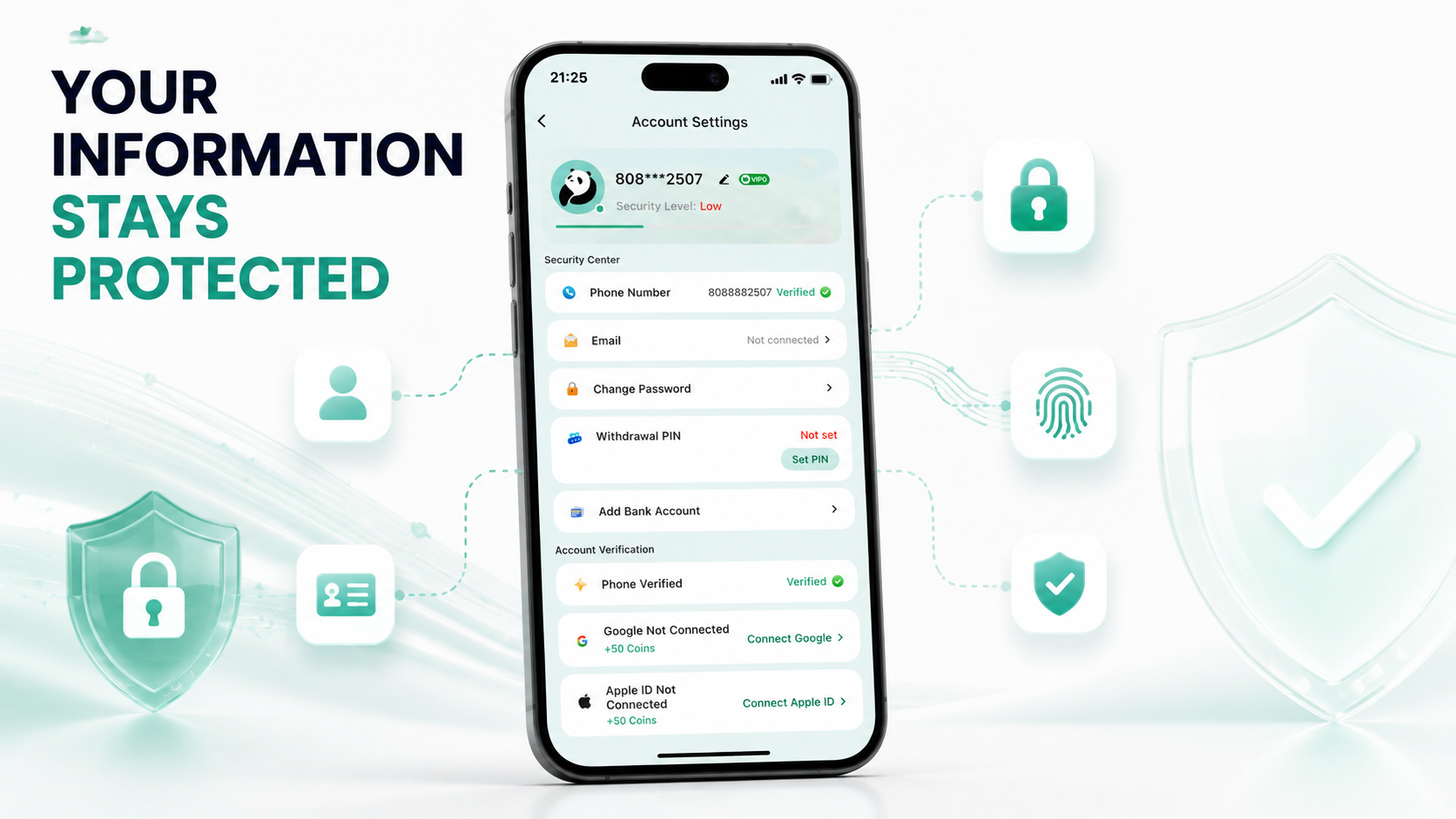
PDCard includes account settings and verification features that help users manage their personal and payment information.
Users may be able to verify their phone number, connect supported login methods, create a withdrawal PIN, and manage their bank account details.
Account information should always be kept private, and login credentials should never be shared with another person.
6. Rewards and Referral Activities
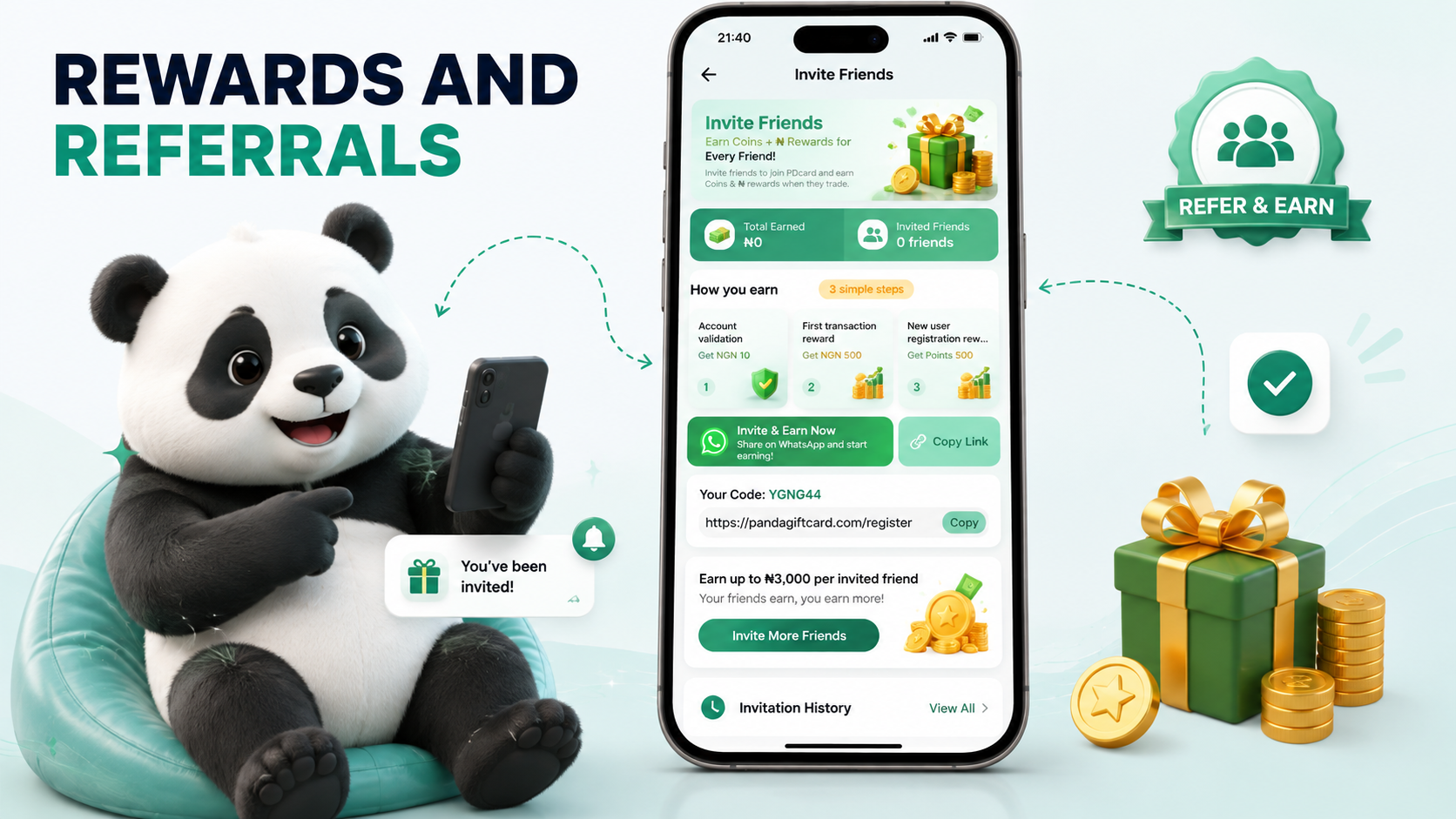
PDCard may provide additional rewards through available missions, promotional activities, and referral programs.
Users can review the applicable requirements inside the application before participating. Reward availability, eligibility, and conditions may change, so users should check the latest information shown in their PDCard account.
7. Support When You Need It
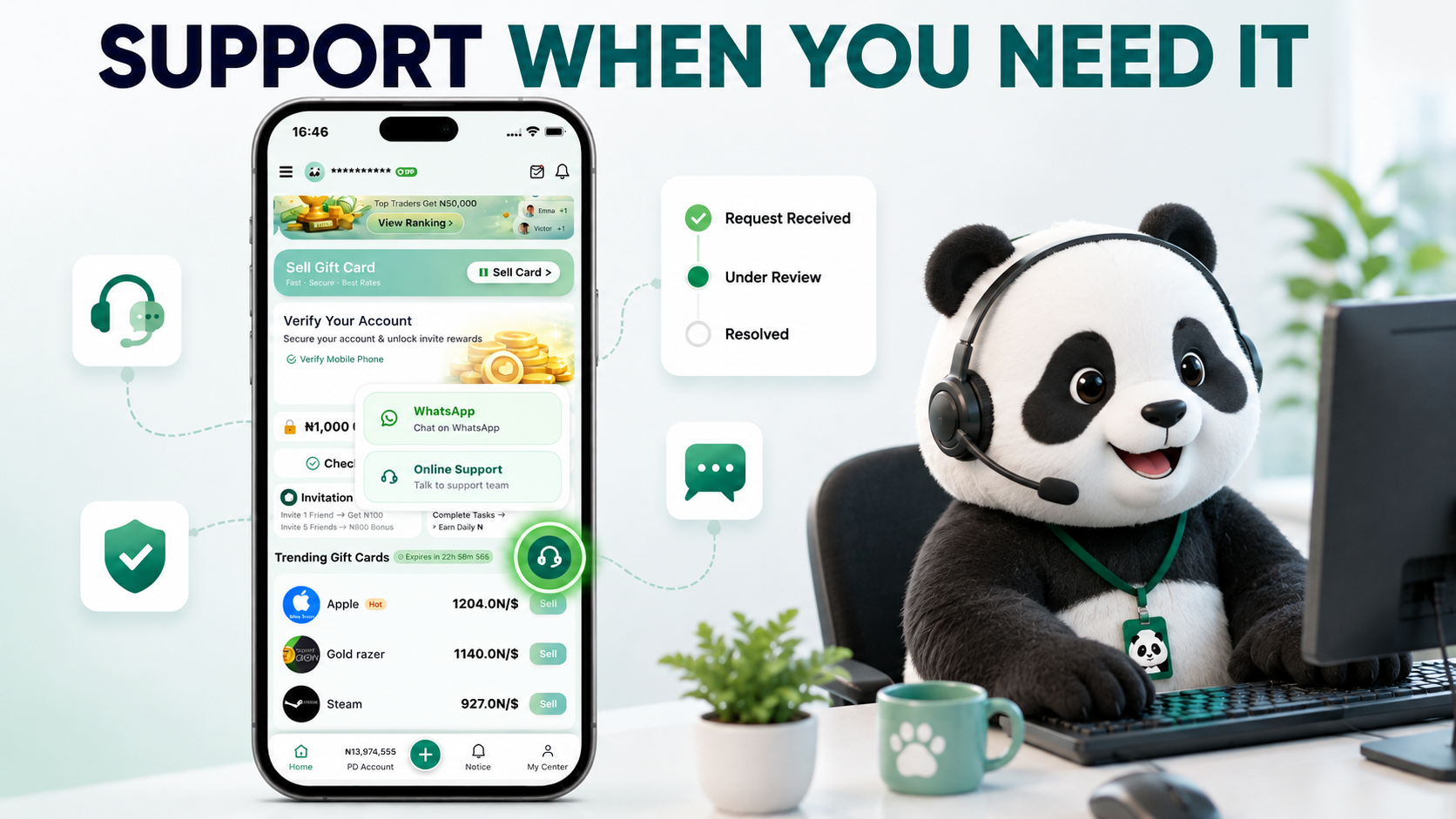
Users who experience a problem can access available support options through official PDCard Support channels.
Before contacting support, it is helpful to prepare the transaction ID, a clear description of the issue, and any relevant screenshots. This allows the support team to review the request more efficiently.
Trade Gift Cards More Conveniently with PDCard
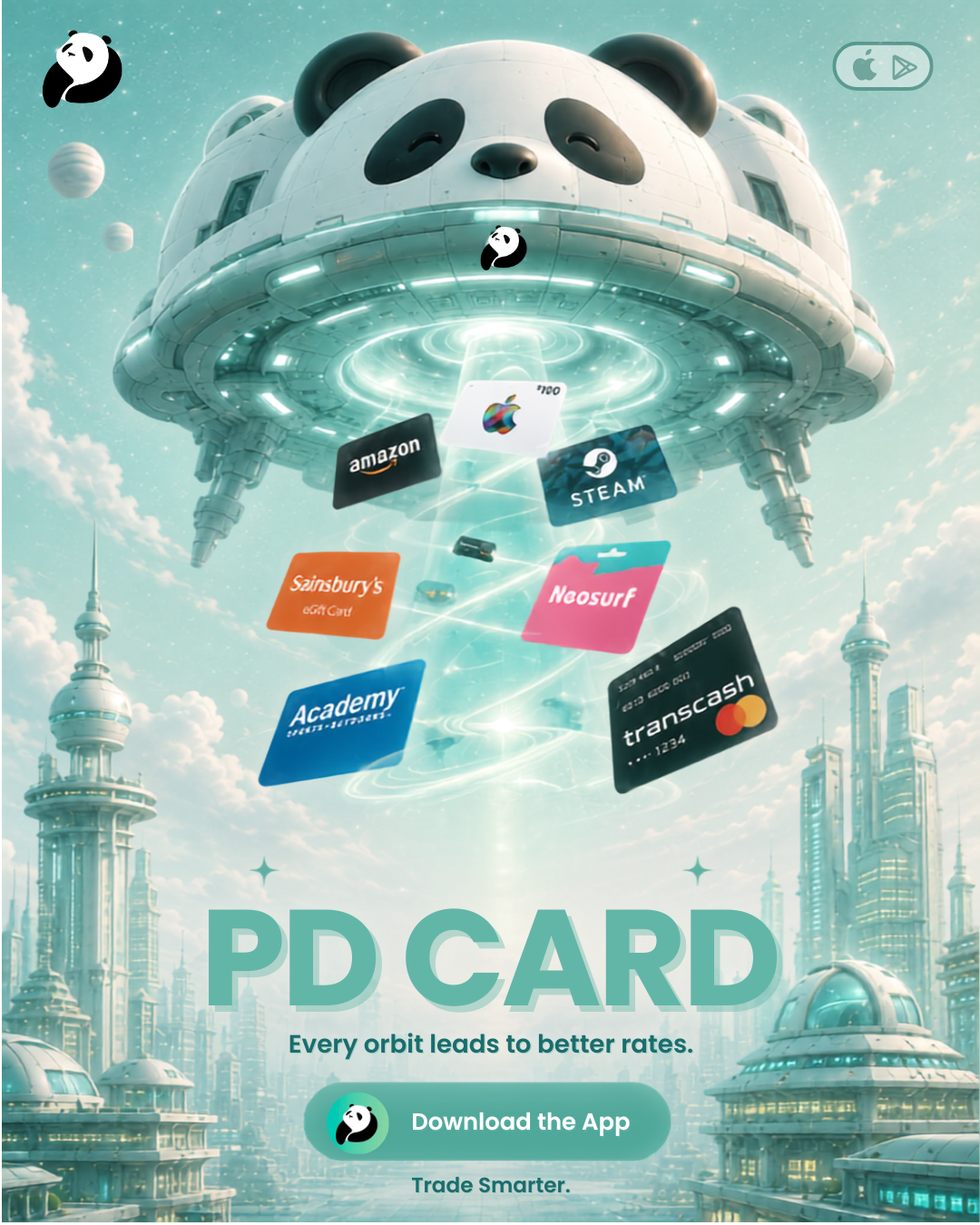
PDCard combines gift card submission, transaction tracking, account management, rewards, and customer support in one application.
To reduce avoidable delays, users should check the available rate, select the correct gift card category, and confirm all submitted information before completing a transaction.
Selling Apple gift cards with PDCard
If Apple is the card you trade most often, these features help you follow the whole process in one place. Before you sell Apple gift cards in Nigeria, identify the country and card format, then check the current Apple gift card rate for your exact denomination. Compare the final naira payout as well as the quoted rate.
Join the PDCard Community
Join the official PDCard communities for platform updates, educational content, announcements, and support information.
👉 Download the PDCard app on App Store or Google Play, then sign in and manage your gift card trades directly in the app.
Meet PDCard through creator content
Explore a PDCard post by Stanley Savvy alongside this overview of the platform. For available card categories, features and current terms, refer to the app and the written guidance in this article.
Stanley Savvy PDCard creator video
Creator: Stanley Savvy — watch the original TikTok post. Produced in collaboration with PDCard. Any rate or promotion in the video reflects its publication context; confirm the current app quote before trading.