What Characters Are Not Used in Apple Gift Card Codes?
What Characters Are Not Used in Apple Gift Card Codes?
Apple Gift Card codes can sometimes be difficult to read because certain letters and numbers look very similar. For example, users may confuse the letter O with the number 0, or the letter B with the number 8.
Use the code guide before an Apple trade
Code-format clues help with reading a card, but do not establish its balance, issuing country or rate category. If your card is eligible to sell, continue with the Apple trading guide and the current Apple payout table by denomination.
Sell Apple gift cards in Nigeria: trading and bulk guide · Apple payouts for US$100, US$200 and US$500 by card type. Confirm the correct category and current app quote before submission.
Apple does not publicly provide a complete list of characters that are never used in its gift card codes. Instead, users should carefully check similar-looking characters before redeeming or trading a card.
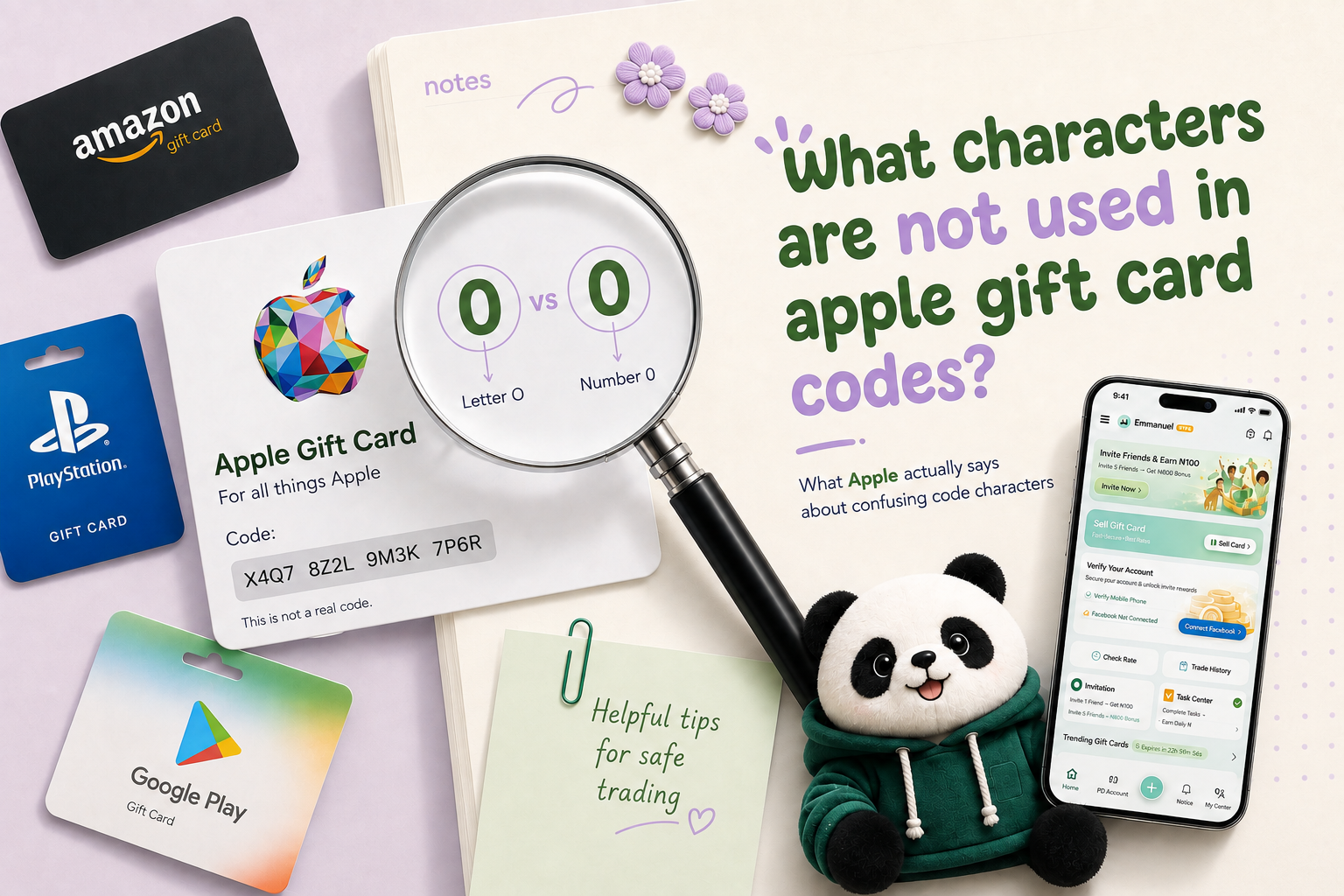
Quick answer: Apple has not published an official list of characters permanently excluded from Apple Gift Card codes. Some characters are simply easier to misread than others.
Characters Commonly Confused in Apple Gift Card Codes
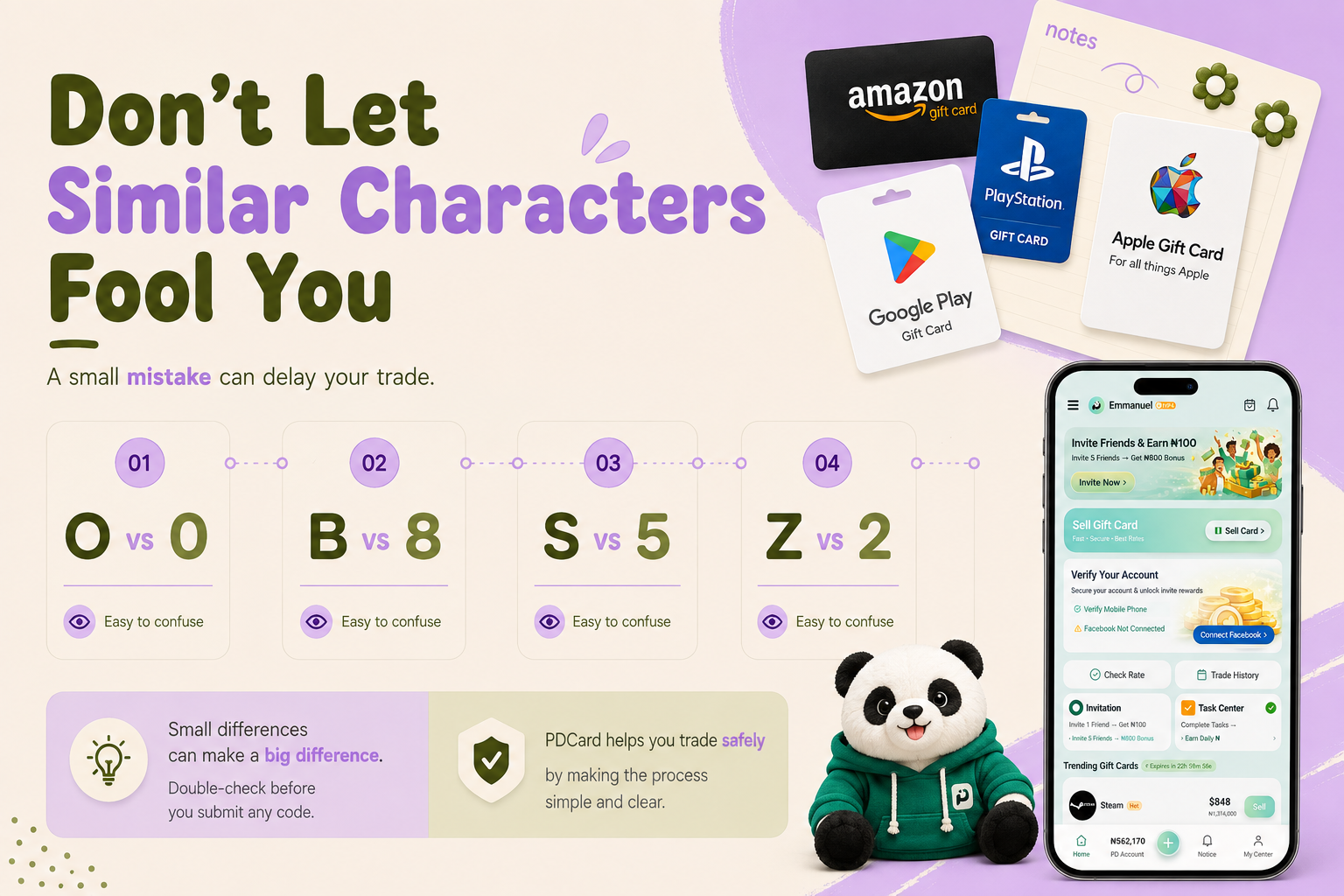
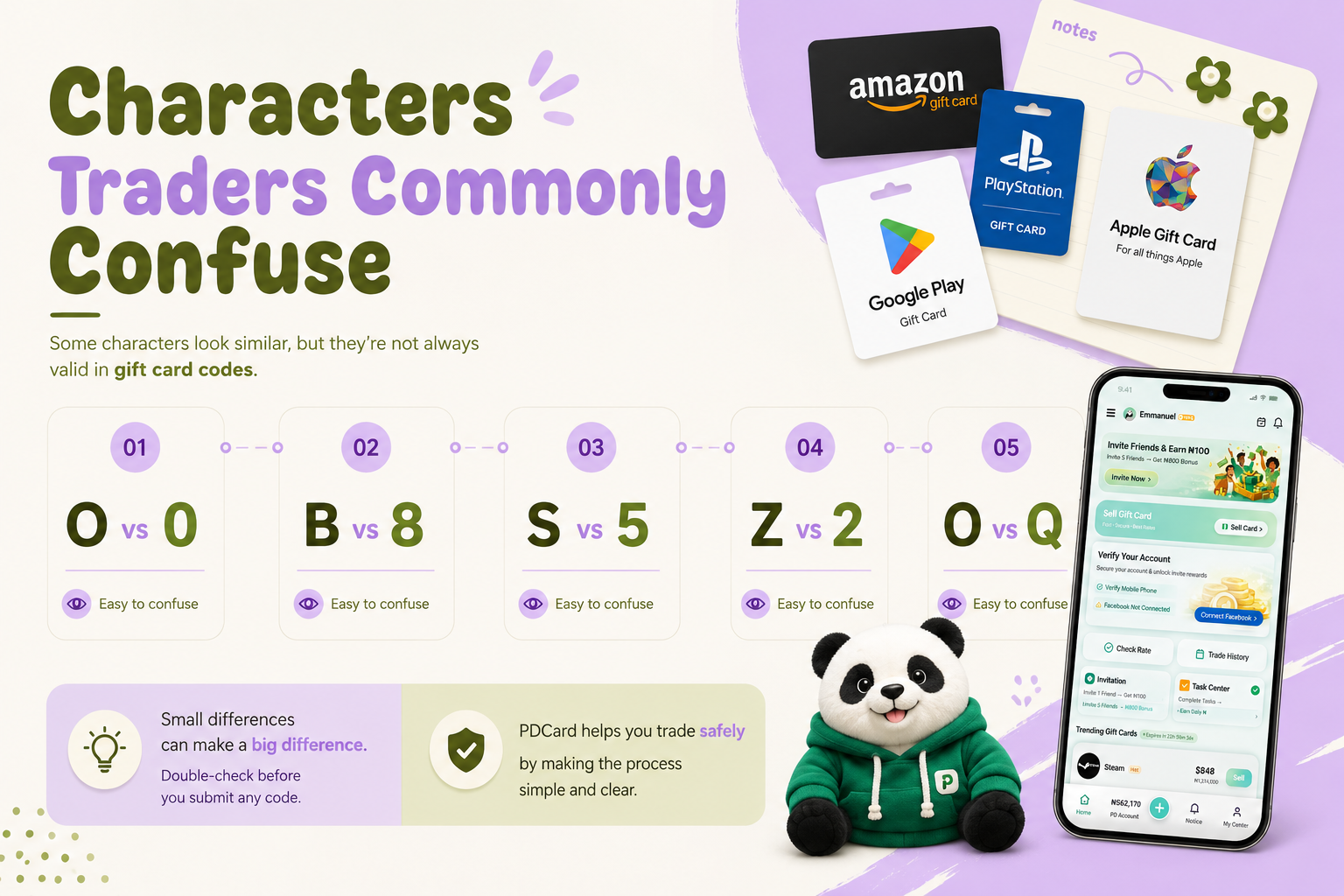
Small differences between characters can change the complete gift card code. Commonly confused pairs include:
- O and 0: The letter O may look like the number zero.
- B and 8: Both characters have similar rounded shapes.
- S and 5: Some fonts make them difficult to distinguish.
- Z and 2: Their diagonal shapes may look alike.
- O and Q: The small tail on Q may be difficult to notice.
Do not automatically replace a character because you assume it cannot appear in the code. Inspect the complete sequence carefully before submitting it.
Why Your Apple Gift Card Code May Not Work
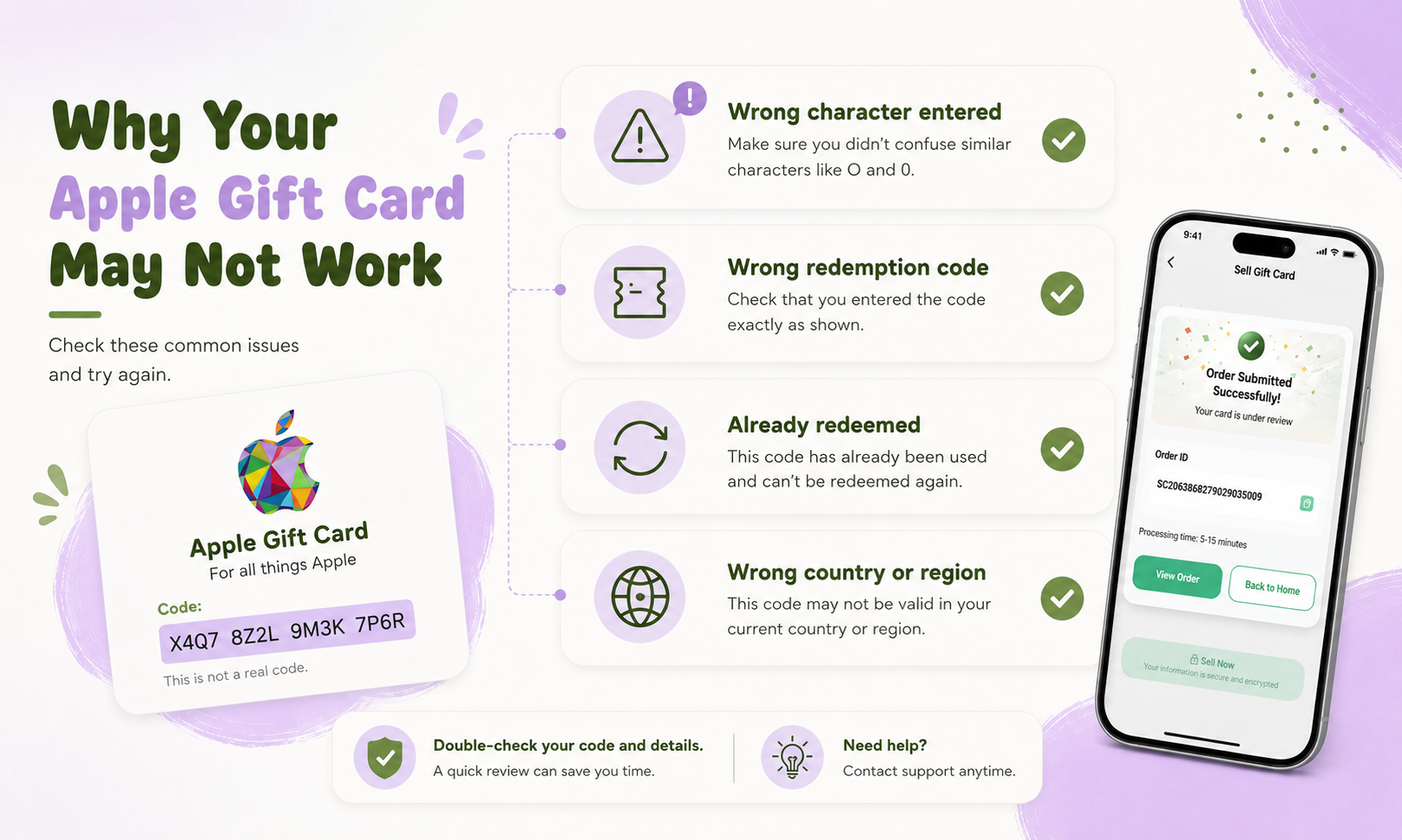
A confusing character is only one possible reason an Apple Gift Card code may fail. Other common causes include:
- Wrong character entered: A letter may have been entered as a number, or the other way around.
- Wrong number selected: You may be entering a serial number or barcode number instead of the redemption code.
- Already redeemed: A code that has already been added to an Apple Account cannot normally be redeemed again.
- Wrong country or region: The card may not work with an Apple Account registered in another region.
- Card or activation issue: The card may not have been activated correctly, or the printed code may be damaged.
How to Check Your Apple Gift Card Code
Before deciding that the code is invalid:
- Place the card under bright and even lighting.
- Zoom in on any unclear letter or number.
- Compare similar-looking characters carefully.
- Make sure no unnecessary spaces were added.
- Confirm that you are using the redemption code.
- Avoid repeatedly guessing different versions of the code.
Never share a complete unused gift card code publicly or send it to an unknown person.
What to Check Before Trading on PDCard
Before submitting an eligible Apple Gift Card on PDCard, confirm:
- The exact Apple Gift Card type.
- The country or region where the card was issued.
- The correct currency and denomination.
- That the card and code are clear and complete.
- That the card has not already been redeemed.
- That you selected the correct card category in the PDCard app.
- That you checked the currently available rate.
Clear and accurate information can help prevent unnecessary delays during review. After submitting the card, you can track the transaction status directly in the PDCard app.
Not sure which Apple Gift Card category to select? Read How to Know Your Apple Gift Card Type Before Trading before submitting your card.
Download the PDCard App
Use the PDCard app to check supported gift card categories, view the currently available rate, submit your card information, and track your transaction.
Download PDCard on the App Store
Download PDCard on Google Play
Join the PDCard Community
Join the official PDCard communities for platform updates, educational content, announcements, and support information.
PDCard Official WhatsApp Group
PDCard Official Telegram Group
Frequently Asked Questions
What characters are not used in Apple Gift Card codes?
Apple does not publish a complete official list of characters permanently excluded from its gift card codes. Users should instead inspect similar-looking letters and numbers carefully.
Is it O or 0 in my Apple Gift Card code?
Check the character under clear lighting and compare it with nearby characters. Do not assume every circular character is automatically the number zero.
Why is my Apple Gift Card code not working?
Possible reasons include an incorrectly entered character, the wrong printed number, an already redeemed code, a region mismatch, or a card activation issue.
Can I trade an unused Apple Gift Card on PDCard?
An unused card may be eligible depending on its type, country, currency, condition, and current PDCard requirements. Check the available category and rate before submitting it.
Conclusion
Apple does not publicly list specific characters that are never used in its gift card codes. The main issue is that certain letters and numbers can look very similar.
Check each character carefully, confirm the card type and region, and protect the unused code. When trading an eligible Apple Gift Card on PDCard, select the correct category and submit clear, accurate information.
Read Next
Learn how to identify the correct Apple Gift Card category before starting your transaction:
How to Know Your Apple Gift Card Type Before Trading
Editorial note: Apple does not publicly provide a complete list of characters permanently excluded from Apple Gift Card redemption codes. PDCard cannot activate an Apple Gift Card, restore a damaged code, or resolve an Apple Account redemption error.