What Happens If Your Internet Disconnects While Submitting a Gift Card on PDCard? [2026]
The confirmation screen disappears, the Wi-Fi icon drops—and now you are not sure whether PDCard received your order.
This guide explains what to check before you tap Submit again.
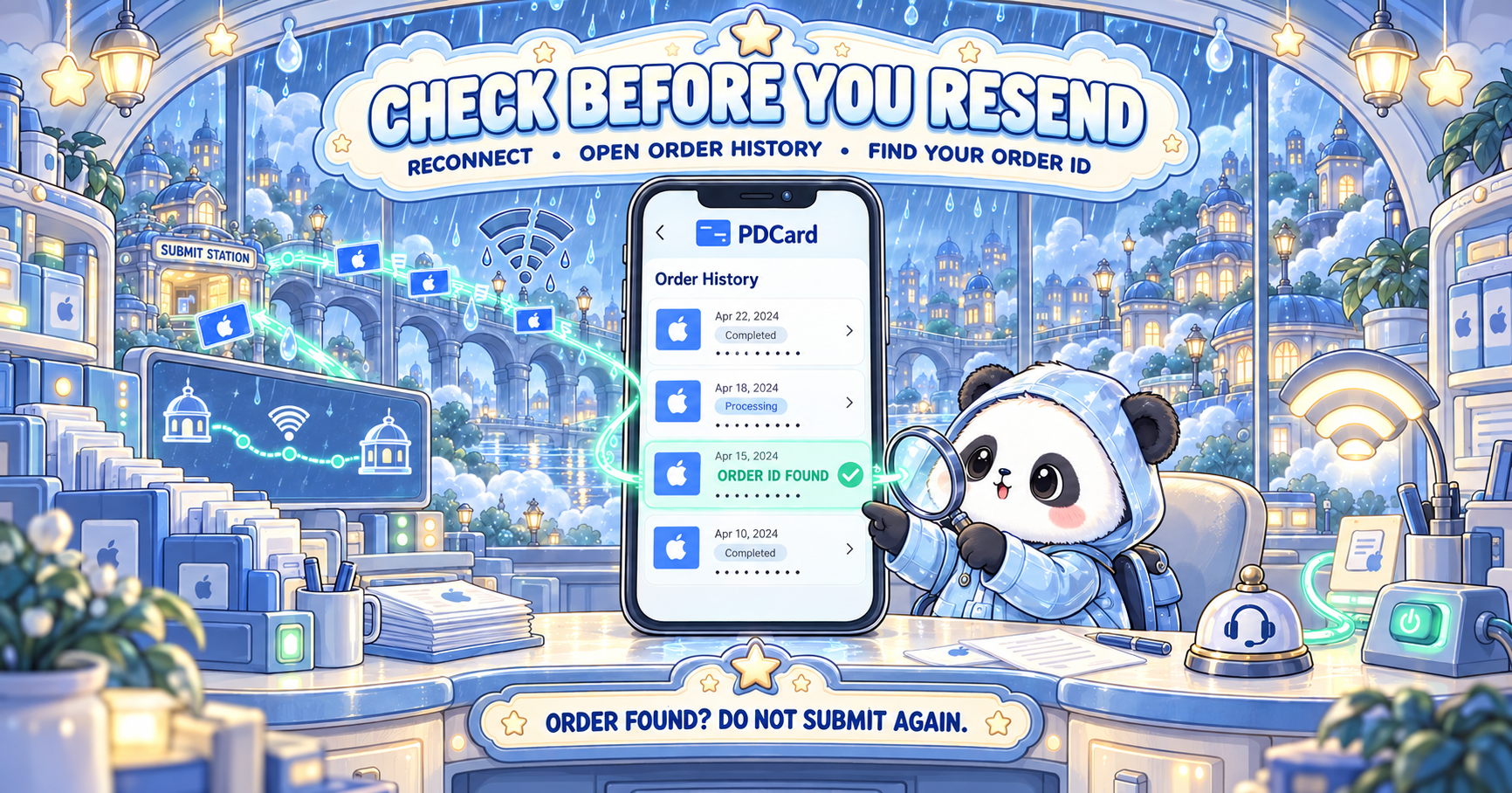
The screen stopped loading—but the order may still be moving
When you tap Submit, information begins travelling from your phone to PDCard. If your internet drops during that journey, your screen may not receive the final confirmation even though the system received the order.
The request did not arrive
The interruption happened before the submission reached PDCard, so no matching order is created.
The order was already received
PDCard received the request, but your phone lost connection before it could show the confirmation.
Both situations can look identical
That is why a frozen page or missing confirmation is not enough evidence to submit the same card again.
Pause first. Then check what PDCard recorded.
Do not keep tapping Submit while the connection is unstable. Follow this short check so you can make your next decision using the order record rather than a guess.
Reconnect
Switch to a stable Wi-Fi or mobile-data connection. Confirm that other pages can load normally.
Open Order History
Return to PDCard and inspect your latest orders. Refresh once if the list has not updated.
Find the match
Compare the card type, amount, submission time, Order ID and current status.
Let the order record decide your next step
Order found
Do not submit the same gift card again. Continue tracking the existing Order ID and its current status.
No order found
Check that you are signed into the correct account, refresh Order History and confirm the connection is stable before trying again.
Status unclear
Contact Customer Service and share your PDCard account details, approximate submission time and any available screenshot.
Do not submit the same card again while the record is unclear
Never send a gift card to another vendor while a matching PDCard order is still active or unclear. Resolve the existing record first.
Helpful PDCard guides
These guides explain what happens after submission, how to track a trade and what to prepare when you need support.
Keep your next gift card trade clear and easy to follow
Use PDCard to submit supported gift cards, follow your order status and reach the community when you need help.
CHECK THE RECORD · AVOID DUPLICATES · TRADE WITH CLARITY
Apple gift card trading on PDCard
If your connection drops while you sell Apple gift cards, check transaction history after reconnecting before you send the same card again. If an order is visible but its status is unclear, ask support to review its ID.
Related guides: how to sell Apple gift cards in Nigeria and Apple gift card rates and naira value.