Changed Your Phone? How to Access Your PDCard Account on a New Device? [2026]
Buying a new phone, replacing a damaged device or reinstalling PDCard can make it look as though your account has disappeared. In most cases, your account has not been deleted—you simply need to access it again with the details connected to your existing PDCard profile.
Can You Use PDCard on a New Phone?
Yes. Install PDCard on the new device and choose Log In using the details associated with your existing account. Do not create another account simply because you changed phones. A separate account may not show the balance, Coins, VIP level or transaction history connected to your original profile.
What to Prepare Before You Log In
- The registered phone number
- Your password
- Access to the registered SIM if verification is required
- A stable internet connection
Complete the New Phone Login Mission
Follow the safe route: get the app, choose the correct account option, verify your details and check your account.
Your Account Is Connected to Your Details
The mission above explains how to return to your existing account. Once you are signed in, take a moment to confirm that the account is really yours before continuing.
The next visual shows the information that should remain connected to the same PDCard profile after you change devices.
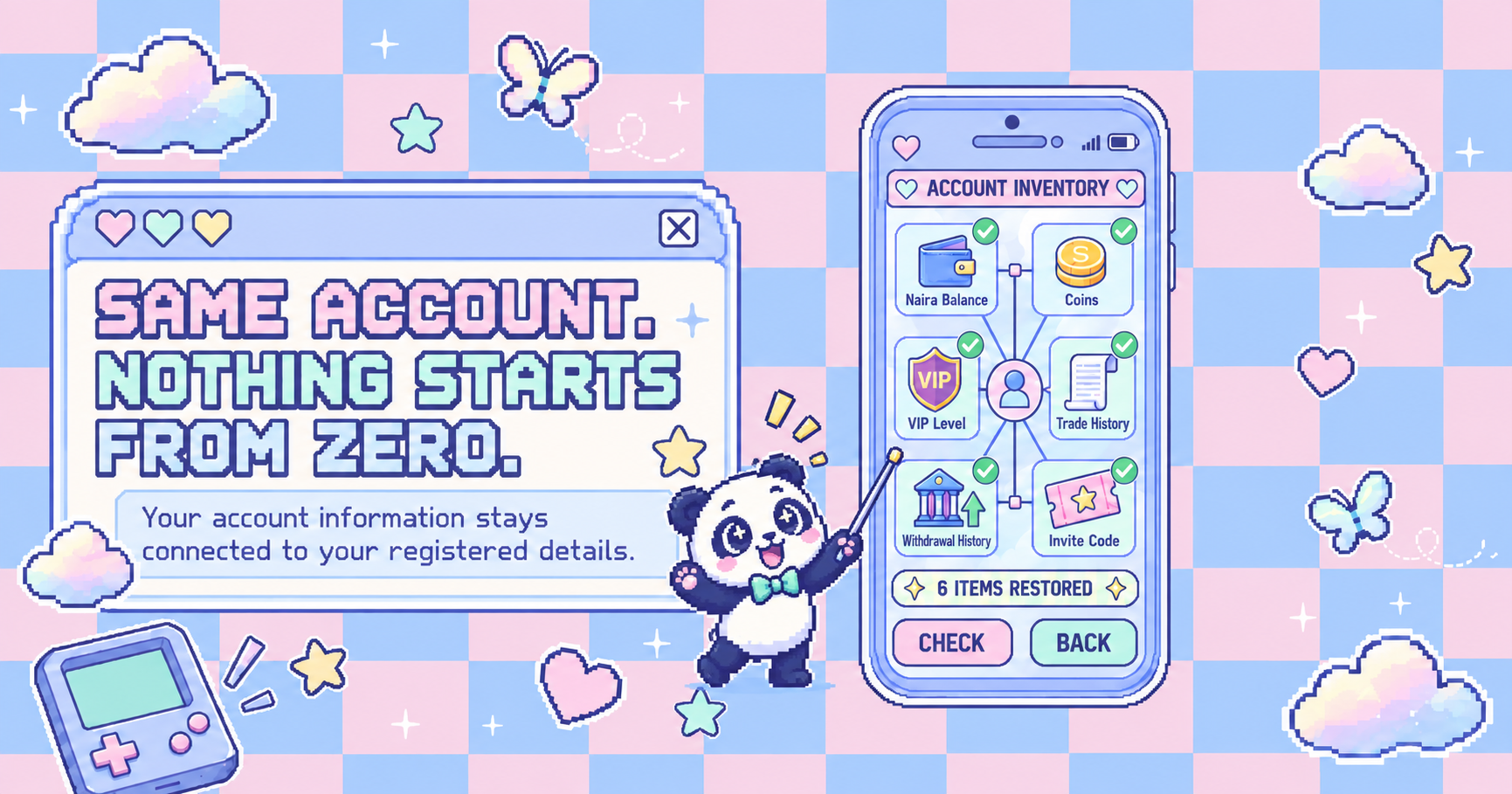
What Should You Check After Logging In?
Confirm that you are inside the correct account before starting another trade or withdrawal.
✓ Naira balance and Coins
✓ VIP level and benefits
✓ Trade and withdrawal history
✓ Bank details and invite code
What If You Cannot Receive the Verification Code?
Check the number, country code, mobile signal and whether the phone is blocking service messages. Wait before requesting another code.
Never share a verification code or enter it on an unofficial page.
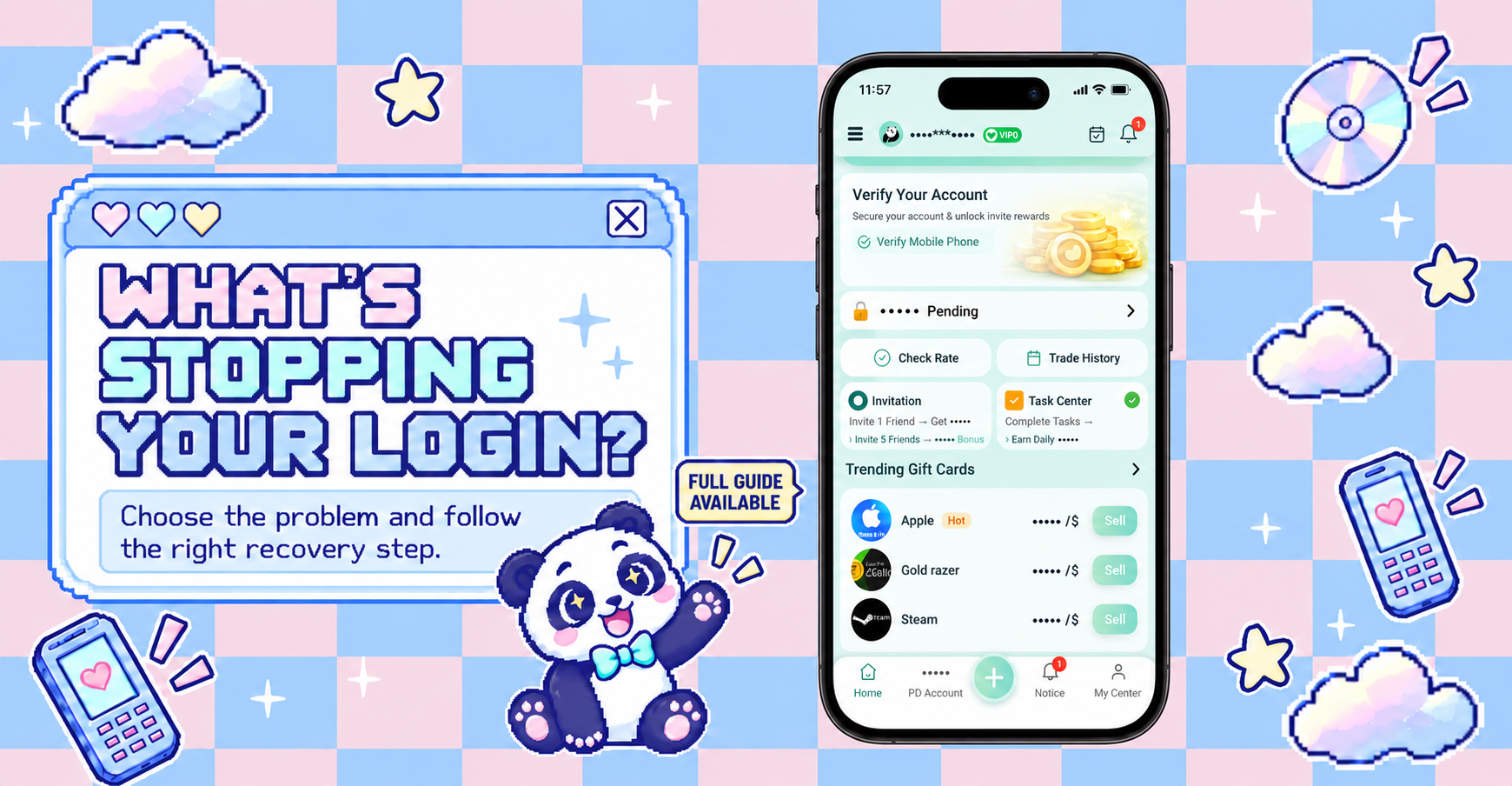
Check the Simple Things First
A login problem does not always mean the account is lost. It may come from the phone number format, a weak mobile signal, blocked service messages or repeated verification requests.
After checking these points, use the activity below as a quick reminder of the helpful PDCard features and safe account actions.
Catch the Helpful PDCard Items
Move the panda and catch six positive PDCard items. The Naira inside this mini game is a simulated score, not a real reward.
What If You Lost Your Old SIM?
Avoid creating a second account immediately. Support may need to verify that the original account belongs to you. Prepare your old number, PDCard ID if available, and recent transaction information if requested.
Read Lost Your SIM? How to Protect and Recover Your PDCard Account.
Forgotten your password?
Do not keep guessing. Follow the correct password process, then return to the login screen. See How to Change Your Password in the PDCard App.
New Phone and New Number
Same number: log in to the existing account.
Old SIM still available: access the existing account first.
No access to the old number: contact Support before opening another account.
Keep Your Account Safe
- Use a screen lock.
- Download PDCard only from an official source.
- Never share your password or verification code.
- Avoid saving login details on a shared device.
- Check bank information before withdrawing.
Frequently Asked Questions
Will changing phones remove my balance?
Changing the device does not mean creating a new account. Log in to the existing profile and check the account information.
Should I create a new account?
Not if you want to continue using your existing profile. Select Log In.
What if I lost the registered number?
Contact PDCard Online Support and follow the requested ownership-verification steps.
Continue With PDCard
Download PDCard or connect with the official community for updates and support.
Never enter a password or verification code into an unofficial form or share it with another person.
Apple gift card trading on PDCard
After moving to a new phone, confirm that you can access your existing account and records before you sell Apple gift cards again. Keeping the same authorized account helps you follow any older pending orders.
Related guides: how to sell Apple gift cards in Nigeria and Apple gift card rates and naira value.