Lost Your SIM? How to Protect and Recover Your PDCard Account
PDCard Account Security Guide
Lost Your SIM? How to Protect and Recover Your PDCard Account
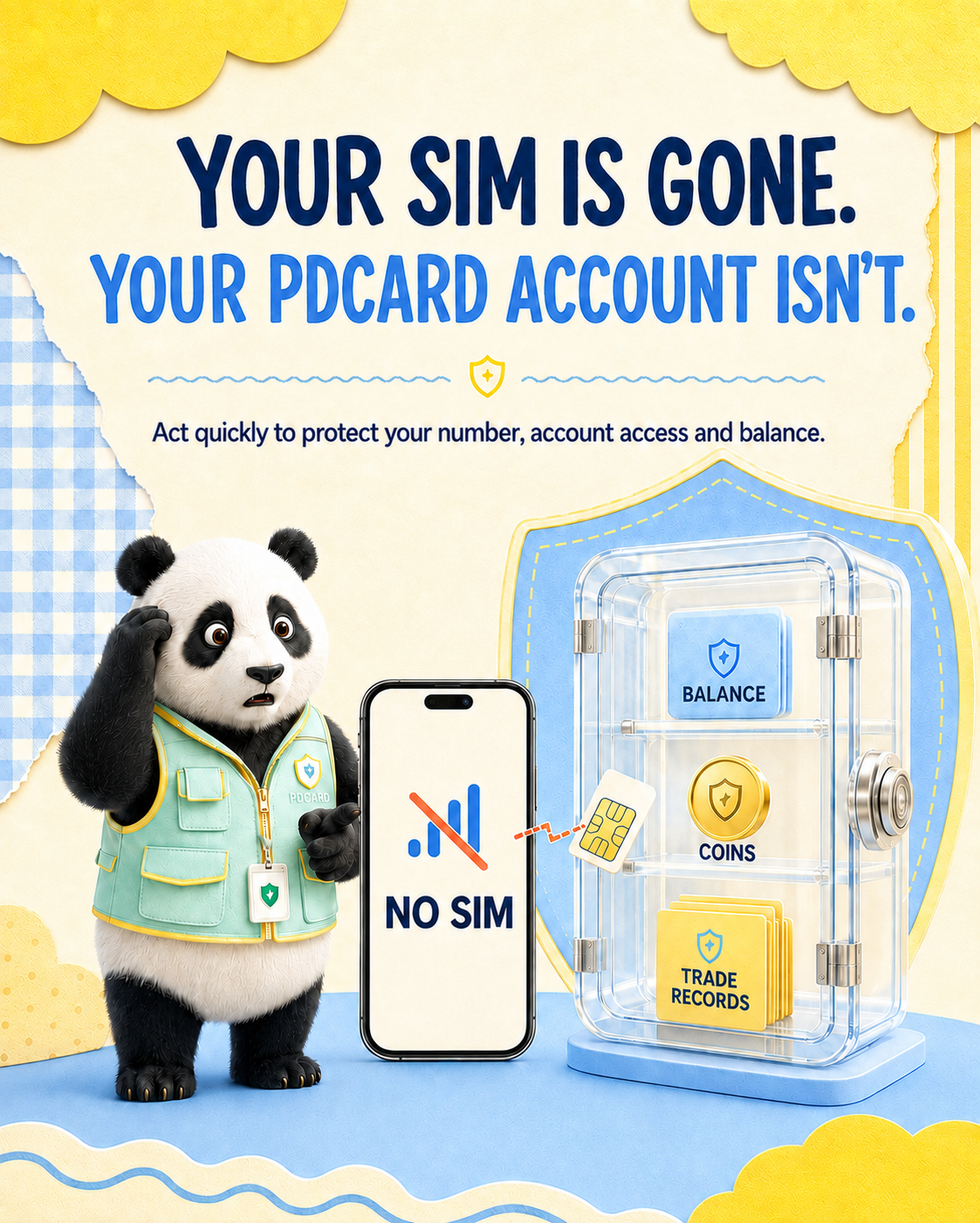
Losing your SIM does not automatically erase your PDCard account. What matters is how quickly you protect the missing number, secure your access and follow the right recovery route.
A lost SIM can become more than a phone problem when the number is connected to your PDCard account.
Because your PDCard account is created with a phone number , losing access to that number may affect login or verification. This can feel especially worrying if your account still contains a balance, Coins or important transaction records.
However, losing the physical SIM does not automatically delete your PDCard account. The important thing is to respond in the right order: protect the missing number, secure connected accounts and follow the appropriate recovery route.
1. Your SIM Is Missing, but Your Account Still Exists
Your account information is not stored inside the physical SIM card. Losing the SIM does not automatically remove your PDCard balance, Coins, Trade History or Withdrawal History.
The immediate concern is access to the registered phone number. If someone gains control of that number, they may be able to receive verification messages intended for you. The risk becomes higher if the phone and SIM were lost together.
What Should You Avoid?
- Do not share an OTP with anyone offering to recover the account.
- Do not post account information in a public group.
- Do not repeatedly enter random passwords or verification codes.
- Do not assume a new account will contain your old balance and records.
- Do not send your password, bank PIN or gift card code to someone claiming to be support.
The first goal is to regain control of the registered number or protect the existing account—not to abandon it immediately.
2. What Exactly Happened to Your SIM?
Not every SIM-related problem requires the same response. Begin by identifying which situation applies to you.
SIM Lost
You still have the phone, but the registered SIM is missing.
Phone + SIM Lost
Both the device and the registered number may be exposed.
OTP Not Arriving
The SIM is available, but verification messages are not reaching you.
You Lost the SIM but Still Have the Phone
If PDCard is still open on your device, do not log out unnecessarily. Check whether you can still access the account, review recent activity and begin the process of blocking the missing SIM.
You Lost Both the Phone and the SIM
This situation requires faster action because someone may have access to both the device and the phone number. In addition to blocking the SIM, use the remote security service connected to the phone to lock the device.
You Still Have the SIM but Cannot Receive an OTP
An OTP problem does not always mean the account has been lost. It may be caused by poor network reception, an inactive SIM, delayed SMS delivery, incorrect phone-number information or a recently replaced SIM.
Check whether the SIM can receive normal calls and text messages before repeatedly requesting another OTP.
3. Secure Your Number and Connected Accounts
After identifying the problem, begin with the phone number itself.
Block the Missing SIM
Contact your mobile network provider and ask for the missing SIM to be blocked. This helps prevent another person from receiving calls or verification messages through that SIM.
Only use the network provider’s official store, website or customer-service channel.
Request a Replacement With the Same Number
If possible, ask for a replacement SIM that keeps your original phone number. The provider may require identity verification before issuing it.
Wait until the replacement SIM is fully active, then test whether it can receive normal text messages before requesting another verification code.
Secure the Missing Phone
If the phone was also lost, use the device’s remote security tools to lock it. You should also protect important accounts that were accessible from the device:
- Mobile banking
- Digital wallets
- Cloud storage
- Messaging applications
- Social media accounts
Update Your PDCard Password
If you are still signed in, review your account and change your PDCard password . Use a password that you have not reused for your email, bank account or other applications.
Review the Existing Account
- Current balance
- Coin balance
- Recent gift card trades
- Withdrawal records
- Bank information
- Any activity you do not recognize
4. What If You Cannot Recover the Same Number?
Sometimes a network provider cannot restore an old number. The SIM may have been inactive for too long, permanently deactivated or reassigned under the provider’s policies.
If you cannot regain the number and can no longer access your account, use an official PDCard support channel to explain what happened.
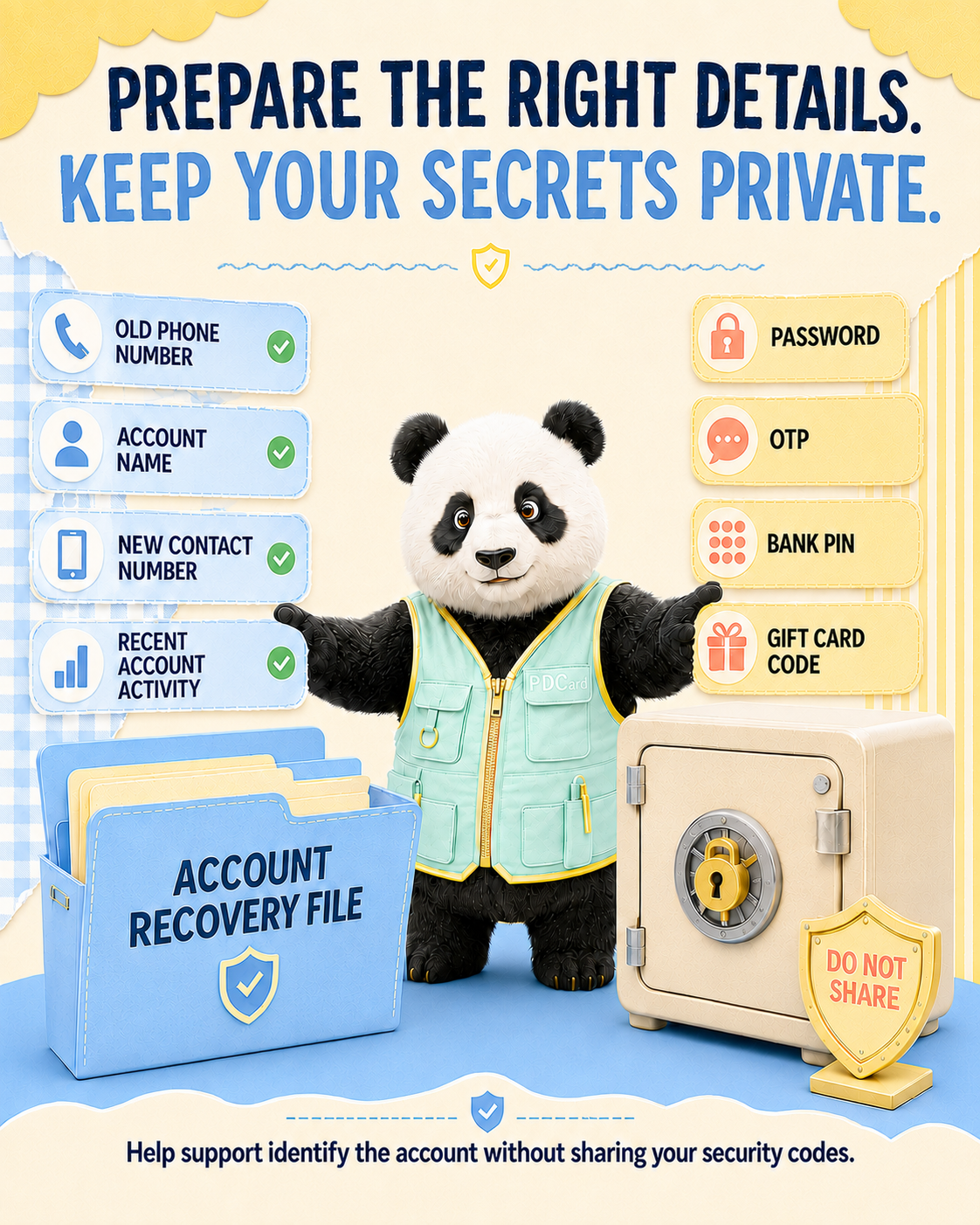
Information You May Prepare
- The old phone number connected to the account
- Your PDCard account name
- Your new contact number
- The approximate time you lost access
- Whether the SIM or the entire phone was lost
- Whether you remain signed in on another device
- Recent account activity that you recognize
Keep These Details Private
- Password
- OTP
- Bank PIN
- Gift card codes
- Full sensitive banking information
- Any security code sent to your phone
These details do not guarantee that access or the registered number can be changed. They help support identify the account and determine which verification may be required.
5. Should You Create a New PDCard Account?
Creating another account may appear to be the fastest solution after getting a new SIM. However, a new registration is separate from the account you previously used.
You should not assume that a new account will automatically receive:
- The Naira balance from the old account
- Accumulated Coins or rewards
- Previous Trade History
- Withdrawal records
- Existing bank information
- Account-verification history
Creating another account too early may also make the situation more difficult to explain while the original account is being identified.
Follow This Order Instead
- Block the missing SIM.
- Ask the network provider to recover the same number.
- Lock the missing phone if necessary.
- Protect your connected accounts.
- Change your password if you still have access.
- Review recent PDCard activity.
- Contact official support if the original number cannot be recovered.
Keep the Recovery Order Simple
BLOCK THE SIM → RECOVER THE NUMBER → SECURE YOUR ACCOUNTS → CONTACT OFFICIAL SUPPORT
Your physical SIM may be gone, but that does not automatically erase your PDCard account. Protect the missing number first and keep every security code private.
Apple gift card trading on PDCard
Recover control of your account before you sell Apple gift cards after losing a SIM. Use official support for recovery and keep login codes and card redemption details out of public messages.
Related guides: how to sell Apple gift cards in Nigeria and Apple gift card rates and naira value.