What Happens If the Gift Card Details You Selected Don’t Match the Card You Uploaded? [August 2026]
What Happens If the Gift Card Details You Selected Don’t Match the Card You Uploaded?
When you create a gift card transaction on PDCard, the information you select in the app should match the gift card you are submitting.
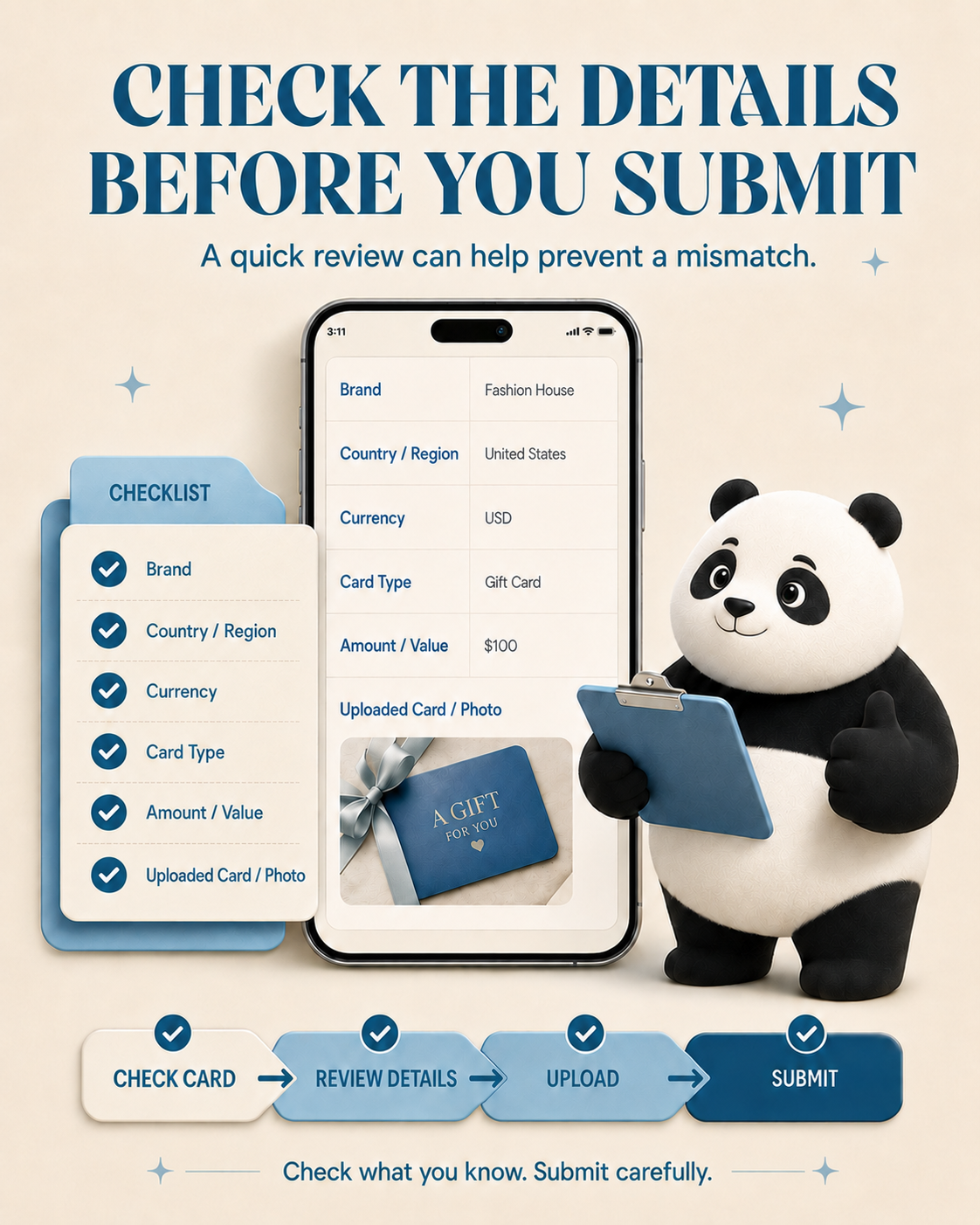
This may include the brand, country or region, currency, card type, and amount or value. Make sure you identify the correct gift card before submitting, so the card image or e-code you upload corresponds to the same transaction.
What Does a Gift Card Detail Mismatch Look Like?
A gift card detail mismatch happens when the information selected in the PDCard app is different from the actual card being submitted.
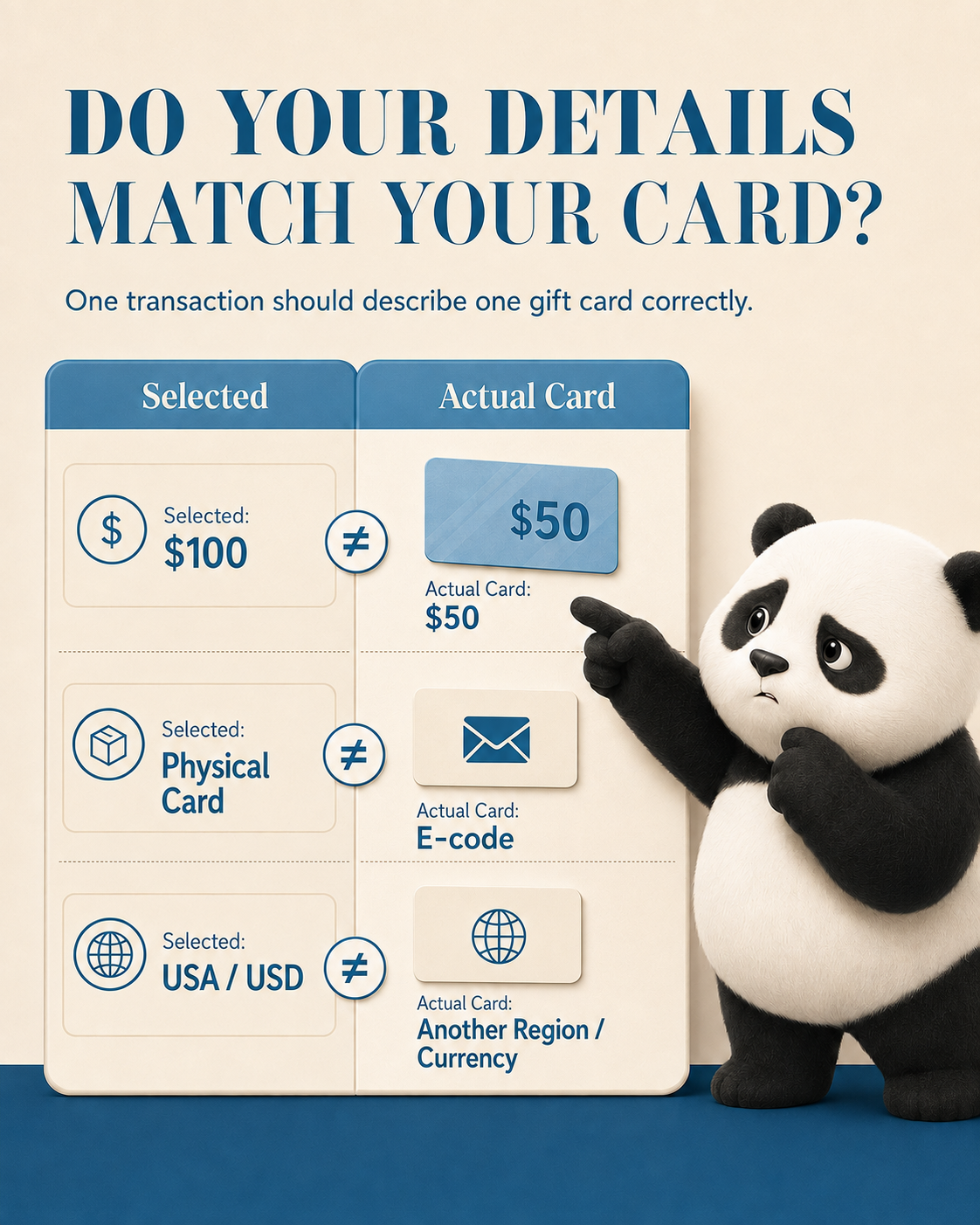
A mismatch does not necessarily mean that the user intentionally entered incorrect information. Sometimes an option is simply selected by mistake. In other situations, the exact information of the gift card may not yet be known when the transaction is created.
What Can Happen If the Details Don’t Match?
If the submitted information does not match the actual gift card, the transaction may need additional review before it can continue normally. This is one reason why some gift card trades may take longer to review than others.
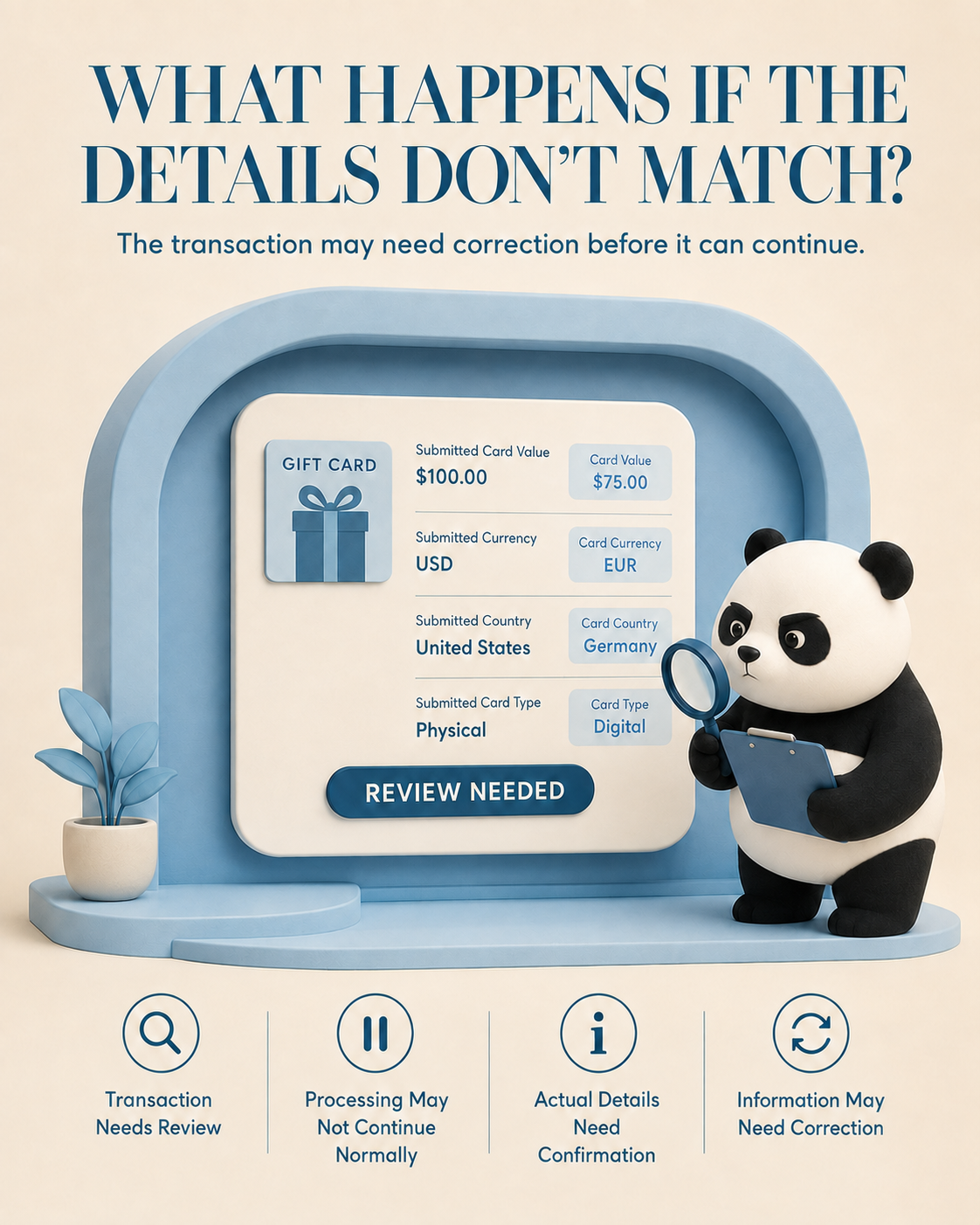
If the submitted information does not match the actual card, the transaction may need to be corrected before it can continue.
What If the Card Reveals Different Details During Processing?
Not every gift card can be fully identified in the same way before processing.
For some card types, information such as the balance or value can be checked before the card is loaded. If PDCard identifies a mismatch at that stage, the customer can be informed about the difference.
However, some gift cards may only reveal certain important information after they have been loaded or processed.
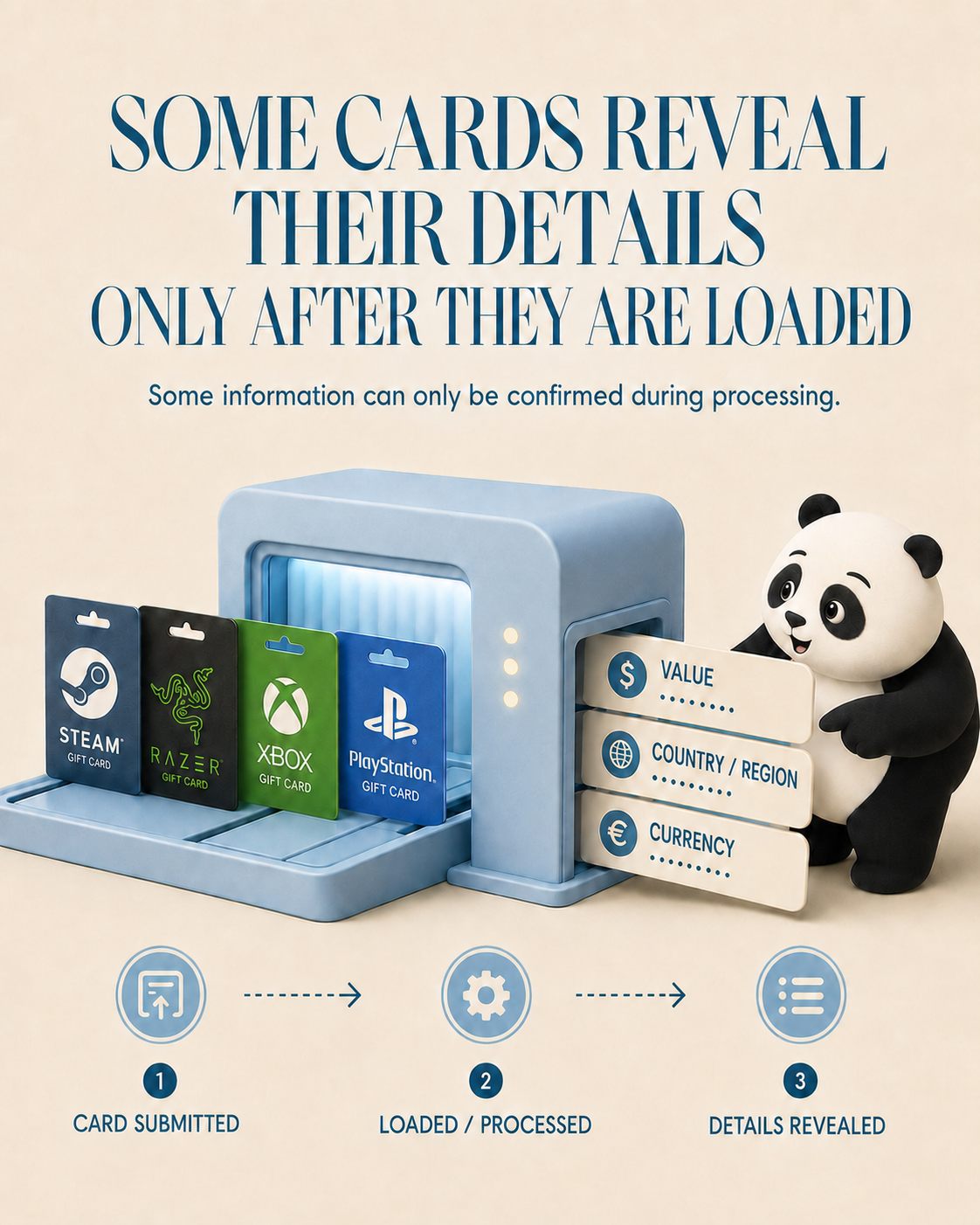
This means a customer may create a transaction using the information they currently believe is correct, but the confirmed card details may later turn out to be different.
What Happens If PDCard Finds a Mismatch?
If the confirmed gift card details are different from the information in the original transaction, PDCard customer support will contact you and explain what was found.
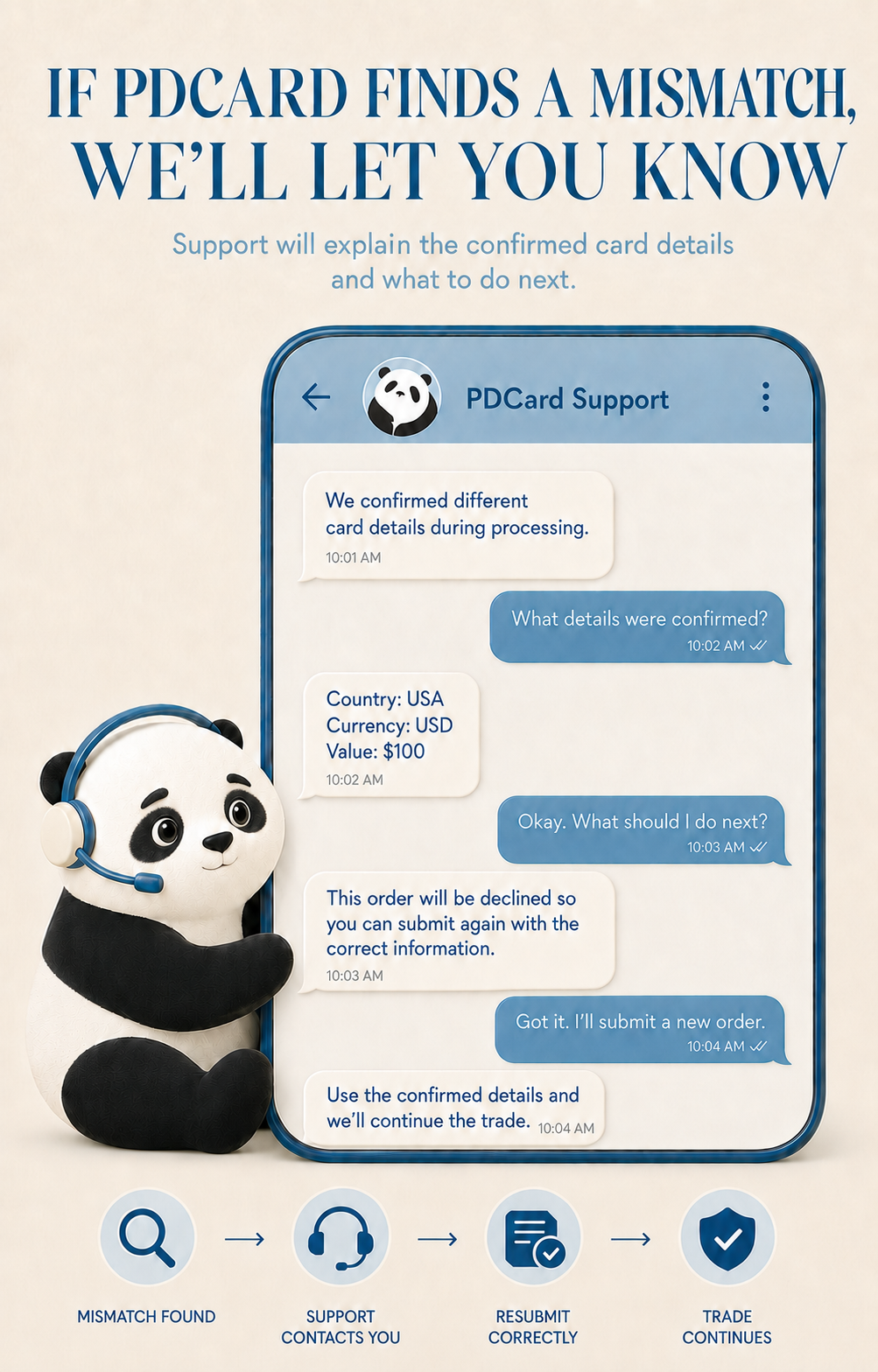
Once the new transaction is submitted using the confirmed details, PDCard can continue processing the gift card based on the information that actually matches the card.
What Should You Check Before You Tap Submit?
Before submitting a gift card, quickly review:
Download PDCard
Check available rates, submit gift cards and follow your transaction progress from the PDCard app.
Join the PDCard Community
Follow official community updates, ask questions and stay connected with other PDCard users.
Use official PDCard links only. Never share a complete gift card code in a public group.
Apple gift card trading on PDCard
A mismatch can affect the quote when you sell Apple gift cards. Check the issuing country, physical or e-code format and individual denomination against the category you selected before sending the order for review.
Related guides: how to sell Apple gift cards in Nigeria and Apple gift card rates and naira value.