Can You Send the Same Gift Card to Two Vendors at Once? | PDCard
Your gift card is still Processing, and the wait feels longer than expected. So you think about sending the same card to another vendor to see who finishes first.
The problem is simple: the first trade may still be active.
Why Do People Send the Same Gift Card Twice?
Most traders do not plan to send one gift card to two vendors. It usually happens because the first transaction is taking longer than expected.
Imagine sending a $100 gift card to Vendor A. The transaction still shows Processing, so after waiting for a while, you start thinking: Maybe Vendor B will be faster.
You then send the same card image, code, or details to Vendor B before confirming that the first trade has ended.
Vendor A may still be reviewing or processing the card. Sending it somewhere else does not cancel the first transaction. It simply gives another vendor access to the same card.
If you want to understand why some transactions need more review time, read Why Some Gift Card Trades Take Longer to Review on PDCard .
If you are also wondering whether the same card can be submitted more than once, see Can the Same Gift Card Be Submitted More Than Once? .
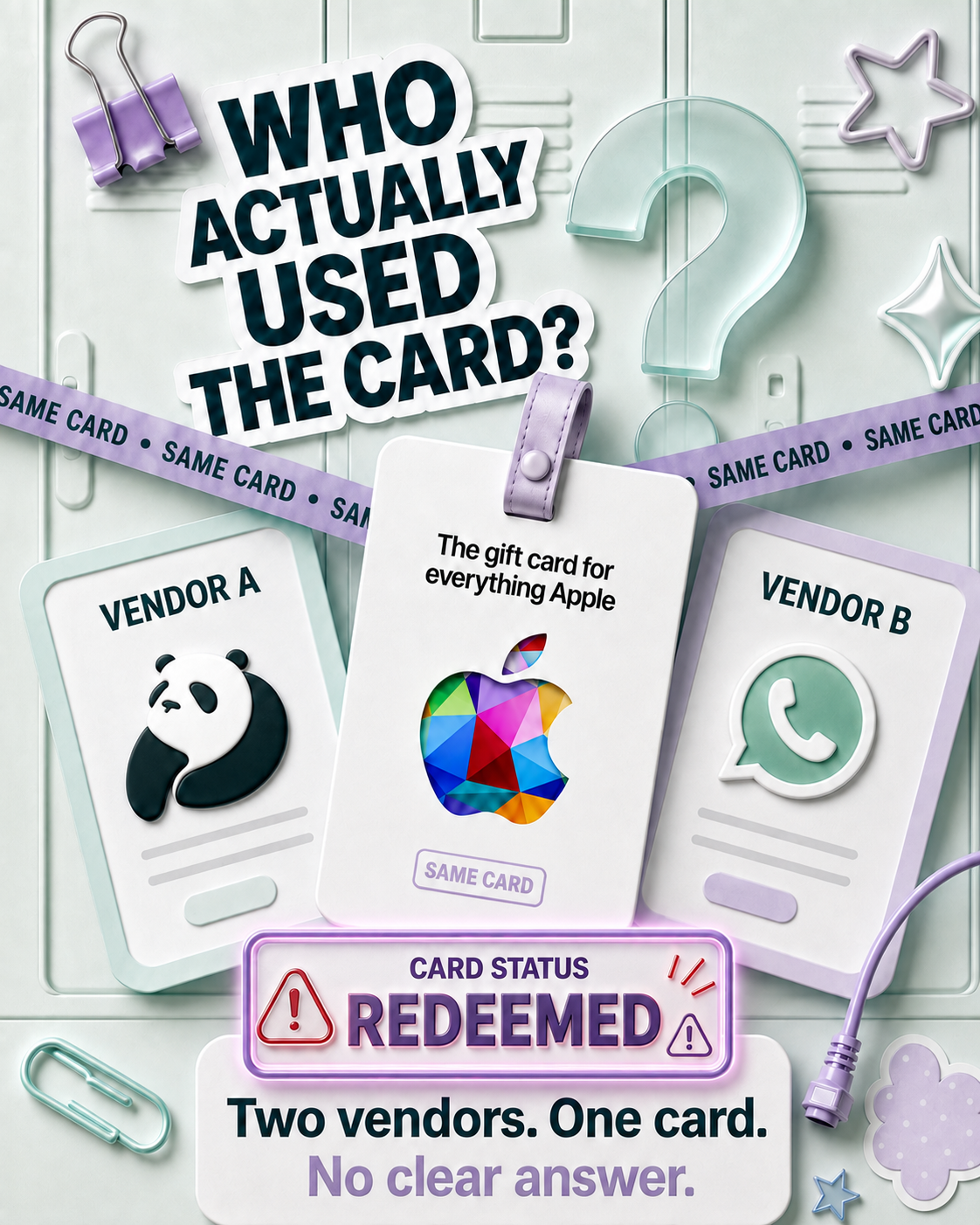
You May Not Know Who Actually Used the Card
This is the biggest problem with sharing the same gift card with multiple vendors.
You send the gift card to Vendor A.
The transaction is still processing, so you send the same card to Vendor B.
The gift card now shows Redeemed.
Now the question is: who actually used it?
Vendor A had access. Vendor B had access too. One of them may have processed the card first, but once the same card has been shared with multiple vendors, the transaction trail becomes much harder to follow.
If only one vendor had access, it would be much easier to understand what happened. Once another vendor receives the card, that clarity can disappear.
This is also why card information should remain private until you use or trade it. Read Why You Should Keep Your Gift Card Private Until You Use or Trade It .
What If the Trade Is Taking Longer Than Expected?
A slow trade can be frustrating, but sending the same card somewhere else while the first transaction is still active can create a bigger problem than the delay itself.
Before sharing the card again, check what is happening with the current transaction.
Check the Current Trade Status
If the trade still shows Processing, Reviewing, Pending, or another active status, treat the card as part of that transaction.
You can learn more in How to Track Each Step of a Gift Card Trade on PDCard .
Check Your Transaction Records
Review the existing transaction before assuming that the trade has stopped. Your records can help confirm when the card was submitted and whether a final status has been recorded.
See Why You Should Check Your Transaction Records Before Contacting Support .
Contact Support If Something Is Unclear
If the trade is taking longer than expected, ask support about the transaction that already exists instead of sending the same card to another vendor.
If needed, read How to Contact PDCard Online Support .
What to do when a gift card trade is taking longer than expected
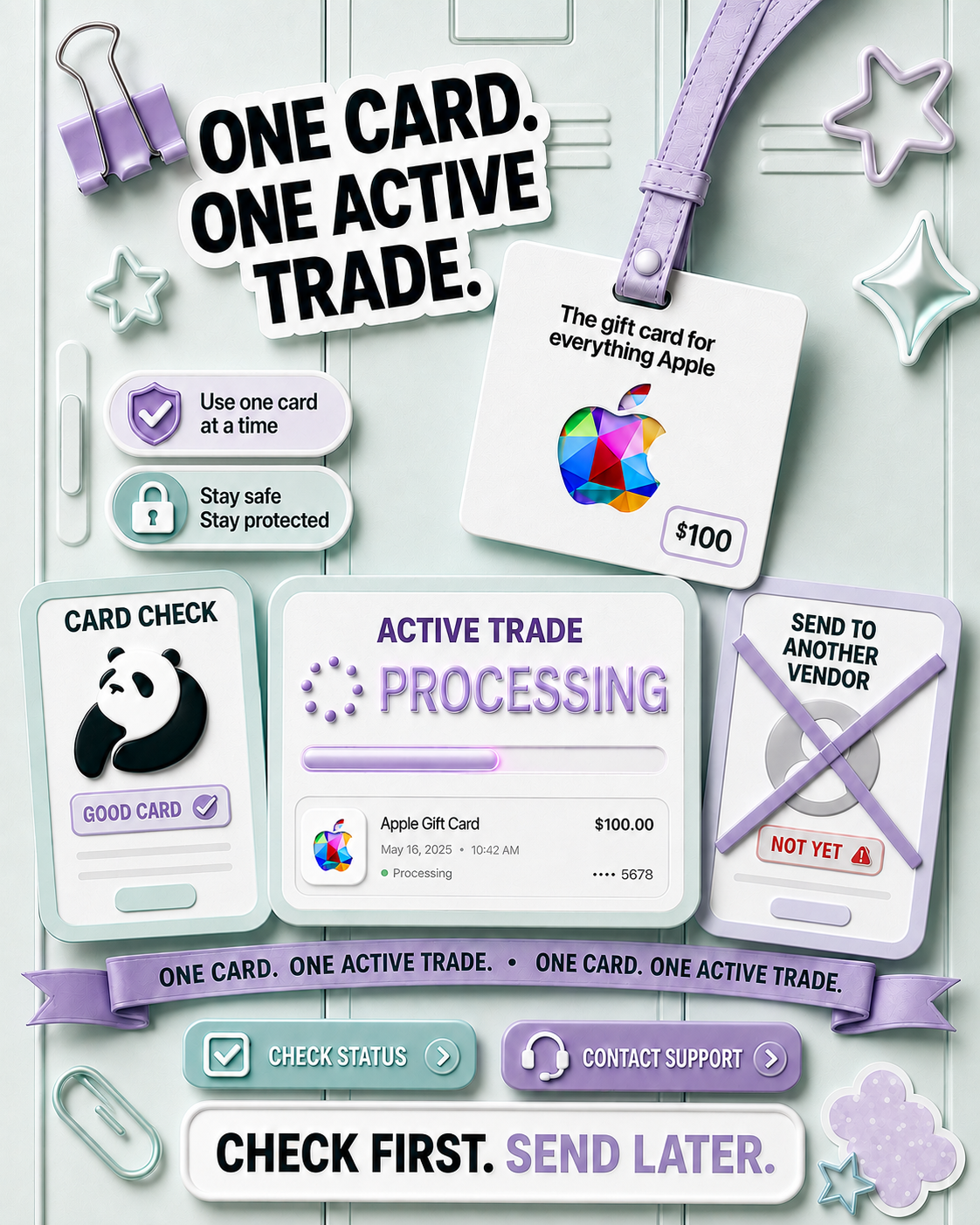
One Card. One Active Trade.
The easiest way to avoid unnecessary confusion is to keep each gift card inside one active transaction at a time.
If the card is still being processed, do not immediately treat another vendor as a backup.
Only after the first transaction has reached a clear final result should you decide what to do next with the card.
The Simple Rule to Remember
A delayed trade can still be checked. An active transaction can still be traced.
But once the same card has been shared with multiple vendors, figuring out what happened afterward can become much more difficult.
Related PDCard Guides
Why Some Gift Card Trades Take Longer to Review on PDCard
Can the Same Gift Card Be Submitted More Than Once?
How to Track Each Step of a Gift Card Trade on PDCard
Why You Should Check Your Transaction Records Before Contacting Support
How to Contact PDCard Online Support
Apple gift card trading on PDCard
Do not submit the same code to multiple vendors while you sell Apple gift cards. Resolve the status of an existing review through official support before attempting another submission of that card.
Related guides: how to sell Apple gift cards in Nigeria and Apple gift card rates and naira value.