Can’t Find Your Transfer Option on PDCard? Here’s What to Do
PDCARD TRANSFER GUIDE
Can’t Find Your Transfer Option on PDCard?
You open PDCard and look for the transfer method you want to use, but it is not there. Maybe you are searching for Cash App, Chime, PayPal, Apple Pay, Venmo, or another transfer option.
Important: Not seeing the exact option does not mean you should choose a different category just to continue. If you are unsure, ask PDCard Customer Service first.
WHY IT HAPPENS
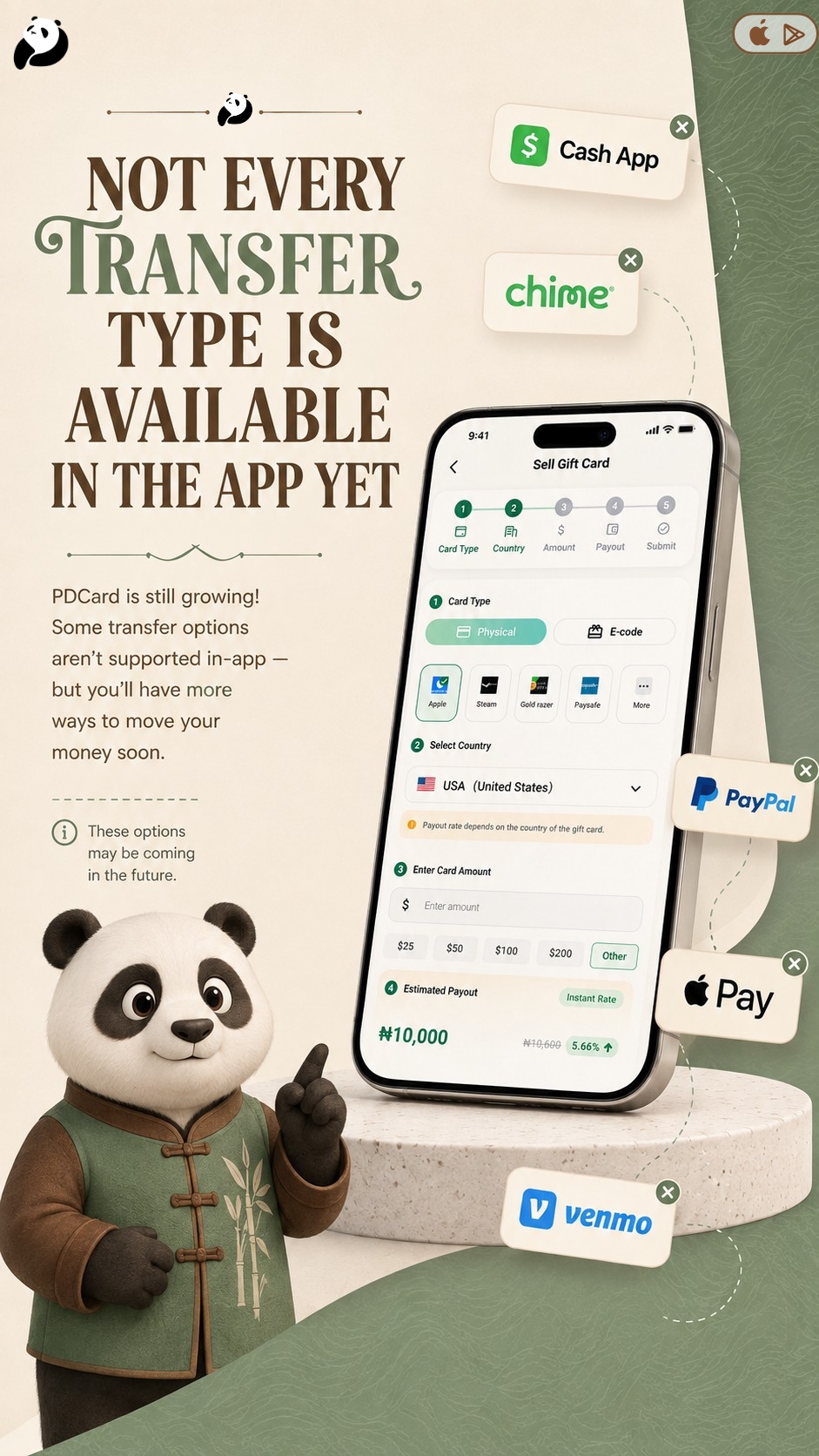
Not Every Transfer Type Is Available in the App Yet
PDCard supports different trading and transfer needs, but not every method necessarily appears as a selectable option inside the app.
If you cannot find the exact method you need, do not assume that another similar-looking option is automatically the correct one.
CHOOSE THE RIGHT PATH
What Should You Do Next?
The correct path depends on whether the option you need is already available inside PDCard.
IN-APP
Use the PDCard App When the Correct Option Is Listed
If the exact supported option is already available, continue through the normal in-app process.
- Select the correct category.
- Check the available information.
- Enter the required details.
- Track the transaction inside PDCard.
If the exact option is there, use it.
CUSTOMER SERVICE
Ask First When the Option Is Missing
Contact Customer Service when:
- Your preferred transfer option is not listed.
- You are not sure which category matches your request.
- Additional information may be needed.
- You need help with a transfer or money pickup request.
PDCard → Customer Service → Official Support Channel
AVOID THIS
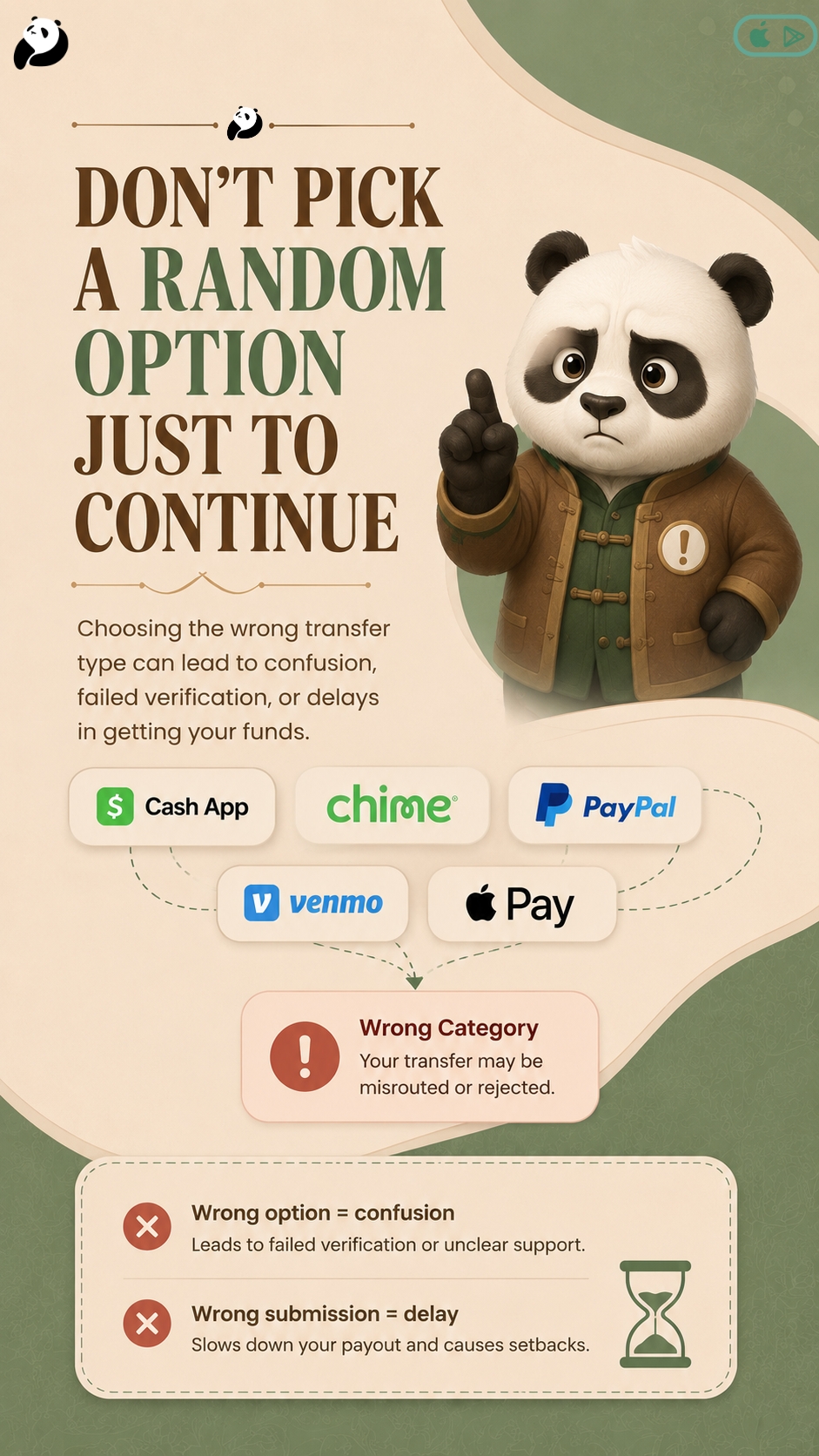
Don’t Pick a Random Option Just to Continue
Choosing another category may feel like a shortcut, but your submission may no longer match the transfer method you actually intend to use.
Wrong option = confusion
The information you submit may not match the category selected.
Wrong category = more clarification
Customer Service may need extra information to understand what transfer method you actually need.
Wrong submission = possible delay
Correcting a mismatched request can take longer than asking before submitting.
BETTER OPTION
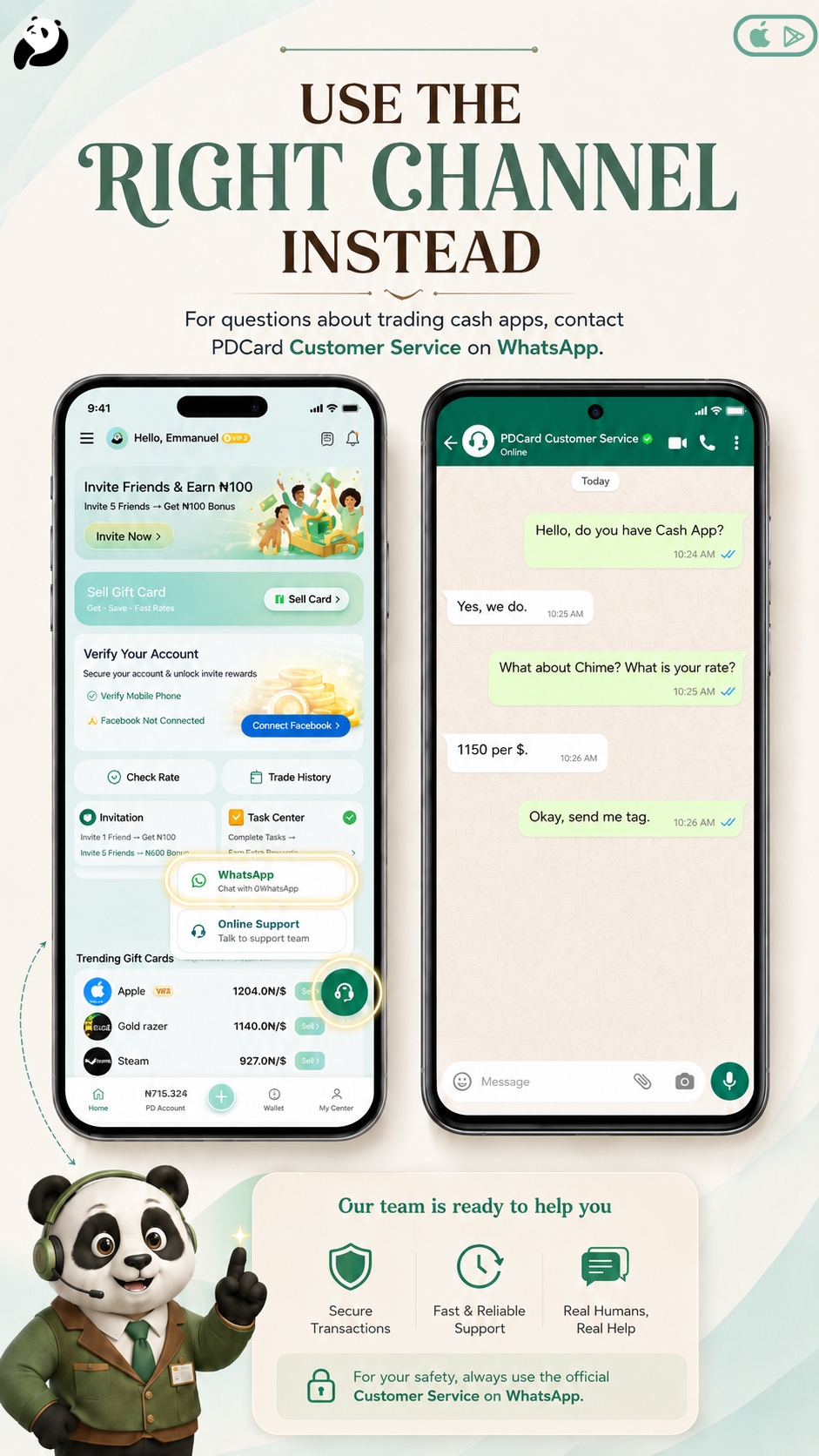
Use the Right Channel Instead
If your transfer method is not listed, contact PDCard Customer Service and explain exactly which option you want to use.
EXAMPLE
“Hello, do you support Cash App?”
EXAMPLE
“What about Chime? Which option should I use?”
WHAT TO DO
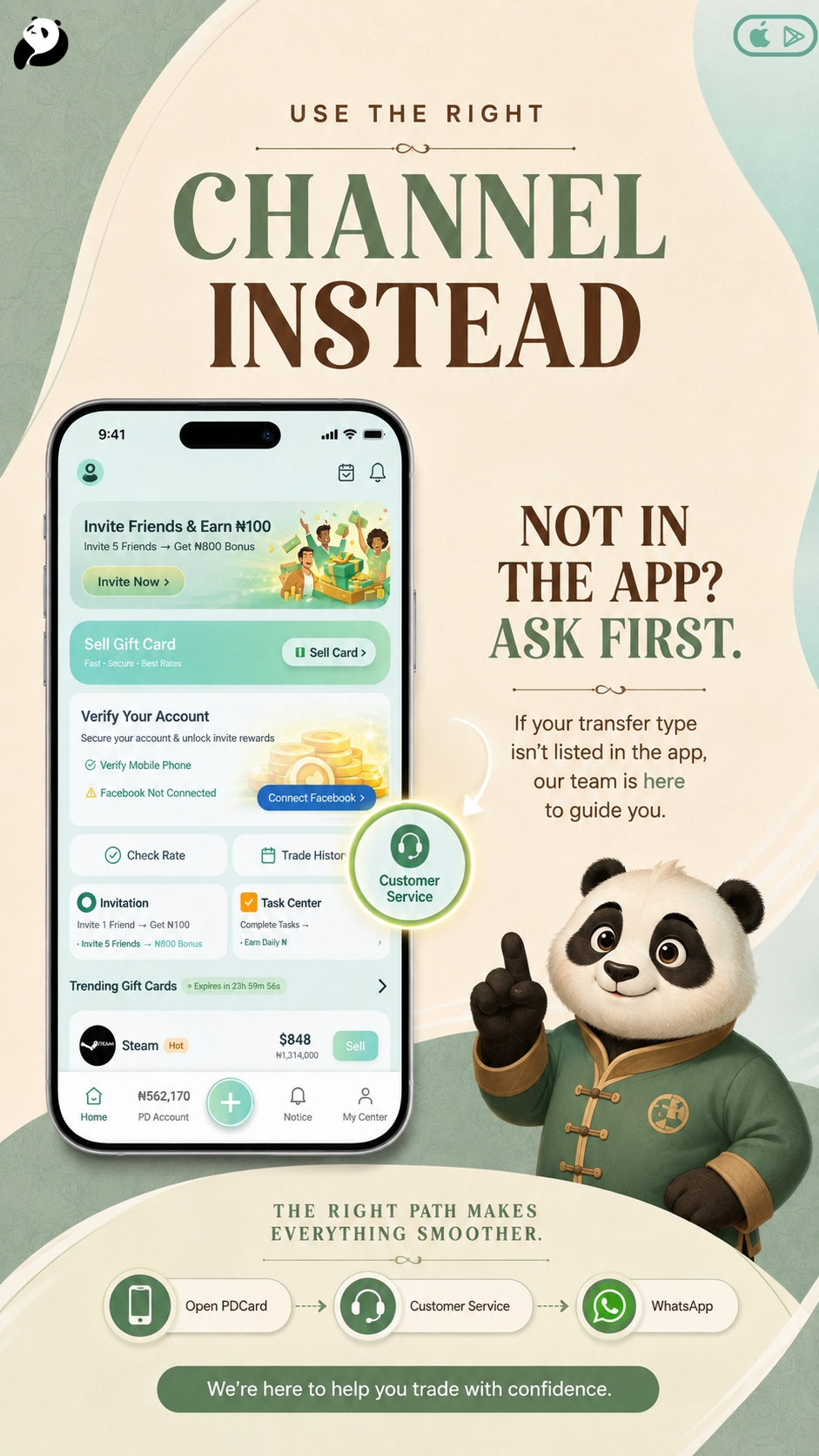
Not in the App? Ask First
Start from PDCard and use the official Customer Service entry point instead of guessing or searching for random support accounts.
Open PDCard
↓
Customer Service
↓
Official Support Channel
This allows you to confirm the correct next step before submitting information under the wrong transfer category.
NEED SUPPORT?
Not Sure How to Contact PDCard Online Support?
Use the official guide to see how to access PDCard Online Support when you need help with a specific request.
Note: WhatsApp and Telegram are for announcements and community updates. For help with a specific transfer request, use PDCard Customer Service.
QUICK SUMMARY
A Missing Option Doesn’t Mean You Should Guess
1. Check whether the exact transfer option is available.
2. Don’t choose another category simply to reach the next step.
3. Ask Customer Service which path is appropriate for your request.
The Right Transfer Starts With the Right Channel.
When in doubt, asking before submitting is clearer than correcting the wrong transfer category afterward.
Apple gift card trading on PDCard
A missing transfer option does not necessarily describe the availability of a gift card category. To sell Apple gift cards, check the Apple section and ask support if the category matching your card is not listed.
Related guides: how to sell Apple gift cards in Nigeria and Apple gift card rates and naira value.