Can’t Find Your Withdrawal? Check Your PDCard Status First
Can’t Find Your Money? Check This First
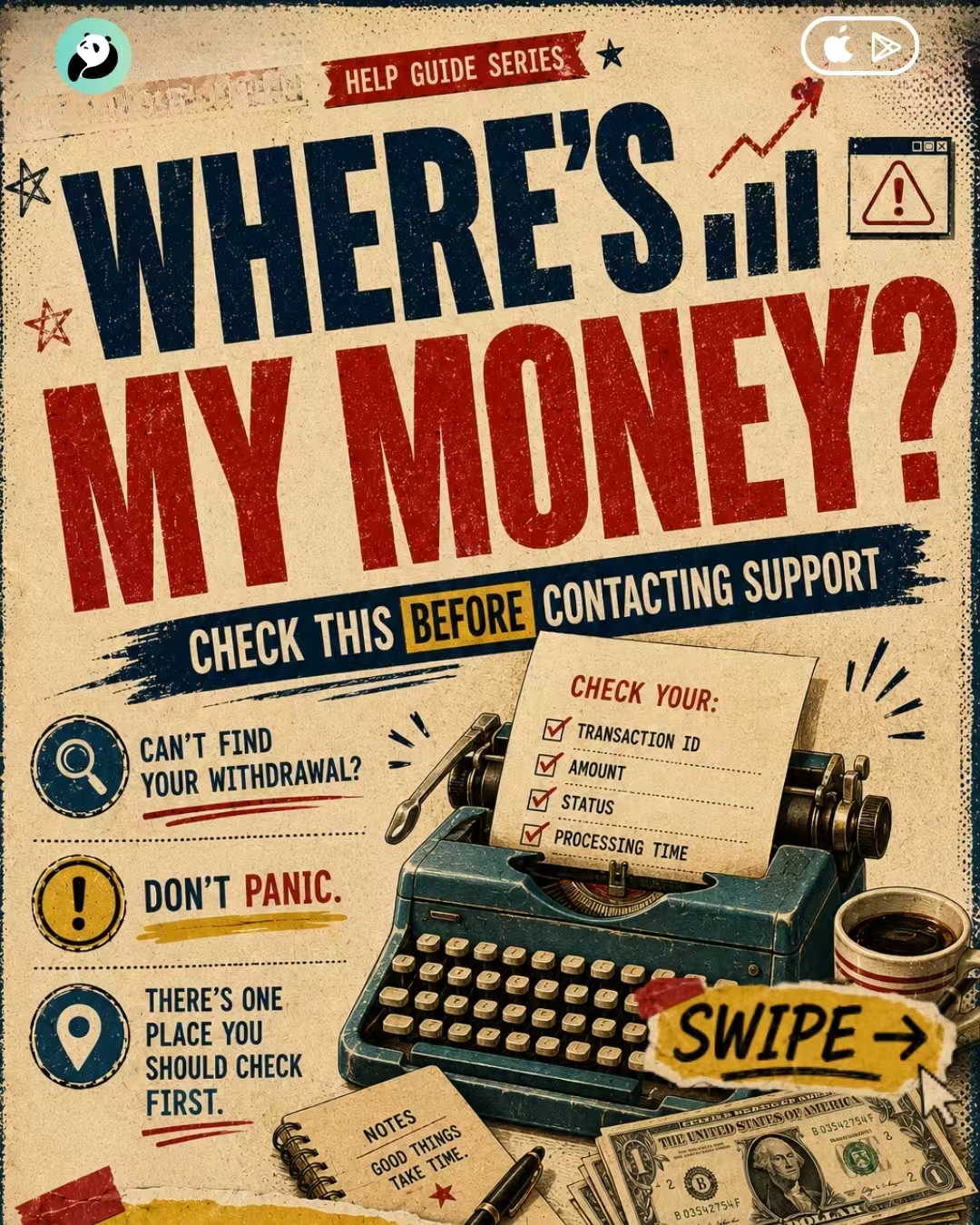
Can’t find your withdrawal after submitting a request? Do not panic or submit another withdrawal immediately.
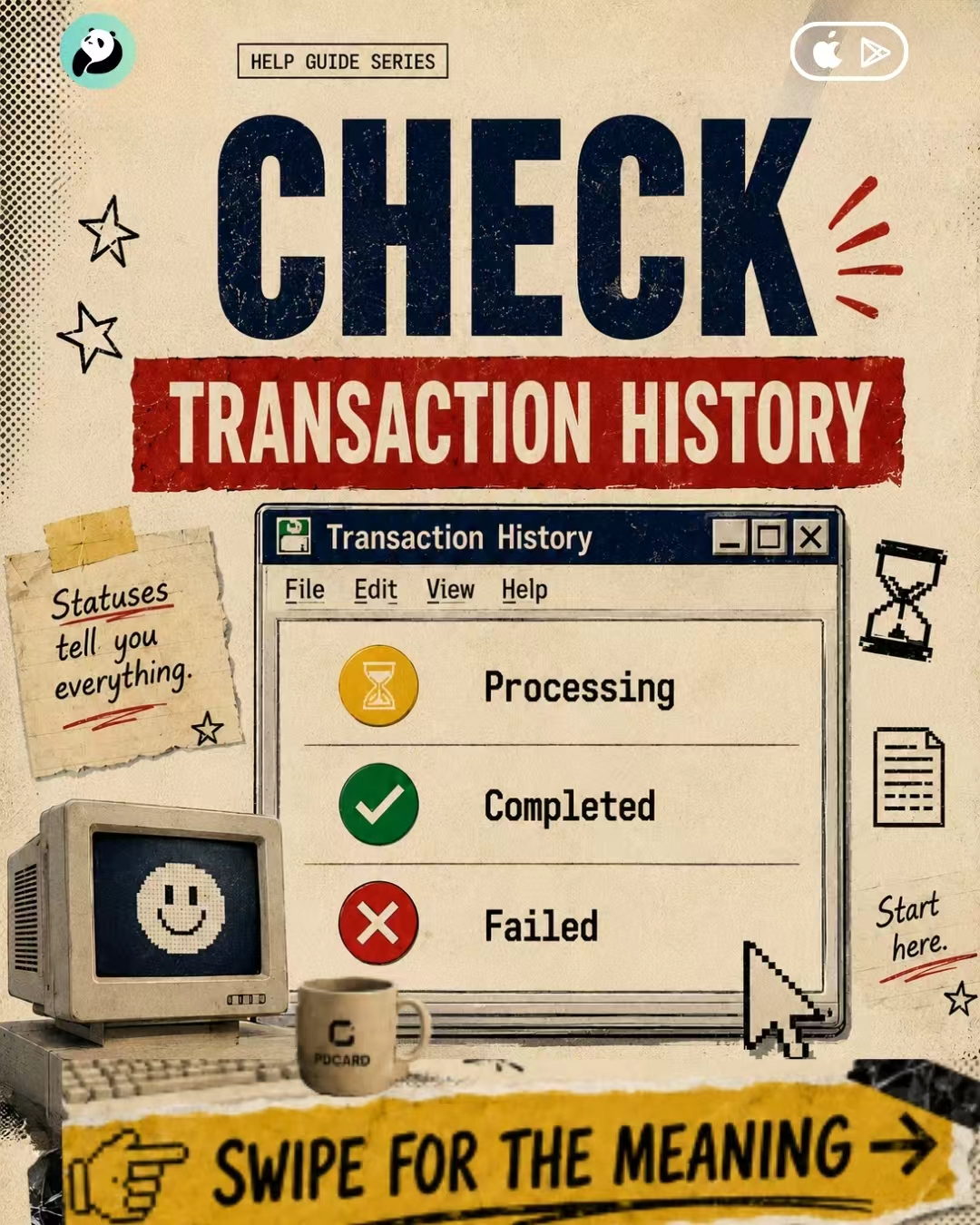
The first thing you should do is check your PDCard withdrawal status. Your transaction record can help you confirm whether the withdrawal is still processing, completed, or unsuccessful.
It also shows important details such as the transaction ID, withdrawal amount, submission time, and current status.
How to Check Your Withdrawal Status
Follow these simple steps:
- Log in to your PDCard account.
- Open Notifications.
- Find the correct withdrawal transaction.
- Check the transaction ID, amount, time, and status.
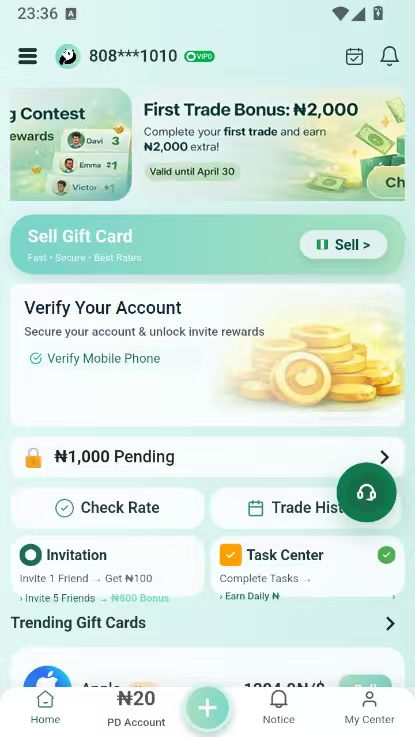
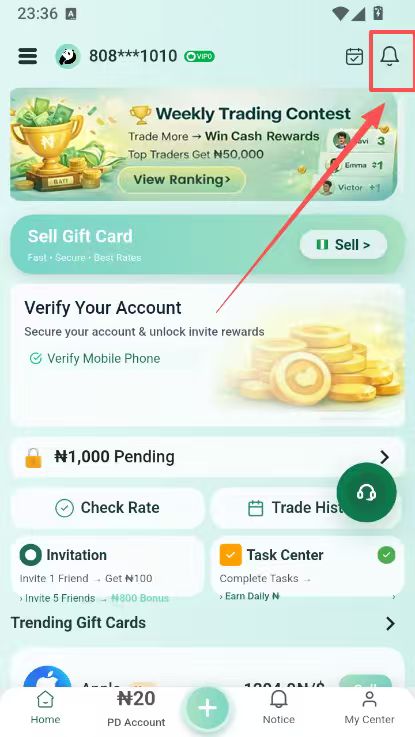
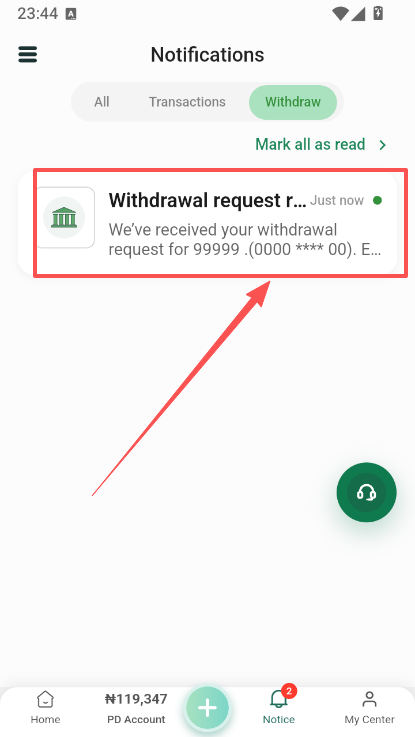
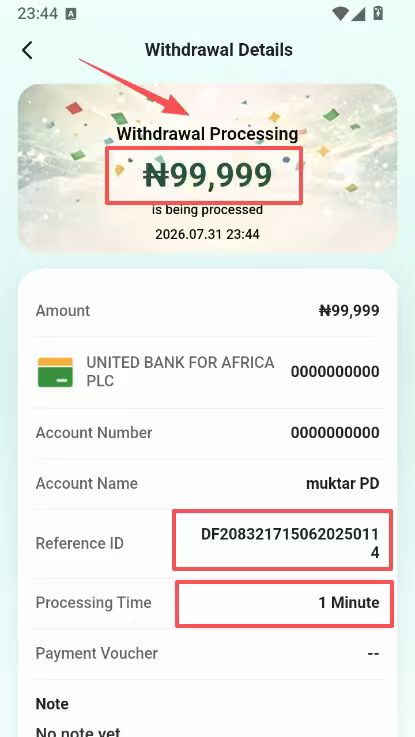
Make sure you are checking the same PDCard account that was used to submit the withdrawal request.
What Does Each Withdrawal Status Mean?
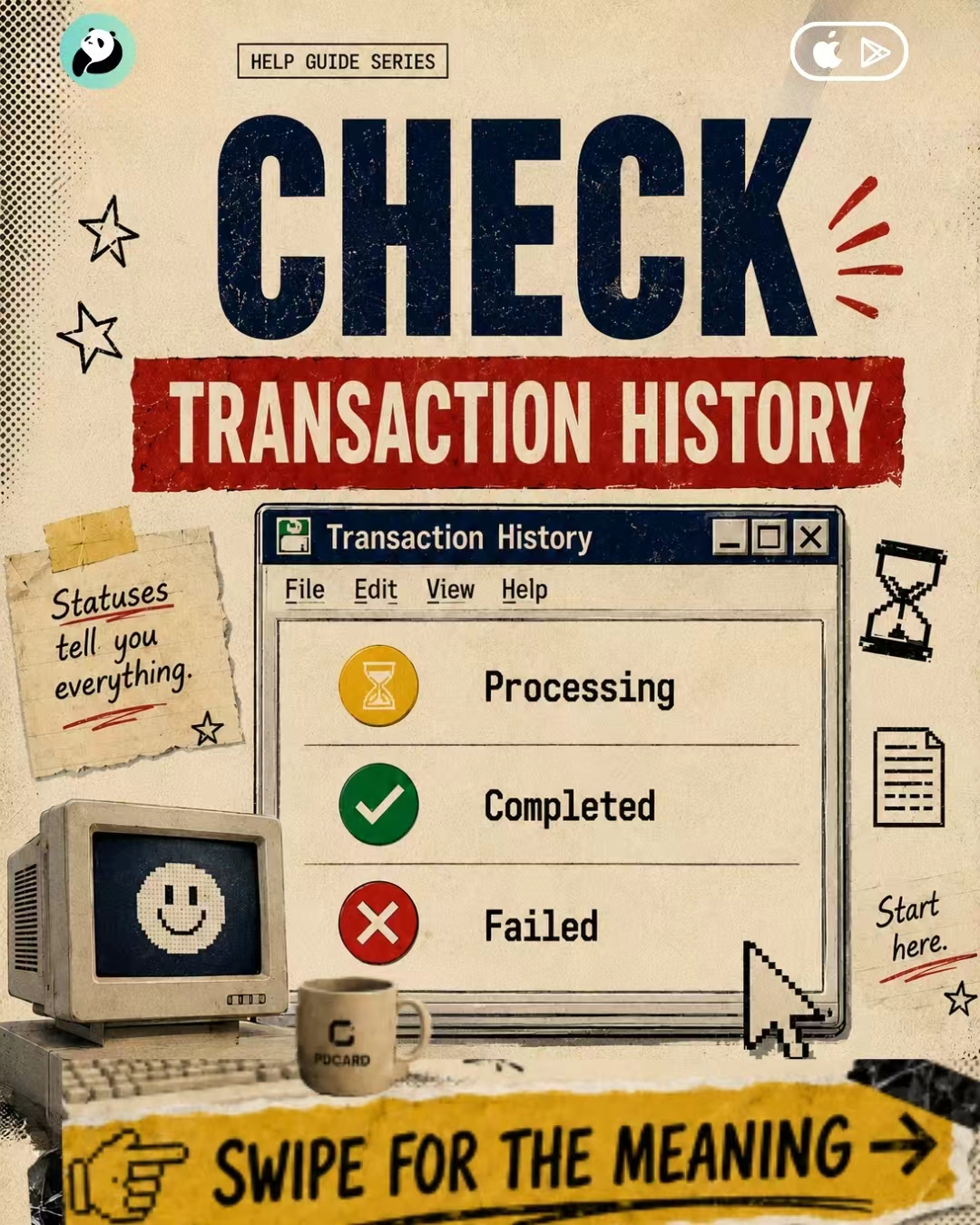
Processing
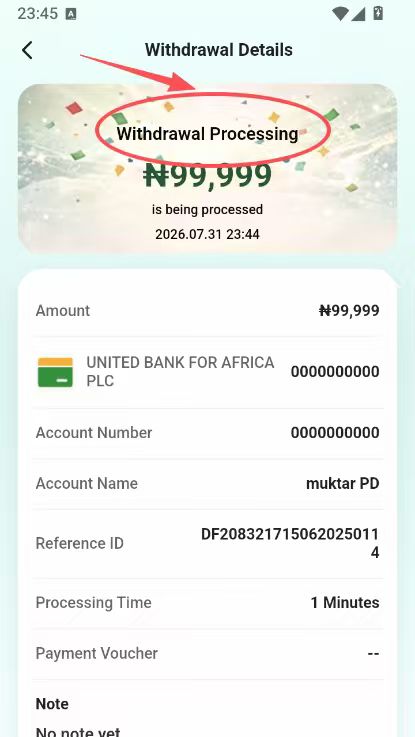
A Processing status means your withdrawal is still being reviewed or transferred.
You should wait and continue checking the status in the app. Avoid submitting another request because this may create a duplicate withdrawal.
Completed
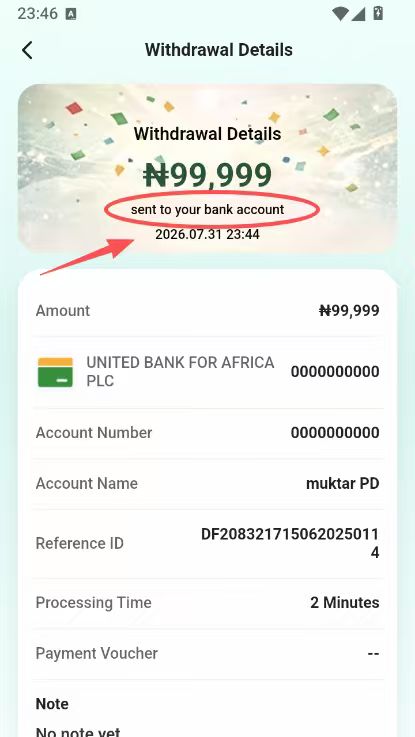
A Completed status means the withdrawal has been successfully processed.
Check your receiving account, bank transaction history, and the account information used for the withdrawal. If you still cannot find the money, contact support with the transaction details.
Failed
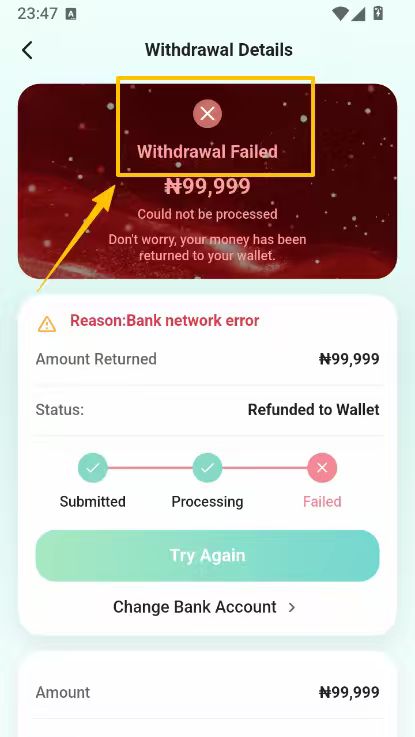
A Failed status means the withdrawal was not completed.
Review the transaction message and confirm that your receiving account information is correct before trying again.
Why Should You Check Your Transaction Record First?
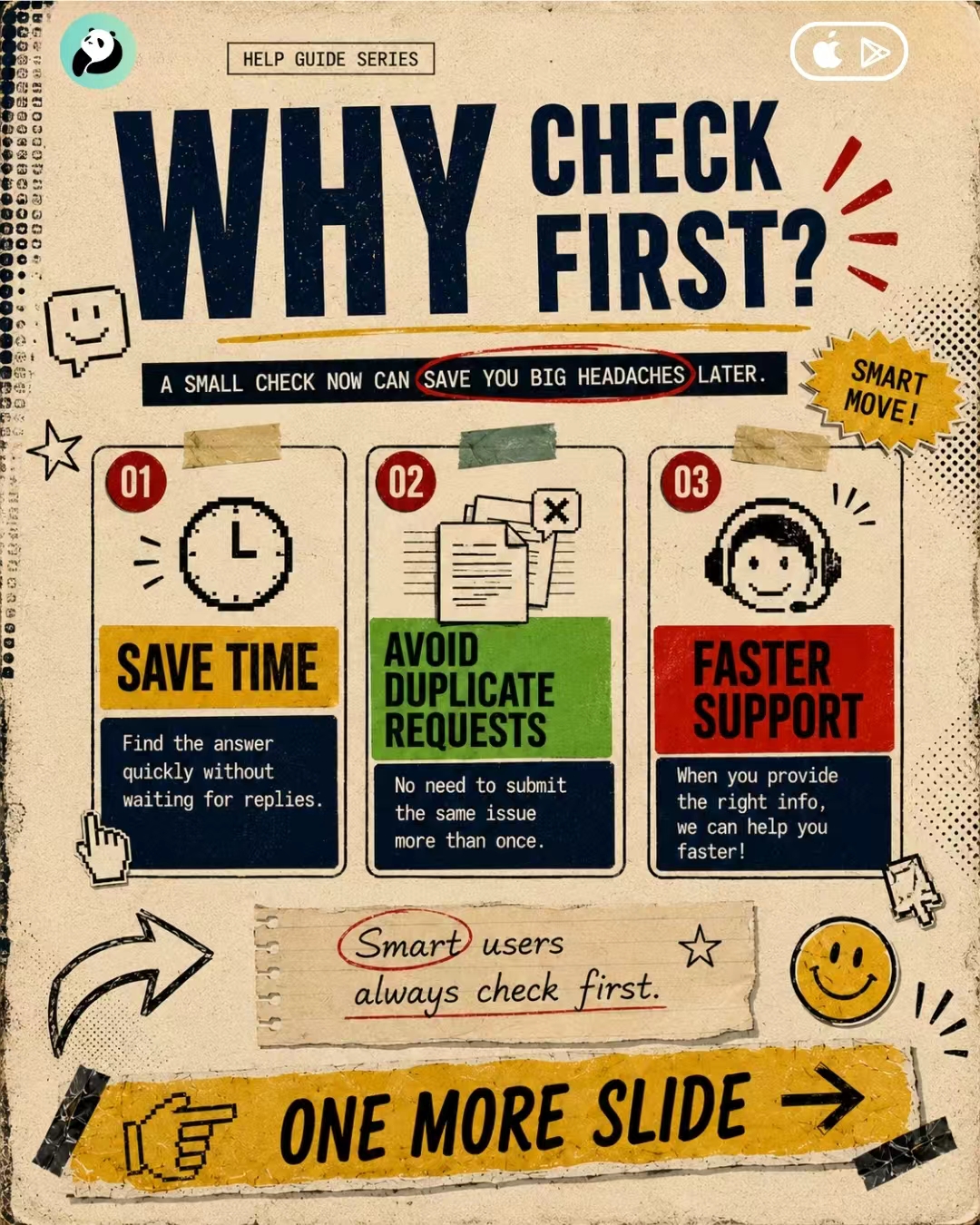
Checking your transaction before contacting support can help you:
- Understand the current withdrawal status.
- Save time waiting for a reply.
- Avoid submitting duplicate requests.
- Provide the correct information to support.
- Resolve simple issues more quickly.
In many cases, the transaction status already explains what is happening.
When Should You Contact Support?
You may need to contact PDCard Support when:
- The withdrawal is missing from your transaction records.
- The status is Completed, but the money has not arrived.
- The status is Failed without a clear explanation.
- The transaction remains Processing longer than expected.
- The amount or transaction details are incorrect.
What Should You Prepare?
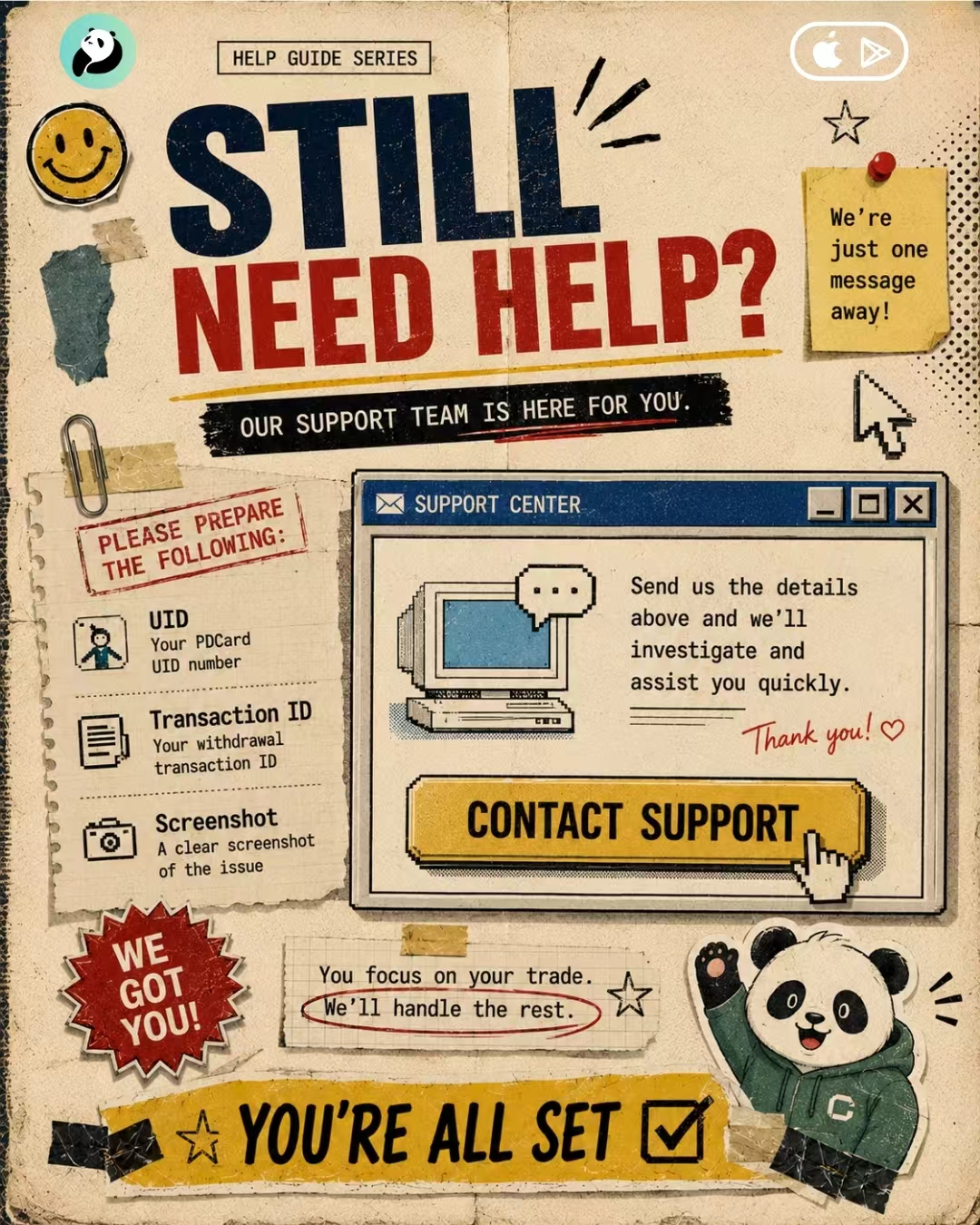
Before contacting PDCard Support, prepare:
- Your PDCard ID
- Withdrawal Transaction ID
- Withdrawal amount
- Current transaction status
- A clear screenshot of the issue
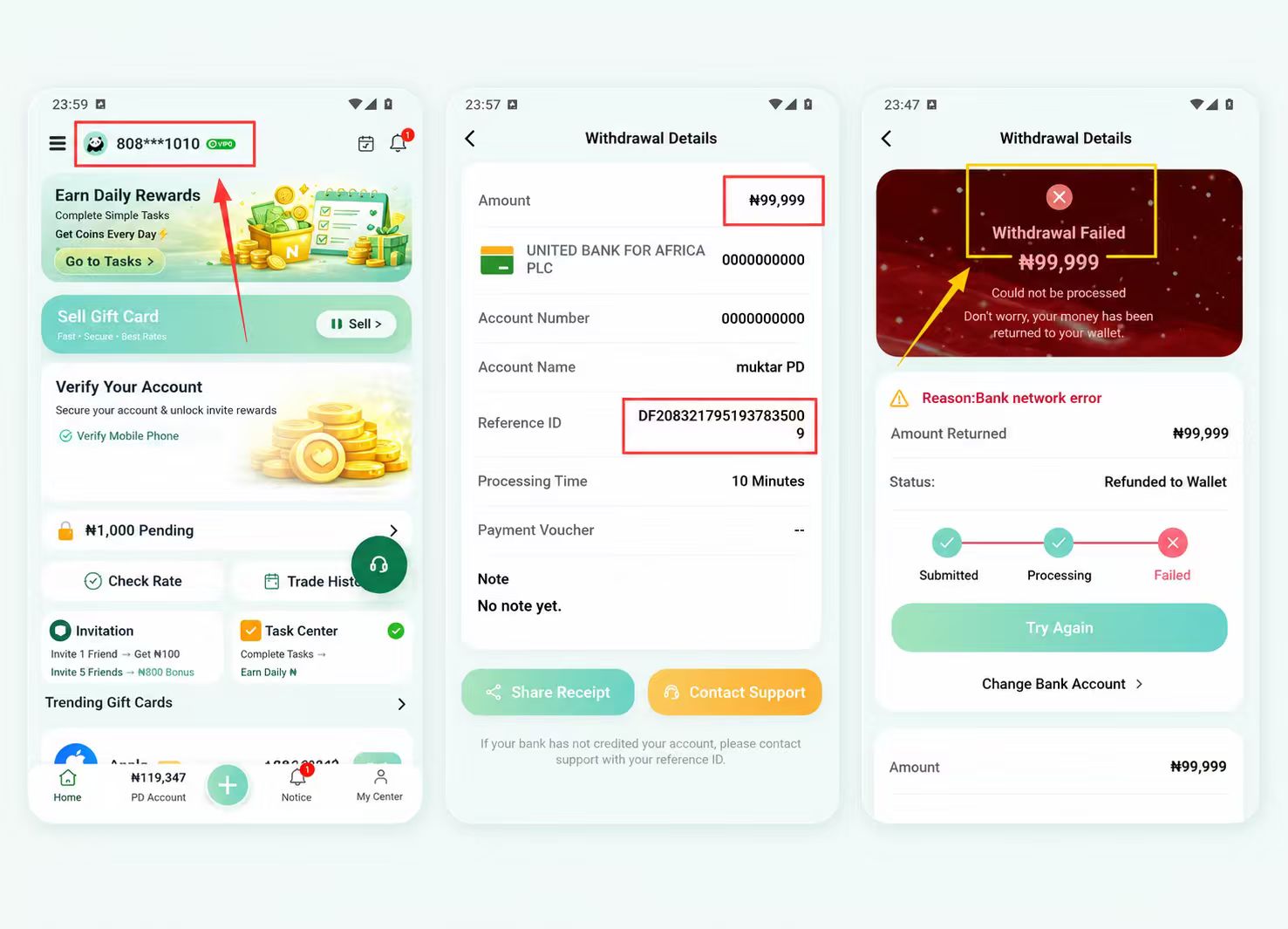
Providing complete information helps the support team locate and review the transaction more quickly.
Conclusion
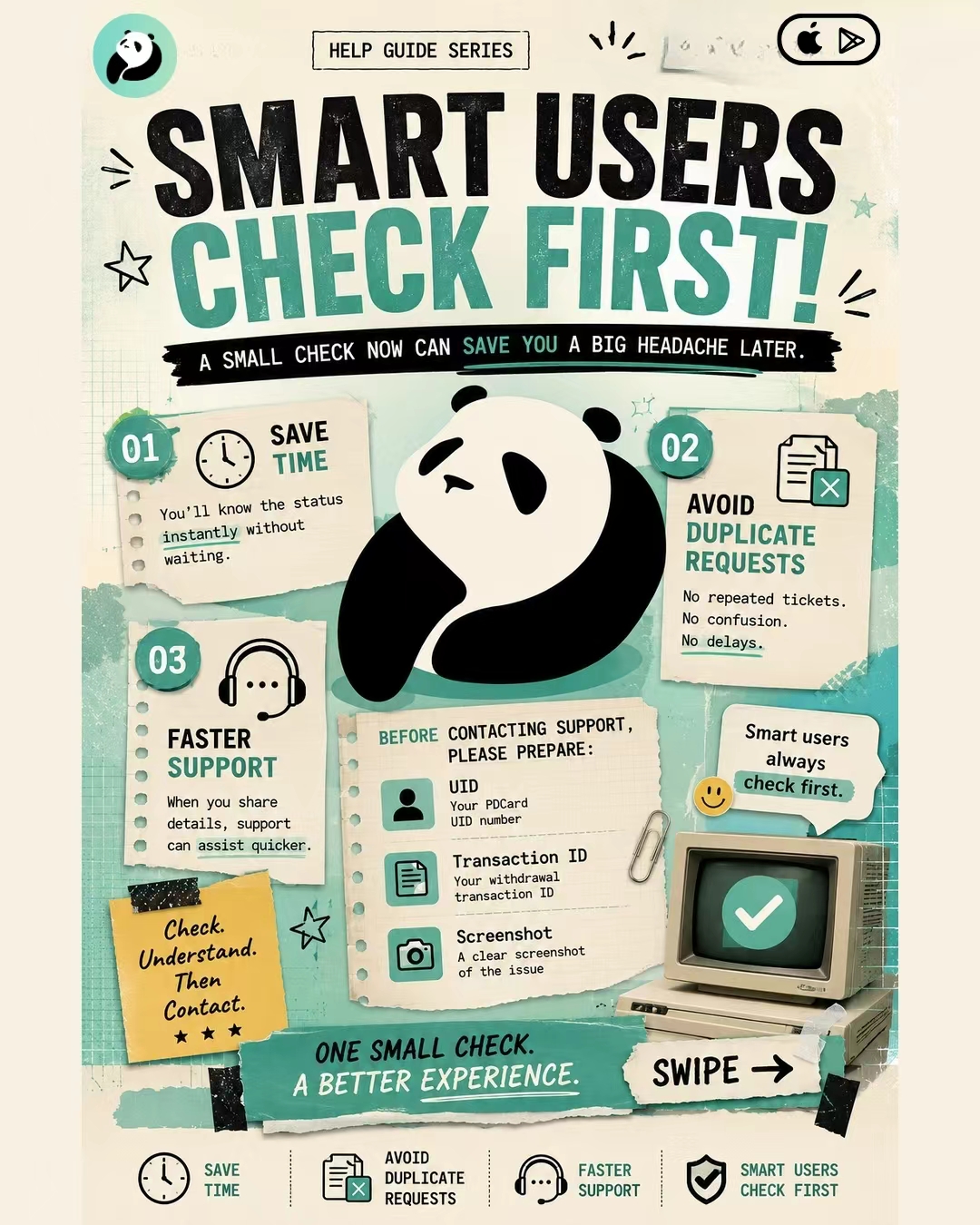
When you cannot find your withdrawal, always check your PDCard withdrawal status first.
Review the transaction details and understand what Processing, Completed, or Failed means. If the issue continues, contact support with your PDCard ID, Transaction ID, and a clear screenshot for faster assistance.
👉 Download the PDCard app on App Store or Google Play, then sign in and manage your withdrawal directly in the app.
Apple gift card trading on PDCard
If you sell Apple gift cards and cannot locate a later withdrawal, check the card order and payout status separately. Keep the relevant references available so official support can investigate the right step.
Related guides: how to sell Apple gift cards in Nigeria and Apple gift card rates and naira value.