How to Stay Updated Through the Official PDCard Announcement Group[2026]
How to Stay Updated Through the Official PDCard Announcement Group
PDCard is creating a clearer way for users to receive important updates, app guides, TikTok activities, livestream announcements, and review support information.
If you previously connected with PDCard Review Support, you may receive a message asking whether you would like to stay updated through the official PDCard Announcement Group.
This update space is designed to help users receive information more easily without missing important messages about the app, campaigns, games, and customer support notices.
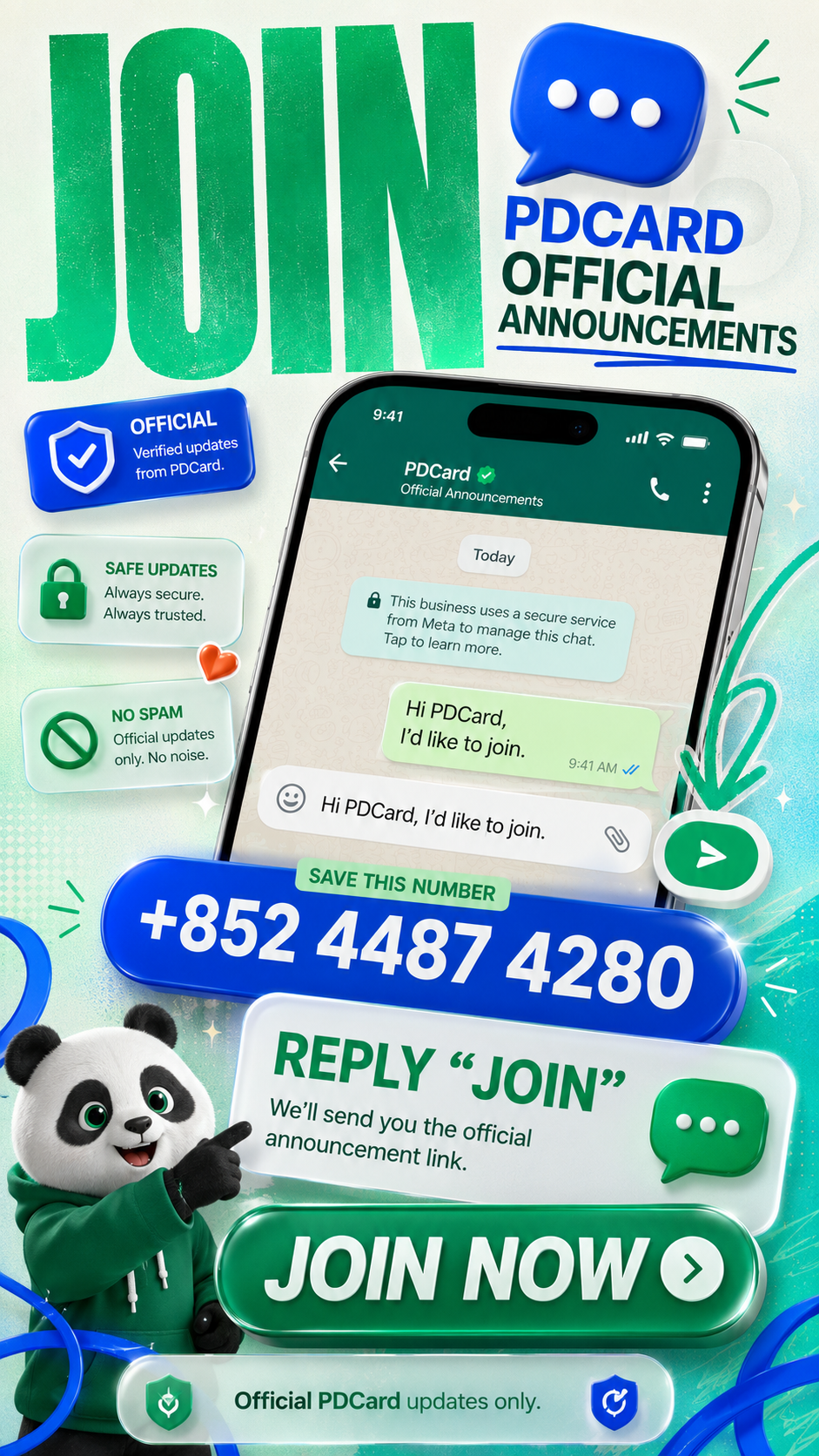
Why PDCard Created an Official Announcement Group
Many users connect with PDCard through WhatsApp, TikTok, app reviews, support messages, and campaign activities. Because updates can come from different places, some users may miss important information.
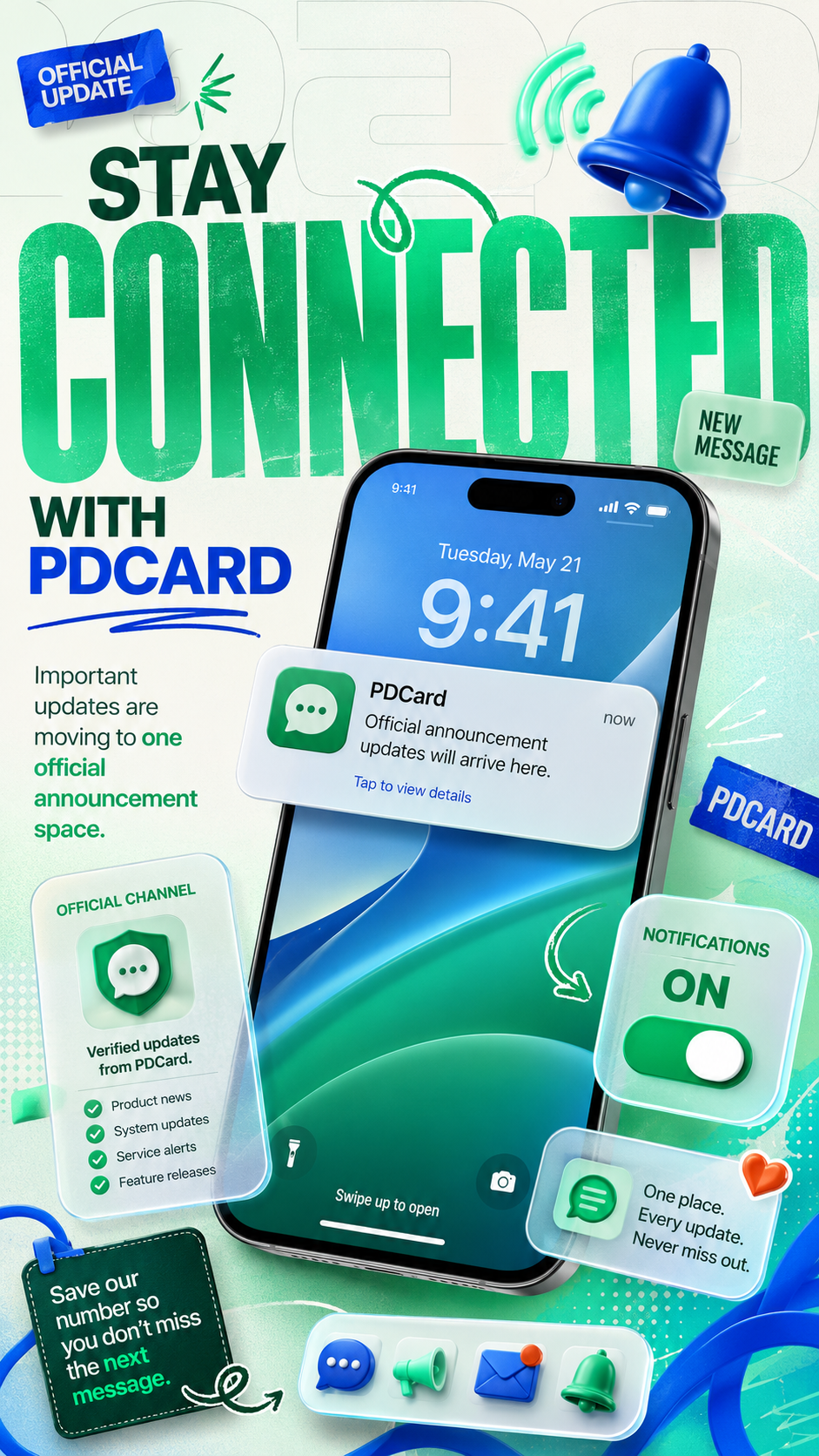
The official PDCard Announcement Group helps organize updates in one place.
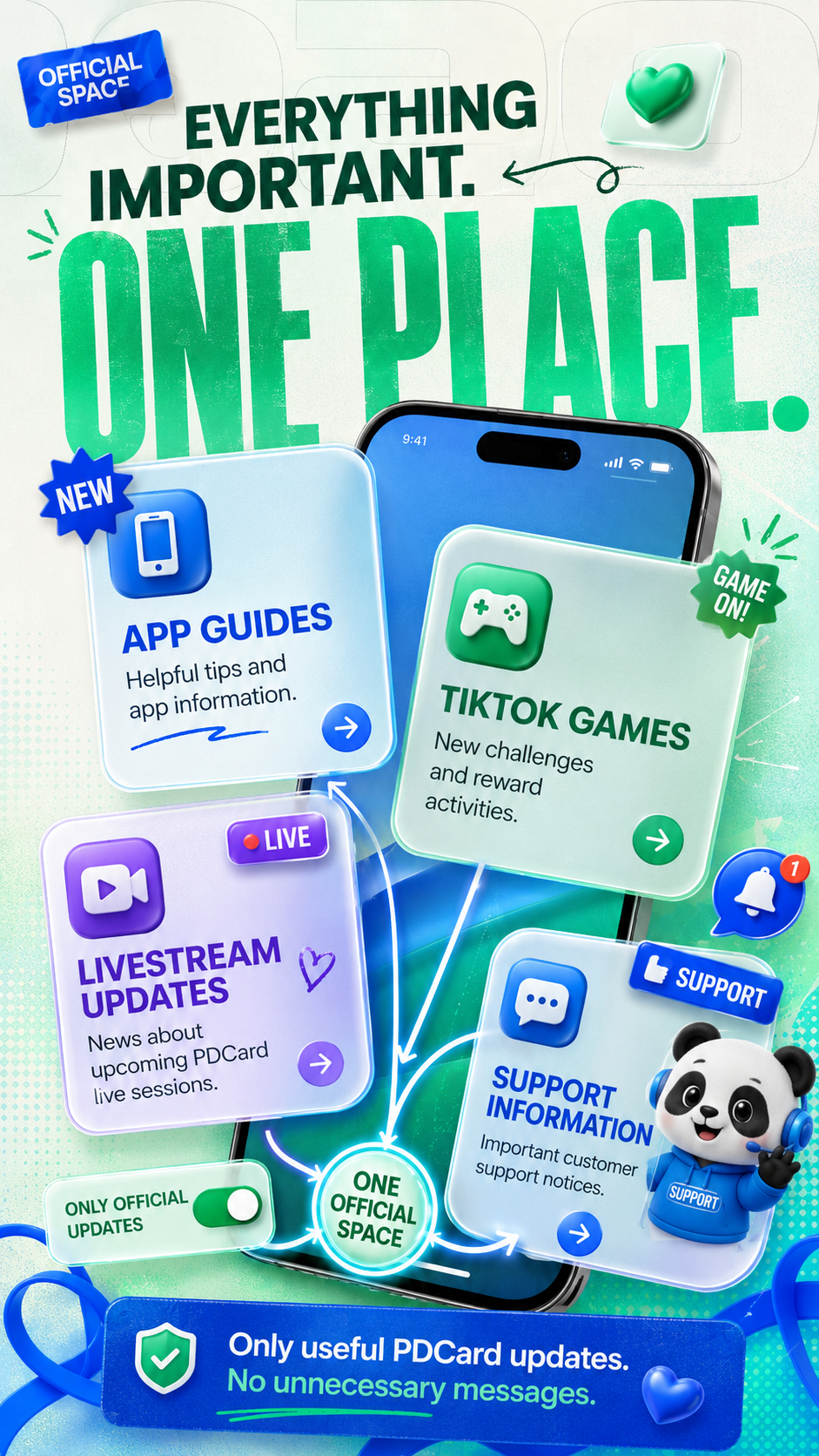
The group may be used for:
- PDCard app guides
- TikTok games and activities
- Livestream announcements
- Review support information
- Important customer updates
- New campaign notices
- App-related reminders
This helps users follow PDCard updates more clearly.
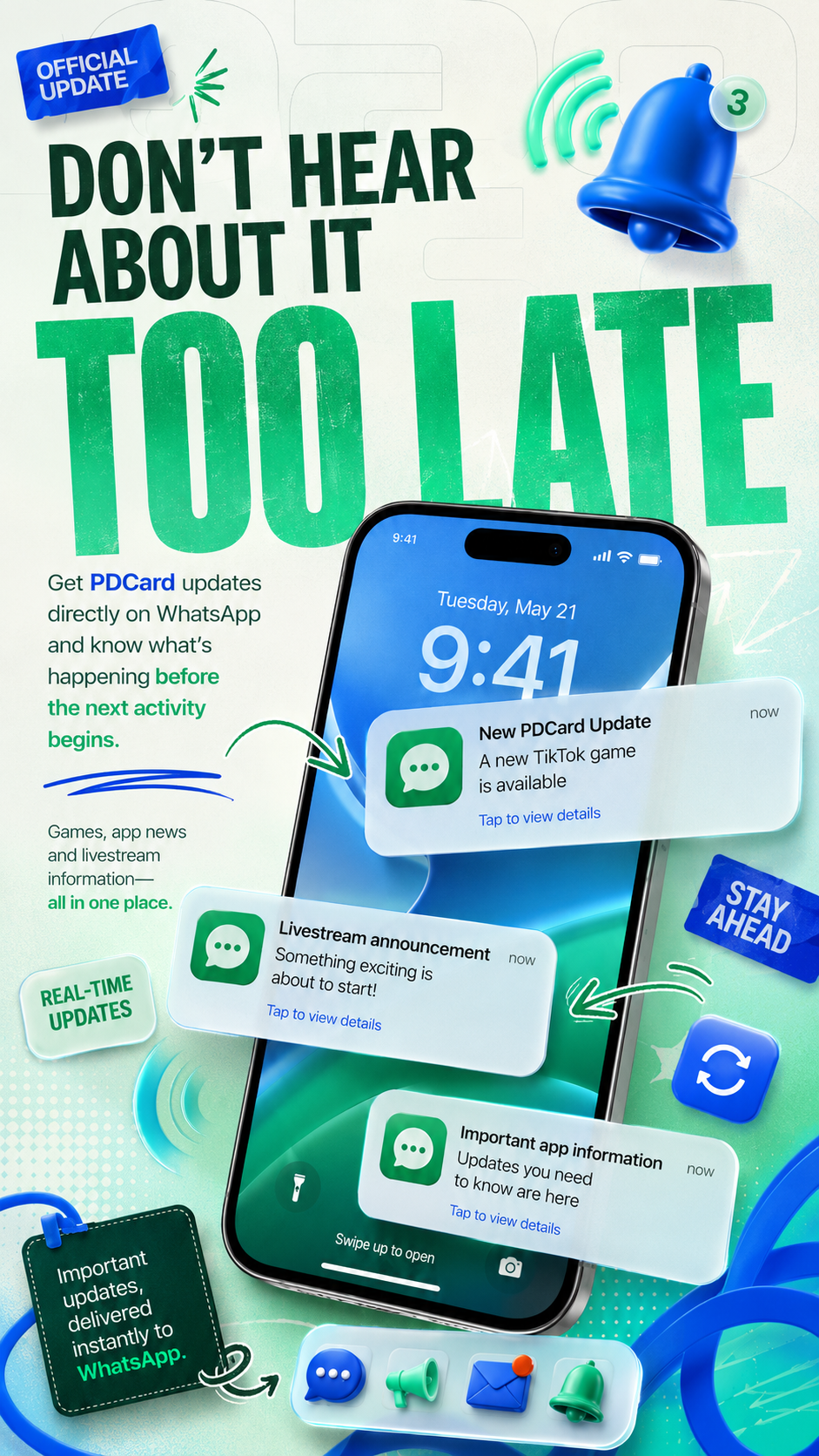
How the PDCard Announcement Group Works
The PDCard Announcement Group is used mainly for official updates.
Only admins can post in the group. This helps keep the group clean, organized, and easier to read. Users do not need to scroll through too many unrelated messages or spam replies.
For personal support, users should continue messaging PDCard Review Support directly instead of posting inside the group.
This keeps announcement updates separate from private customer support conversations.
Why Users May Be Asked to Save the Support Number
Before sending the official group link, PDCard Review Support may ask users to save the WhatsApp number first.
Saving the number can help users receive WhatsApp updates and Stories more reliably. It also makes it easier for users to recognize the official PDCard Review Support account when future updates are sent.
Users may be asked to save the number as:
PDCard Review Support
After saving the number, users can reply “SAVED” so the team can send the official PDCard Announcement Group link.
How to Join the Official PDCard Announcement Group
If you want to receive PDCard updates, the process is simple.
Users may be asked to:
- Reply “YES” if they want to receive the update details
- Save the number as PDCard Review Support
- Reply “SAVED” after saving the number
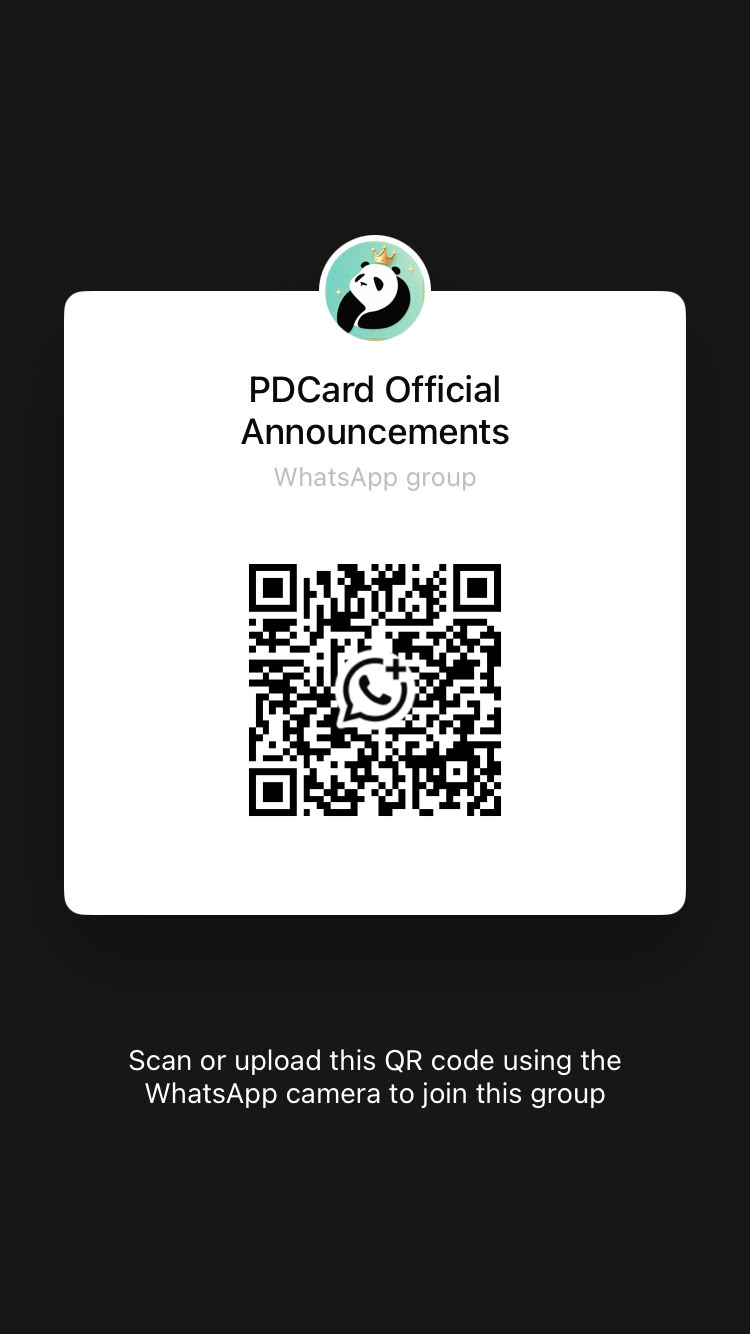
- Receive the official PDCard Announcement Group link
- Join the group for app guides, TikTok games, livestream updates, and important notices
This process helps confirm that the user is interested before the group link is shared.
What Updates Can Users Expect?
The official group is not for random messages. It is mainly for PDCard-related announcements and useful updates.
Users may receive information about:
- How to use the PDCard app
- How to check gift card rates
- How to submit card details correctly
- TikTok games and reward activities
- Livestream schedules
- Review support reminders
- Customer support updates
- Important app or campaign announcements
This gives users a clearer way to follow PDCard activities without depending only on individual WhatsApp messages.
Why Personal Support Should Stay in Direct Chat
The announcement group is for updates, not private support issues.
If a user has a personal issue, trade question, review problem, account concern, or app-related question, they should continue messaging PDCard Review Support directly.
This helps protect user information and keeps support conversations private.
Users should avoid sharing personal account details, gift card information, phone numbers, or trade details inside public or group spaces.
How to Stay Safe With PDCard Updates
Users should only trust official PDCard channels when receiving links, app updates, support messages, or campaign information.
Before joining any group or sharing information, users should check that the message comes from the correct PDCard Review Support account or official PDCard channel.
To stay safer:
- Do not share gift card codes in groups
- Do not send personal trade details to random accounts
- Do not trust unofficial group links
- Do not follow instructions from unknown users
- Use official PDCard support for personal issues
- Check the official PDCard app for important information
Clear official communication helps users avoid confusion and wrong information.
FAQ
What is the PDCard Announcement Group?
The PDCard Announcement Group is an official WhatsApp update space for app guides, TikTok games, livestream announcements, review support information, and important PDCard updates.
Who can post in the group?
Only admins can post in the group. This helps keep the announcement space clean and easy to follow.
Why should I save the PDCard Review Support number?
Saving the number helps you recognize PDCard Review Support and receive WhatsApp updates or Stories more easily.
What should I reply if I want the group details?
You can reply “YES” if you want to receive the group details. After saving the support number, reply “SAVED” to receive the official group link.
Should I ask personal support questions inside the group?
No. For personal support, trade issues, review questions, or account-related concerns, continue messaging PDCard Review Support directly.
Is the group required?
No. Users can choose whether they want to receive the group details. If you are not interested, you do not have to join.
Stay Connected With PDCard
The official PDCard Announcement Group gives users a clearer way to receive app guides, TikTok activity updates, livestream announcements, and customer support information.
If you want to stay updated, reply “YES” when PDCard Review Support contacts you, save the number, and follow the next steps to receive the official group link.
Stay updated. Follow official PDCard channels. Use direct support for personal help.
Article Summary
PDCard is creating an official Announcement Group to help users receive app guides, TikTok games, livestream updates, review support information, and important customer notices in one organized place. Users may be asked to reply “YES,” save the PDCard Review Support number, and reply “SAVED” before receiving the official group link. The group is for announcements only, while personal support should continue through direct messages with PDCard Review Support.
STAY CONNECTED
Keep PDCard close.
THE APP
Download PDCard
Check today’s available rates, submit transfers, track your transactions, and withdraw Naira to your bank on the go.
OFFICIAL COMMUNITY
Stay in the loop
Get official PDCard updates. Join our community channels for daily rate updates, platform announcements, and trading support.
Apple gift card trading on PDCard
Planning to sell Apple gift cards later in the day? Official announcements can help you follow rate updates, but the quote for your exact card in the app is the one to confirm before submitting. Avoid treating an older group post as a guaranteed current payout.
Related guides: how to sell Apple gift cards in Nigeria and Apple gift card rates and naira value.