Different Gift Cards, One Trading App: Apple, Steam and Amazon on PDCard[2026]
Apple estimated payouts
Apple gift cards issued in the United States. Face values are in USD. Payout estimates are in Nigerian naira before any applicable fees.
| Card type | US$100 |
|---|---|
| Physical card | ₦131,415.50 |
Last rate check . Earliest quote expiry (Lagos time).
Confirm your quote in the app before selling. Final payout is determined after review. Get the official PDCard app.
Steam estimated payouts
Steam gift cards issued in the United States. Face values are in USD. Payout estimates are in Nigerian naira before any applicable fees.
| Card type | US$100 |
|---|---|
| Physical card | ₦120,157.50 |
Last rate check . Earliest quote expiry (Lagos time).
Confirm your quote in the app before selling. Final payout is determined after review. Get the official PDCard app.
Amazon estimated payouts
Amazon gift cards issued in the United States. Face values are in USD. Payout estimates are in Nigerian naira before any applicable fees.
| Card type | US$100 |
|---|---|
| Physical card | ₦86,600.00 |
Last rate check . Earliest quote expiry (Lagos time).
Confirm your quote in the app before selling. Final payout is determined after review. Get the official PDCard app.
Apple rates · Steam rates · Amazon rates · Browse all gift card rates
Different Gift Cards, One Trading App: Apple, Steam and Amazon on PDCard
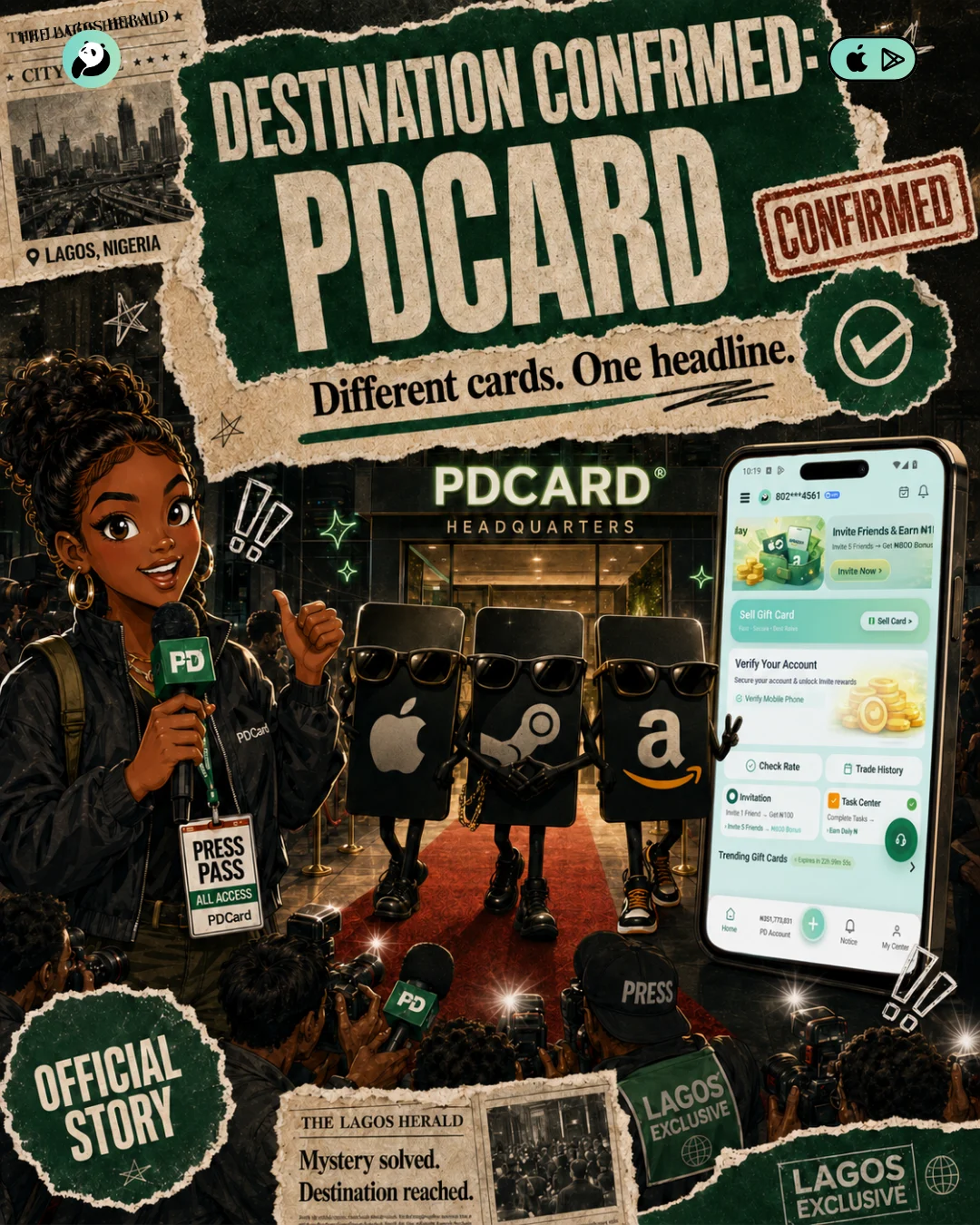
Gift cards may come from different brands, countries, and currencies, but managing them does not need to involve several different platforms.
Check Apple’s own rate before choosing a card category
PDCard supports several gift card categories, but an Apple card needs its own country, format and denomination selection. The published USA Apple snapshot below is not a Steam or Amazon offer.
Match the Apple card’s issuing country, format and face value when checking the current estimate. If several tiers overlap, confirm which category applies in the PDCard app.
Sell Apple gift cards in Nigeria: trading and bulk guide · Apple US$100, US$200 and US$500 Naira payout table. Confirm the correct category and current app quote before submission.
Whether you have an Apple, Steam, Amazon, or another supported gift card, PDCard allows you to check the available rate, select the correct card category, submit the required information, and track the transaction from one app.
Different Gift Cards Have Different Details
Although gift cards may look similar, they are not all processed in the same way.
Each card may have its own:
- Brand
- Country or region
- Currency
- Denomination
- Card type
- Code format
- Receipt requirement
- Available rate
For example, two gift cards from the same brand may have different values when they are issued in different countries or currencies.
This is why users should identify the exact card information before selecting a category on PDCard.

Why Gift Card Rates Are Not Always the Same
Different gift cards may have different available rates.
The displayed value does not depend only on the brand. Several other factors may affect it.
Country and Currency
A card issued in USD may have a different rate from one issued in GBP, EUR, CAD, or another currency.
Gift Card Type
A physical card and an e-code may belong to different categories, even when they come from the same brand.
Denomination
The value printed on the card may affect the available category or rate.
Receipt Availability
Some card categories may ask whether a purchase receipt is available.
Market Conditions
Gift card rates may change based on current demand, currency movement, and market availability.

What to Check Before Trading a Gift Card
Identify the Country
Check the card packaging, receipt, currency, and other regional information.
Confirm the Currency
Look for symbols or abbreviations such as USD, GBP, EUR, or CAD.
Check the Denomination
The amount selected in the app should match the value printed on the card.
Review the Code
Make sure the full code is visible and has been entered correctly.
Keep the Receipt
When a receipt is available, keep it until the transaction has been completed.
Check the Current Rate
Review the available rate inside PDCard immediately before submitting the trade.

Why Use One App for Different Gift Cards?
Using one app for multiple gift card categories can make the trading process easier to manage.
Users can:
- Check different gift card rates in one place.
- Use a similar submission process for multiple card types.
- Review past transactions in Trade History.
- Track the status of submitted cards.
- Access account and withdrawal tools from the same app.
The individual card details may differ, but users do not need to learn a completely different process for every brand.
👉 Download PDCard on App Store or Google Play.