Need Help With a Gift Card? Send the Key Details First [2026]
Need Help With a Gift Card? Send the Key Details First
“My card no work.”
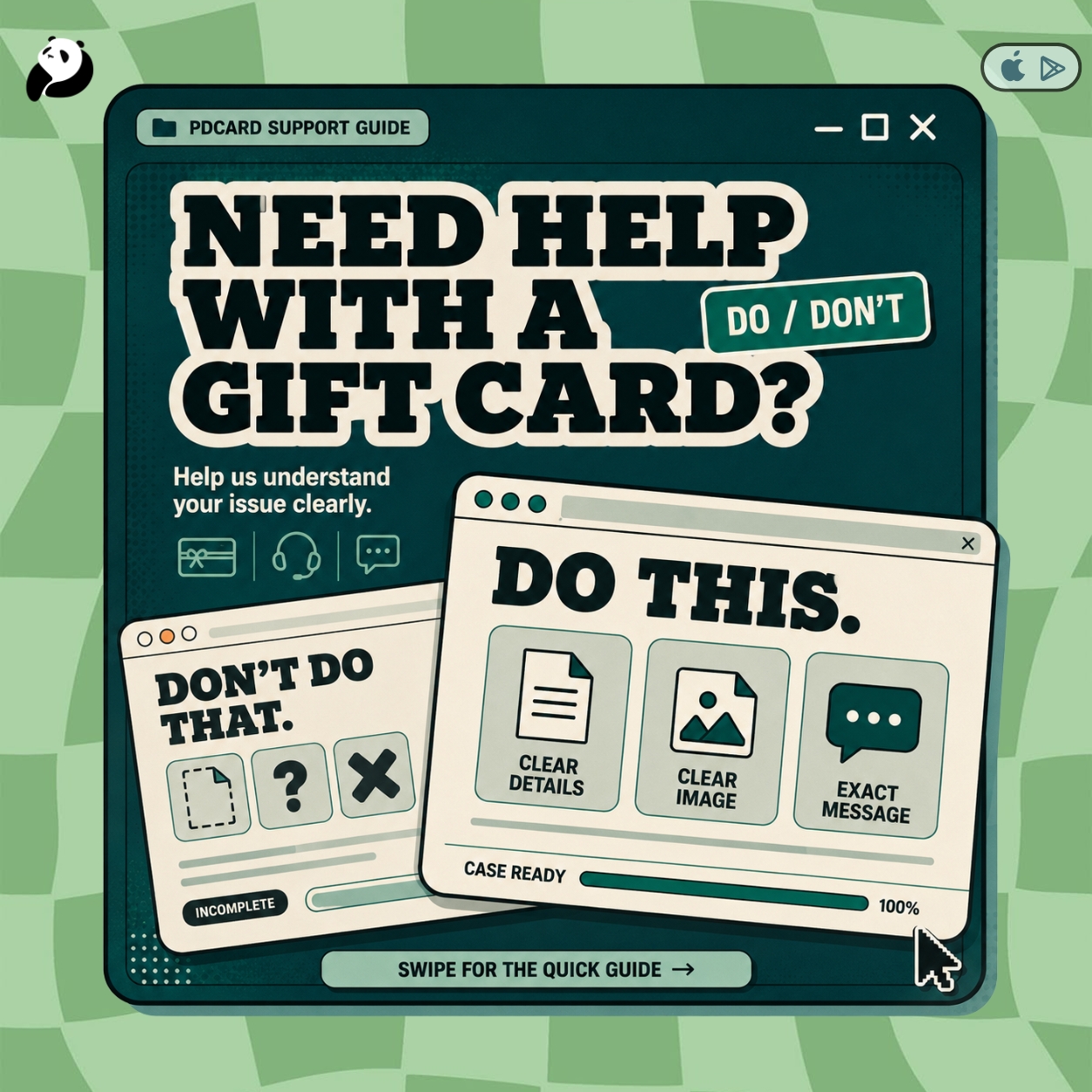
This is one of the most common messages support teams may receive. But for gift card support, this message alone is usually not enough to understand the issue.
When users contact support about a gift card, support may need to know which card, which country, which amount, what issue happened, and what details were already submitted.
Clear details help support understand the situation faster.
Instead of sending only a short message, users should provide the important information from the beginning. This can reduce back-and-forth messages and make the support process easier to follow.
Why Clear Gift Card Details Matter
Gift card trading depends on details.
A gift card may look simple, but the review process may involve the card brand, country, currency, amount, card type, code format, receipt status, and image quality.
If any of these details are missing, support may need to ask more questions before they can understand the issue.
For example, if a user says “my card no work,” support still needs to know:
- What card brand it is
- What country or region the card is from
- What amount is on the card
- Whether it is physical or e-code
- What issue appeared
- Whether the image is clear
- Whether the card was already submitted
- Whether there is a trade ID or order record
Without these details, support may not know where to begin.
What Happens When Details Are Missing?
When details are missing, support may need to ask again. This does not always mean there is a serious issue with the card or the app.
Sometimes, it simply means the first message was too vague.
For example, support may ask:
- Which gift card are you talking about?
- What country is the card from?
- What amount is on the card?
- What error or issue did you see?
- Did you already submit the card?
- Do you have a trade ID?
- Can you send a clearer image?
These questions help support check the right card, the right issue, and the right trade.
What Details Should You Send First?
Before contacting support, users should prepare the key details related to the issue.
You should send:
- The gift card brand
- The card country or region
- The card currency
- The card amount
- The card type or format
- Your trade ID or order details, if available
- A clear explanation of what happened
- A screenshot from the app, if needed
- A clear card image, only if support requests it
- Any receipt or extra document, only if required
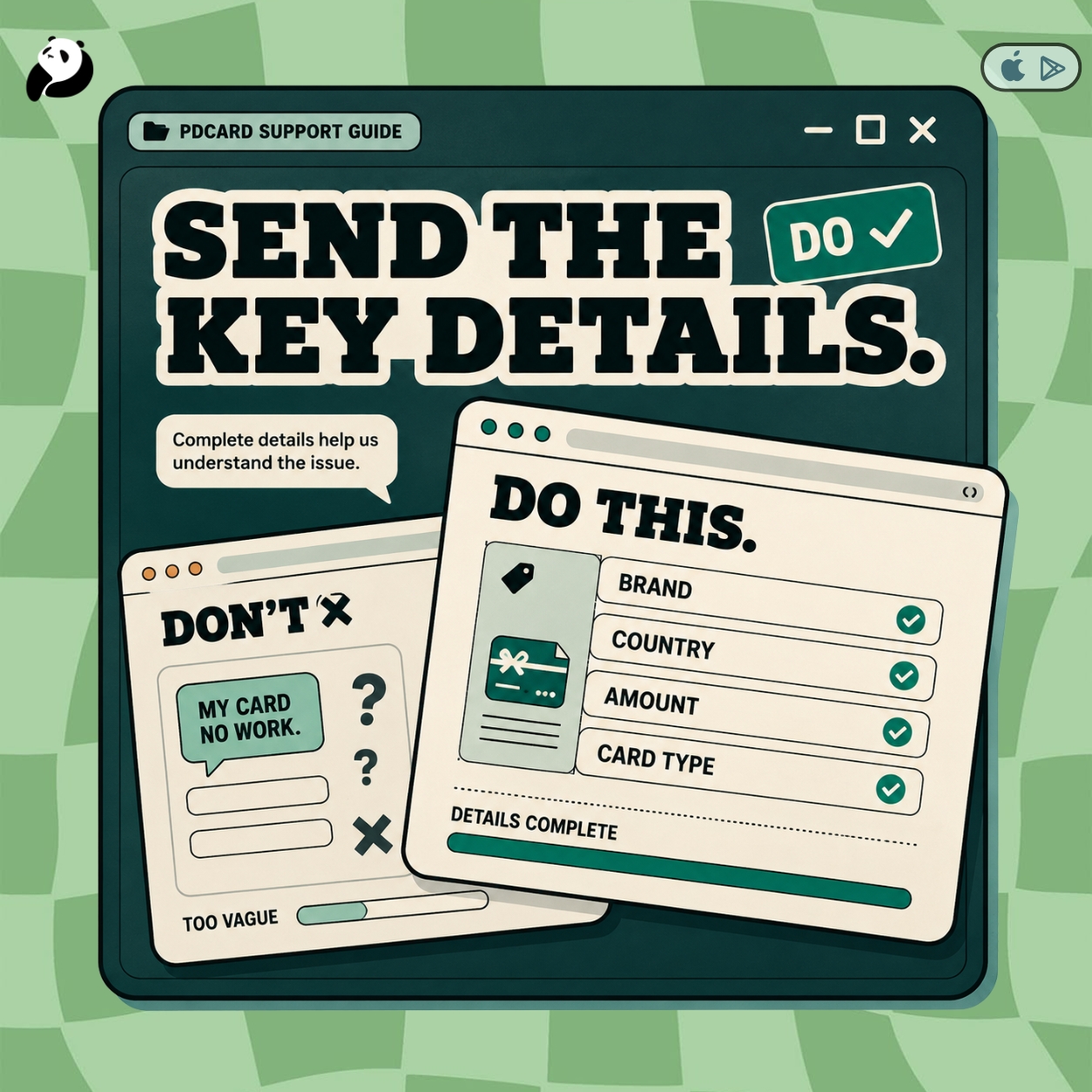
The goal is not to send too much random information. The goal is to send the right information clearly.
Use a Clear Message Instead of a Vague Message
A vague message can slow down the support process.
Instead of saying:
“My card no work.”
It is better to say:
“I submitted an Apple Gift Card, USA, $100, physical card. The trade is still under review, and I want to confirm if more details are needed. My trade ID is [TRADE ID].”
This type of message gives support a clearer starting point.
It helps them understand the card, the issue, and the trade record without asking too many basic questions again.
Why Screenshots and Images Should Be Clear
Sometimes support may need an image or screenshot to understand the issue.
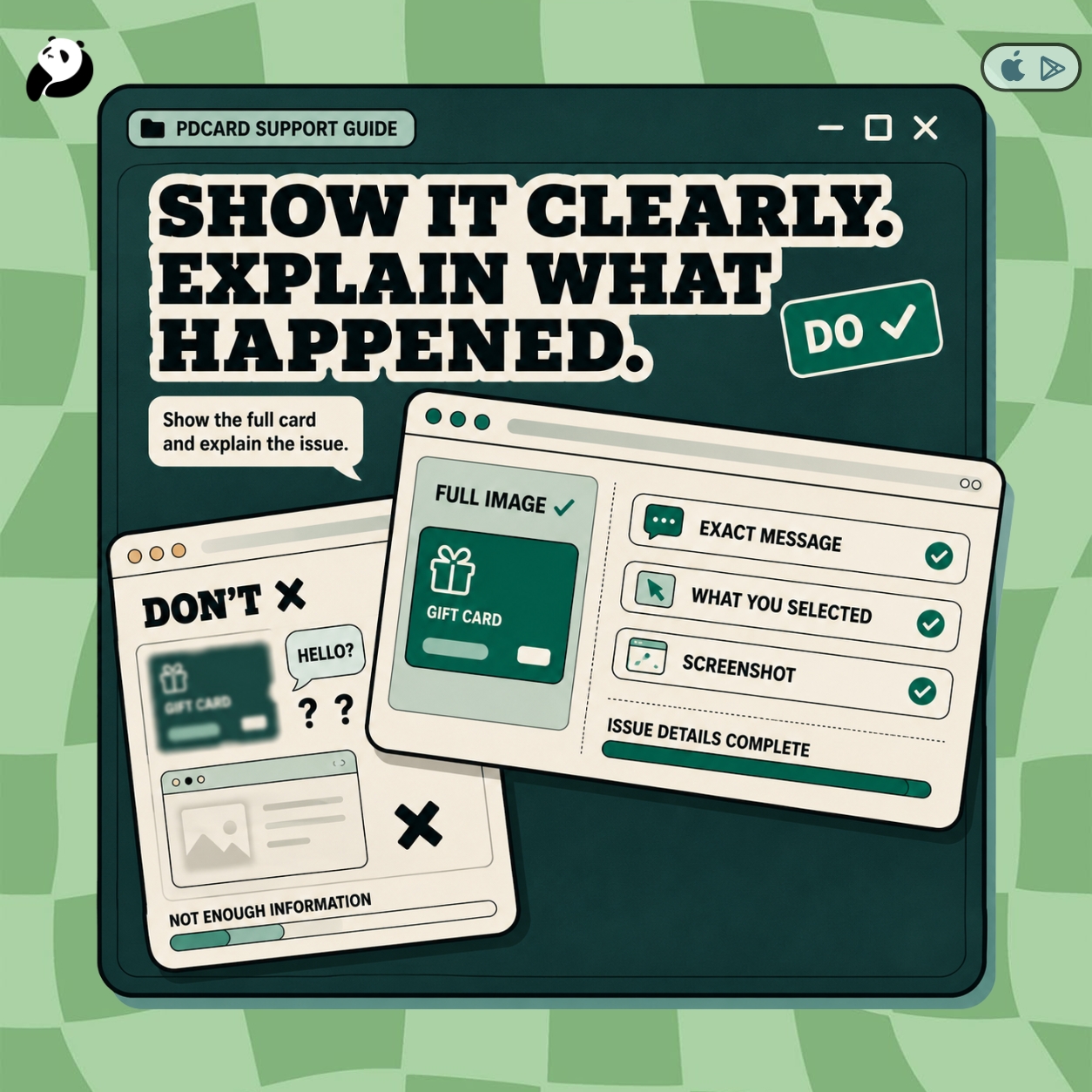
If you send an image, make sure it is clear, complete, and easy to read. A blurry or cropped image may create more confusion.
A good image should show the important details clearly. If the issue is inside the app, send a screenshot that shows the exact page or message you are talking about.
Do not cover important information unless support tells you to hide it.
Share Details With Official PDCard Support Only
Gift card details can be sensitive.
Users should only share trade-related information with official PDCard support channels. Avoid sending card codes, screenshots, trade details, or personal account information to random people, unofficial groups, or unknown social media accounts.
If someone claims they can help outside official support, be careful.
For personal issues, users should contact official PDCard support directly.
How PDCard Support Uses Your Details
PDCard support uses the information you provide to understand your case more clearly.
The right details can help support check:
- The correct trade
- The correct gift card
- The submitted information
- The issue being reported
- Whether extra details are needed
- Whether the image or screenshot is readable
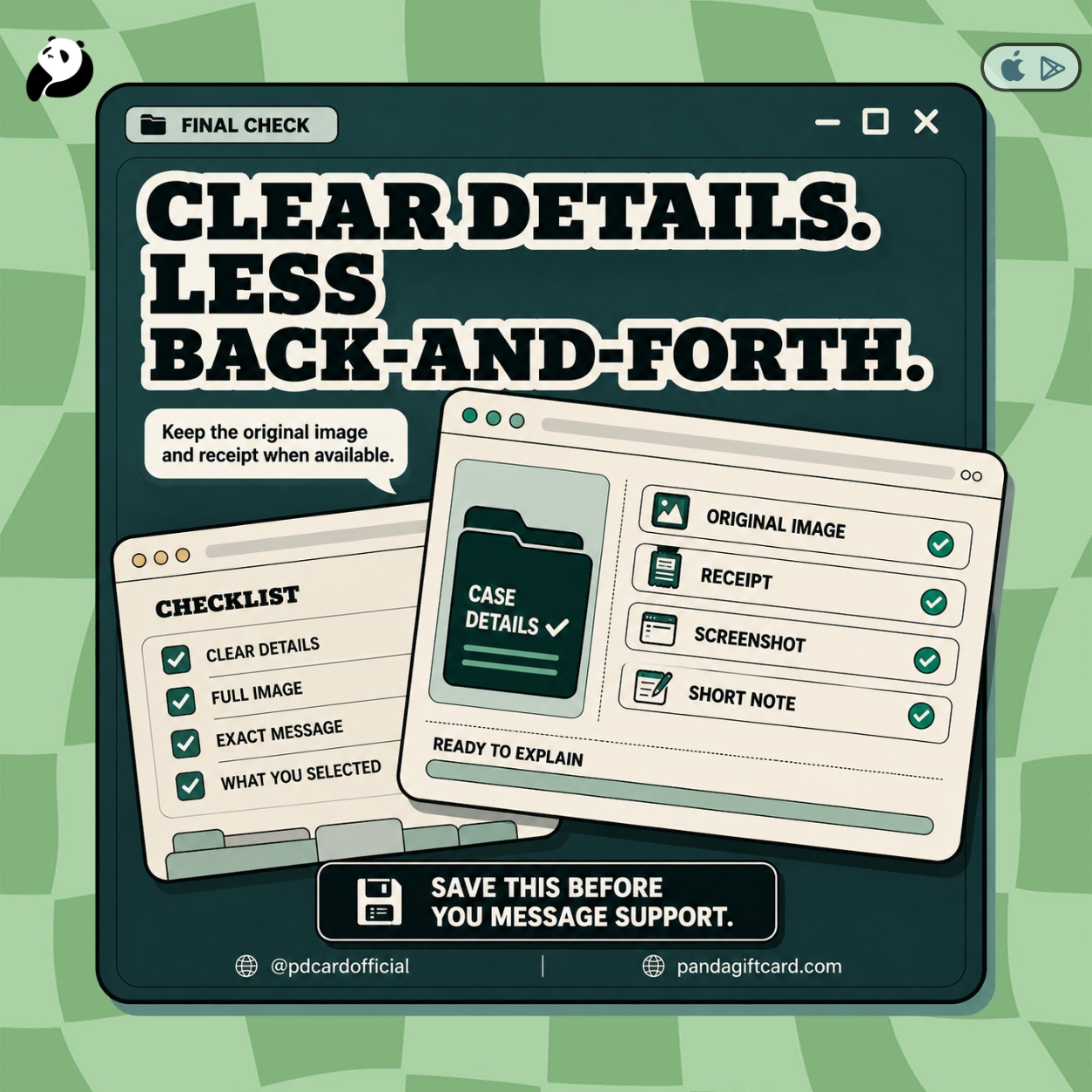
When the first message is clear, support can respond with better context.
This helps reduce unnecessary back-and-forth.
FAQ
Why does support ask so many questions?
Support may ask questions because the original message did not include enough details. Gift card issues often require card brand, country, amount, type, and trade information before they can be checked properly.
Is “my card no work” enough information?
No. That message is too vague. Support still needs to know which card, what amount, what country, what issue, and whether the card was already submitted.
What should I send when asking for gift card help?
Send the card brand, country, currency, amount, card type, trade ID if available, and a clear explanation of the issue.
Should I send my gift card code immediately?
Only send sensitive card details through official PDCard support when required. Do not share gift card codes in public groups or with unknown accounts.
Can clear details make support faster?
Clear details can help support understand your issue faster and reduce repeated questions. It does not guarantee instant resolution, but it makes the process easier to follow.
Send the Key Details First
When you need help with a gift card, do not only say “my card no work.”
Send the key details clearly.
Tell support the card brand, country, amount, card type, issue, and trade ID if available. Clear details make everything easier on PDCard.
Article Summary
When contacting support about a gift card, users should send clear details instead of vague messages. Support may need the card brand, country, amount, type, trade ID, screenshot, or issue description before checking the case. Clear information helps reduce back-and-forth messages and makes the support process easier to understand. Users should only share trade-related details with official PDCard support channels.
KEEP PDCARD CLOSE
Download PDCard
Check real-time exchange rates, submit transfers, track your transactions, and enjoy Naira bank withdrawals on the go.
👉 [ Download for iPhone ] | 👉 [ Download for Android ]
OFFICIAL COMMUNITY
Get Official PDCard Updates
Join our official community channels for daily rate updates, platform announcements, and trading support.
💬 [ WhatsApp ] | 📢 [ Telegram ]
Apple gift card trading on PDCard
For customers who sell Apple gift cards, useful support details include the order ID, card country, denomination and a description of the issue. Share sensitive card details only through the official support process, rather than posting the redemption code in a public group.
Related guides: how to sell Apple gift cards in Nigeria and Apple gift card rates and naira value.