Why Amazon Card Trades Take Long Time? Important Things You Need to Know [2026]
Trading an Amazon gift card on PDCard is a convenient way to convert an unused gift card balance into a payout. Before submitting your card, it is important to understand the possible hold time, the difference between physical and digital cards, and how a receipt may affect the available rate.
Understand the Hold Time After Loading
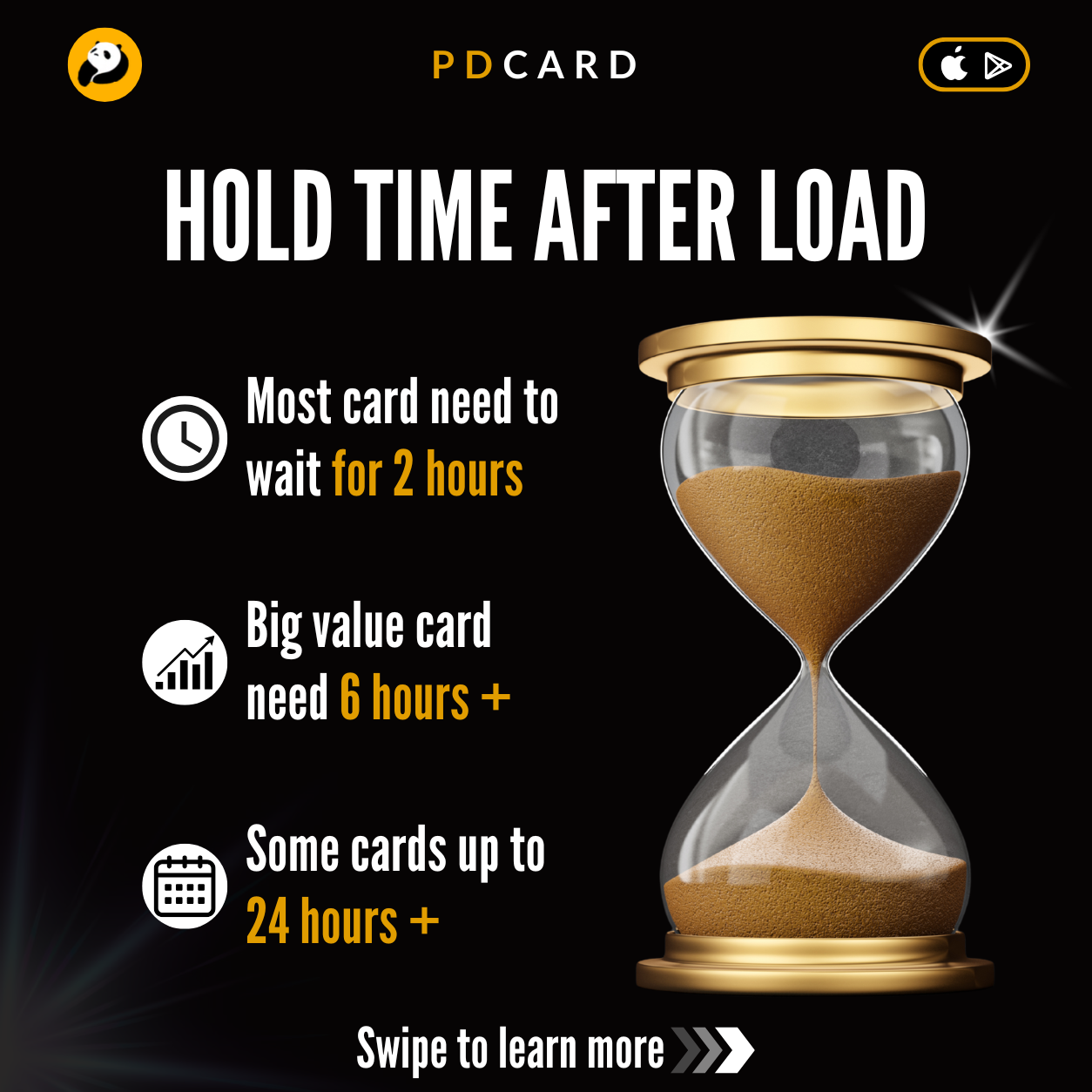
To support transaction verification, an Amazon gift card submitted on PDCard may require a processing period known as hold time after it has been loaded.
- Standard Amazon cards: Most cards may require a hold time of approximately 2 hours.
- High-value Amazon cards: Cards with a larger balance may require 6 hours or longer for verification.
- Special Amazon cards: Certain cards may take up to 24 hours or longer, depending on the verification process.
Disclaimer: Hold time is different from loading time. Understanding this distinction can help you plan your Amazon gift card transaction more clearly.
Physical Amazon Card vs. Digital Code
The format of your Amazon gift card may affect the available rate shown on PDCard.
- Physical Amazon card: A physical card may have a higher available rate because of buyer demand and the additional card details that can be verified.
- Digital code or e-code: A code-only Amazon gift card may have a different available rate compared with a physical card.
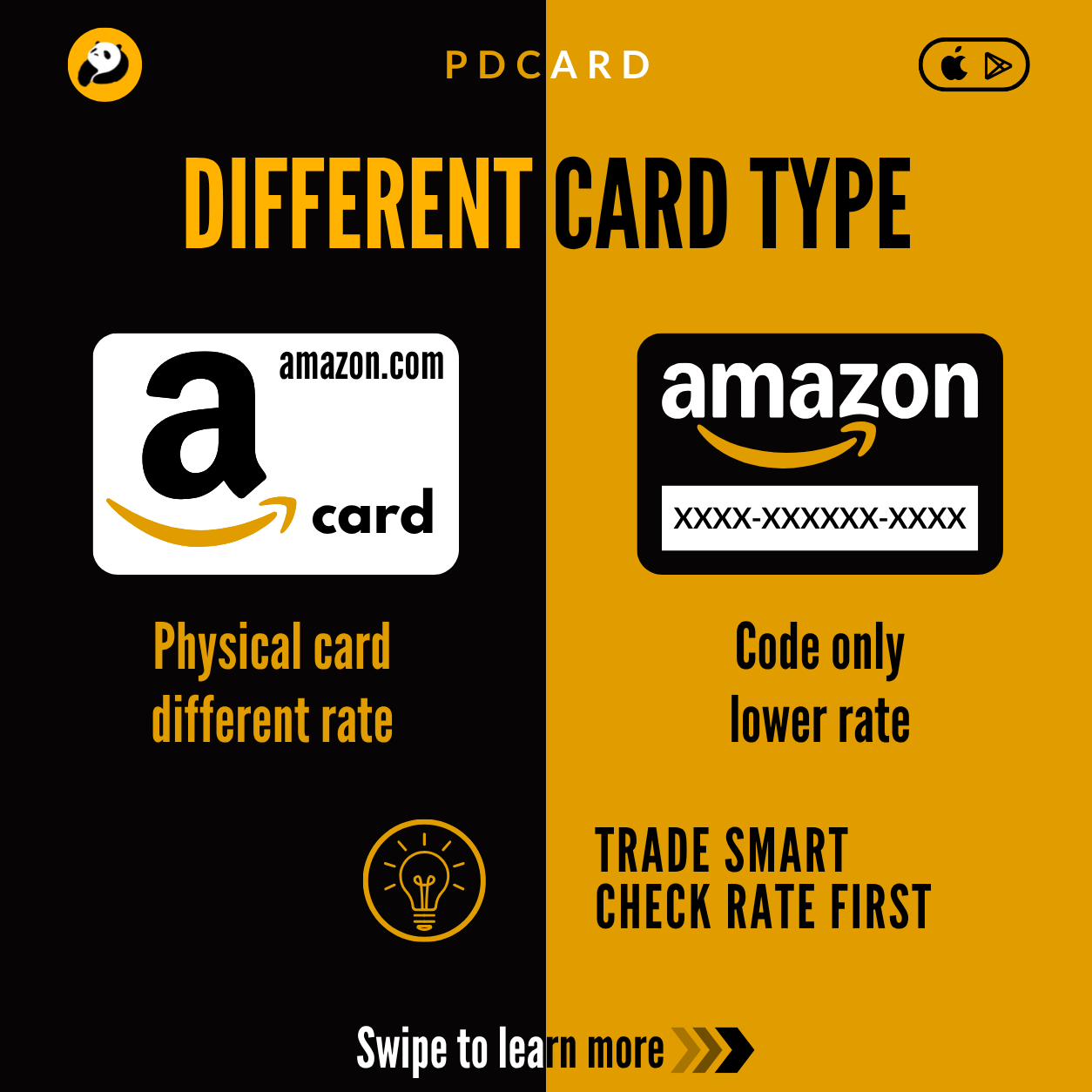
👉 Pro tip: Check the currently available Amazon gift card rate in the PDCard app before submitting your transaction. Make sure you select the correct card format to receive an accurate payout estimate.
Amazon Gift Card With Receipt vs. Without Receipt
Proof of purchase can play an important role in the evaluation of an Amazon gift card.
- Amazon card with receipt: A valid store receipt may qualify the card for a better available rate because it provides additional proof of purchase.
- Amazon card without receipt: A card submitted without a receipt may receive a different rate because additional verification could be required.
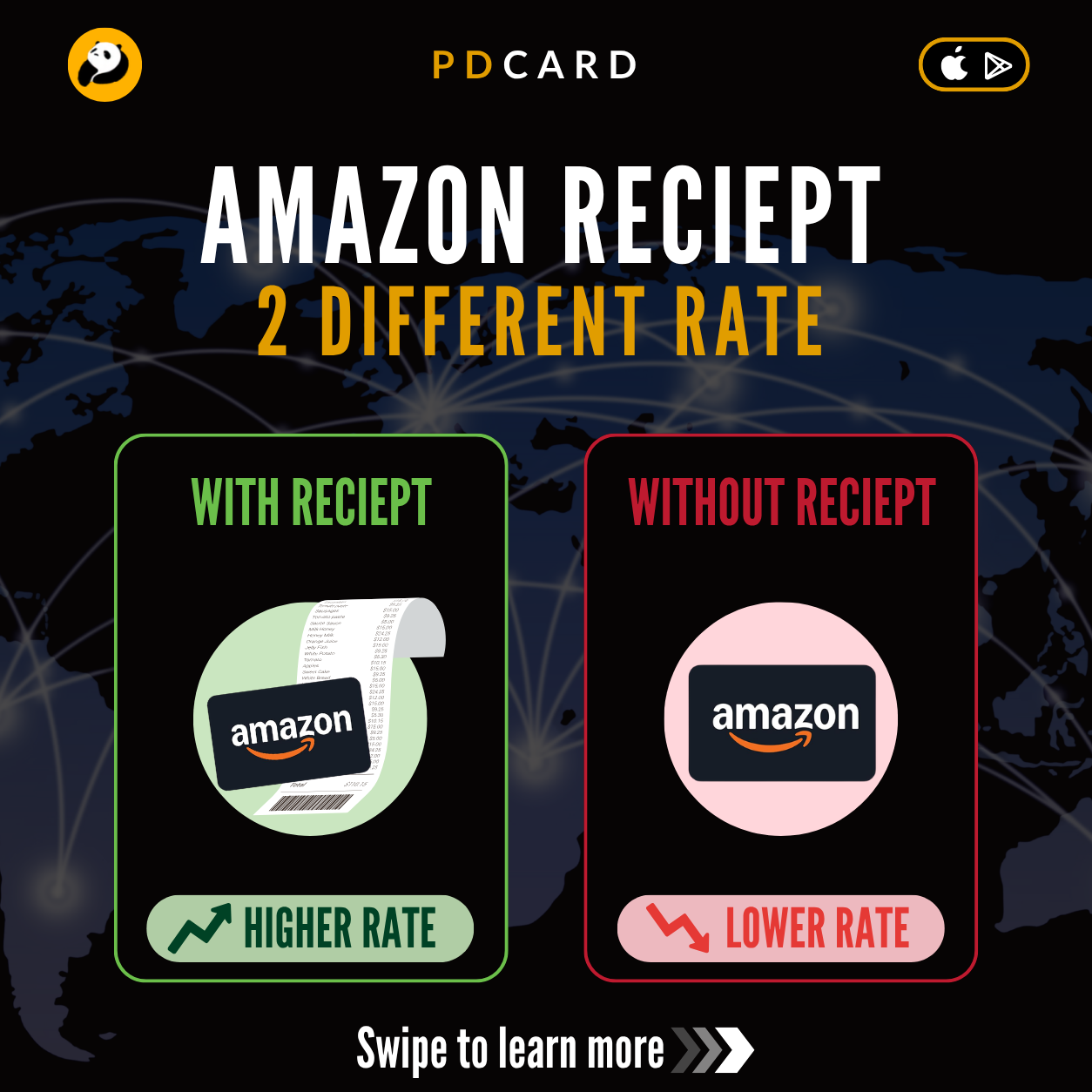
If you have the original Amazon store receipt, upload a clear image of it together with your physical Amazon gift card. Make sure the card details and receipt information are readable.
Conclusion
Trading an Amazon gift card on PDCard does not have to be confusing. By selecting the correct card format, providing a receipt when available, and understanding the possible hold time, you can prepare your transaction properly and review the available payout before submitting.
📲 Download PDCard
Trade smarter with PDCard. Check today’s available rates, submit your trade, track transactions and manage everything directly from your phone.
🍎 iPhone
Download on the App Store →
▶ Android
Get it on Google Play →
💬 Join the PDCard Community
Get platform updates, trading information and support from our official community channels.
🟢 WhatsApp Community
Join WhatsApp →
🔵 Telegram Community
Join Telegram →
Apple gift card trading on PDCard
Amazon review times do not establish how long an Apple order will take. If you also sell Apple gift cards, check the current Apple requirements and follow that order’s status; processing depends on the particular card and the checks required.
Related guides: how to sell Apple gift cards in Nigeria and Apple gift card rates and naira value.