How to Receive Money From Australia in Nigeria Using PayID and PDCard [2026]
What Is PayID?
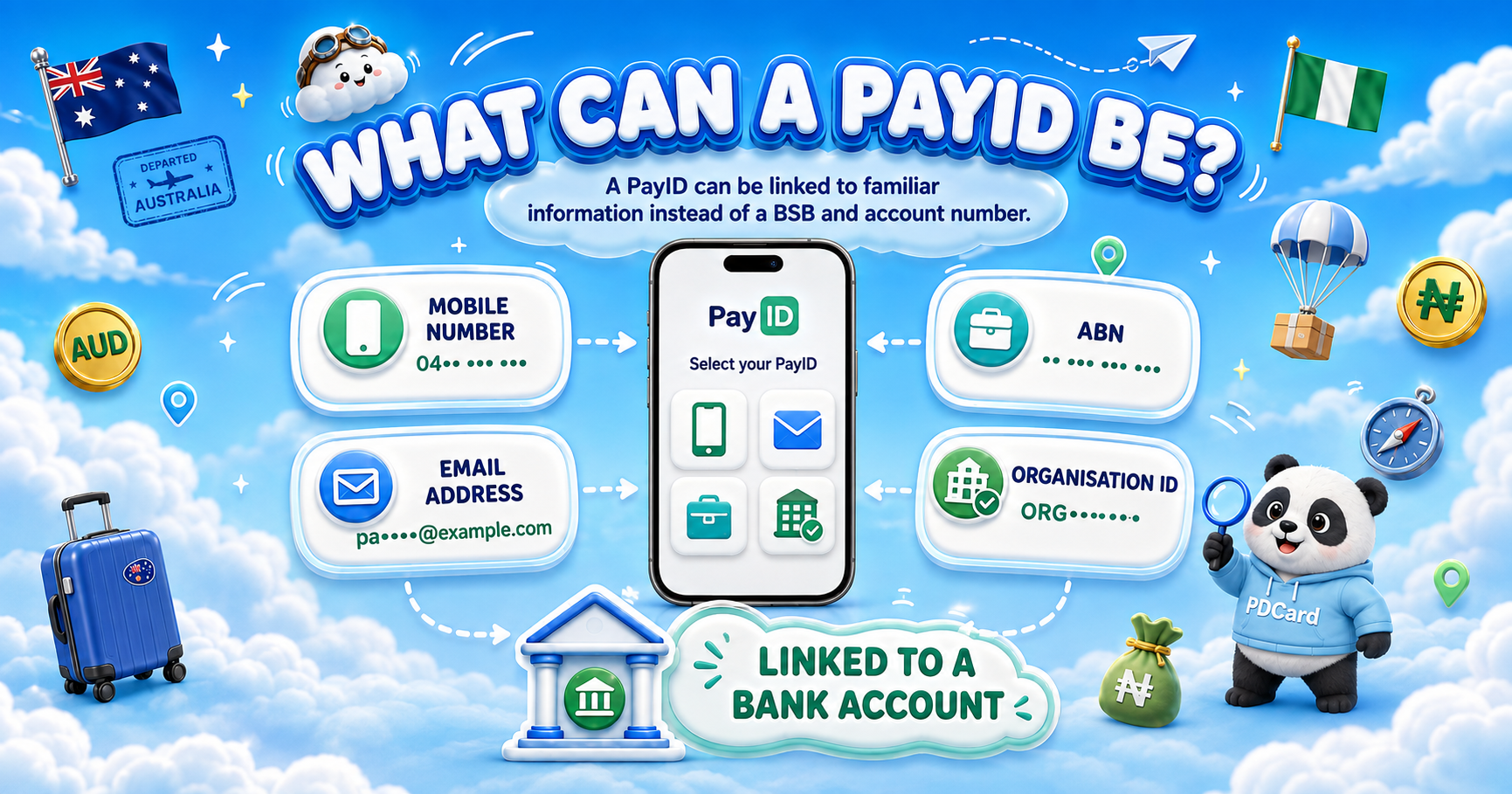
PayID is an Australian payment-address system. Instead of entering a BSB and account number, a sender may be able to use a PayID that is linked to the receiver’s bank account.
A PayID does not convert AUD into naira by itself. For a PDCard-related transaction, the sender still needs the current payment details and instructions supplied through the official PDCard Customer Service channel.
What Can a PayID Be?
Not every receiver offers every PayID type. Use only the identifier currently confirmed for the transaction.
Australia to Nigeria: The Payment Journey
Keep the sequence simple: obtain the current details, compare the receiver name shown by the bank, approve the payment only when the information matches, and retain the transaction record.
How to Find PDCard Customer Service
Do not rely on a PayID copied from an old chat, group message or another person. Open the PDCard App yourself and use the headphone icon to reach the available Customer Service options.
- Open the official PDCard App.
- Find and tap the floating headphone icon.
- Choose WhatsApp or Online Support.
- Ask for the current PayID instructions for the transaction.
- Compare the PayID and receiver name before sending.
Check Before You Send
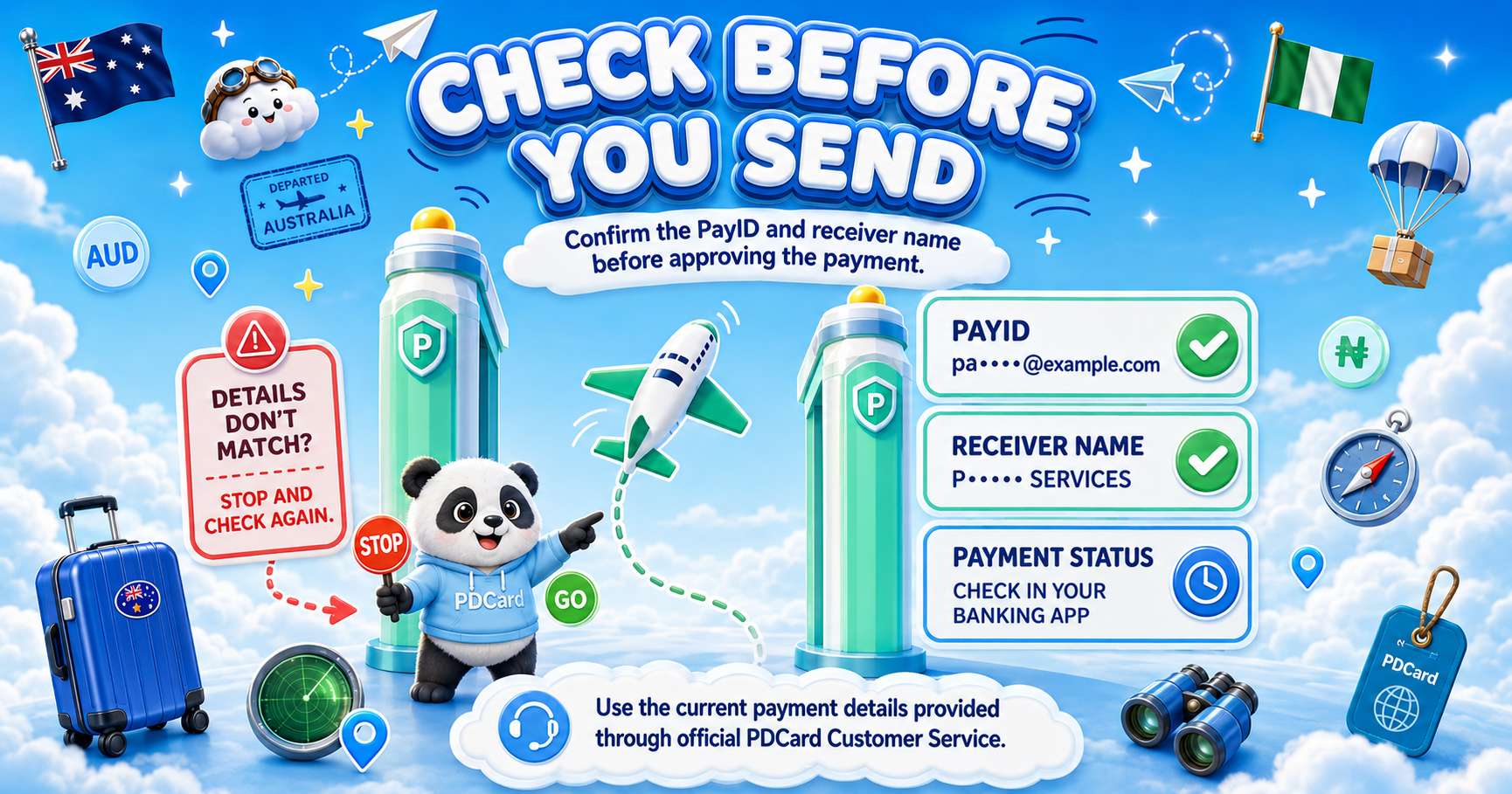
The receiver name displayed by the sender’s banking app is an important checkpoint. A small difference can mean the sender entered the wrong PayID or received outdated information.
Common PayID Problems
Wrong PayID
A mistyped email address or mobile number may point to a different receiver. Recheck every character before approval.
Receiver-name mismatch
Pause the payment and contact official support again. Do not assume a similar name is close enough.
Pending payment
A pending status does not automatically mean the sender should pay a second time. Review the first transaction in the banking app and wait for the appropriate confirmation.
Old or changed details
Payment information can change. Request the current details for each new transaction instead of reusing a previous PayID.
Final Checklist
After the sender has completed the payment, keep the transaction details available in case Customer Service needs them for review.
Get PDCard or Join the Community
Use the options below to download the PDCard App or connect through the available community channels.