Apple Pay Email vs Phone Number: What’s the Difference When Receiving Money?
When someone asks whether they should use an email address or a phone number for Apple Pay, they are usually asking which contact detail identifies the receiver for an Apple Cash transfer.
An email address and a phone number can both lead to an Apple Cash receiver—but choosing the wrong detail may send your transaction in the wrong direction.What Does “Apple Pay Email or Number” Mean?
Email and phone number are not two different types of Apple Pay. They are contact details that may be connected to a receiver’s Apple Account and used to identify that person in Apple Cash.
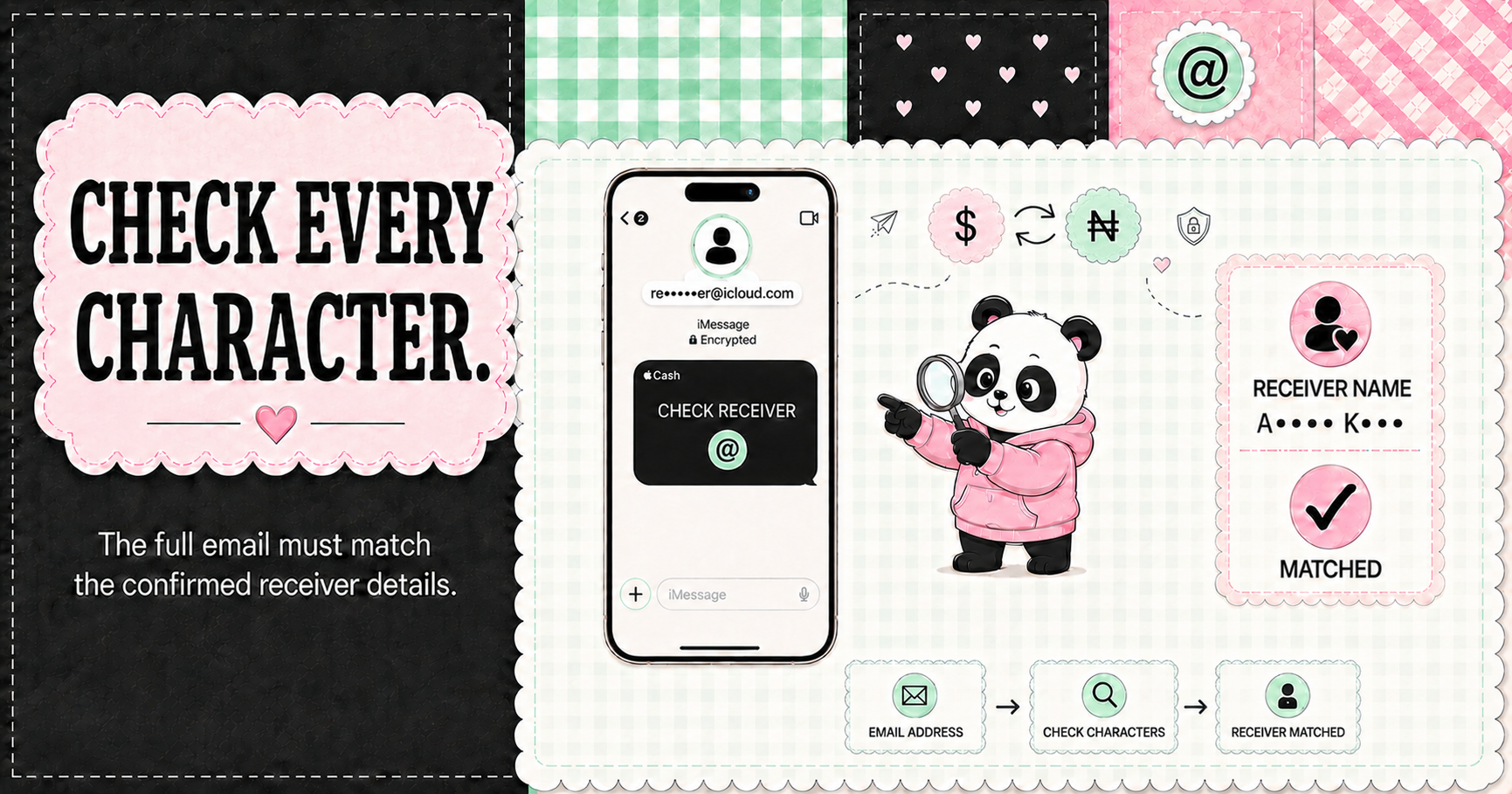
Whichever detail you receive, do not rely on the email address or phone number alone. The receiver name shown before sending should match the person or transaction details you were given.
Receiving Money Through an Email
An email address may identify an Apple Cash receiver when that address is connected to the receiver’s Apple Account. The complete address matters: one incorrect character, missing dot or different domain may point to another destination.
Receiving Money Through a Phone Number
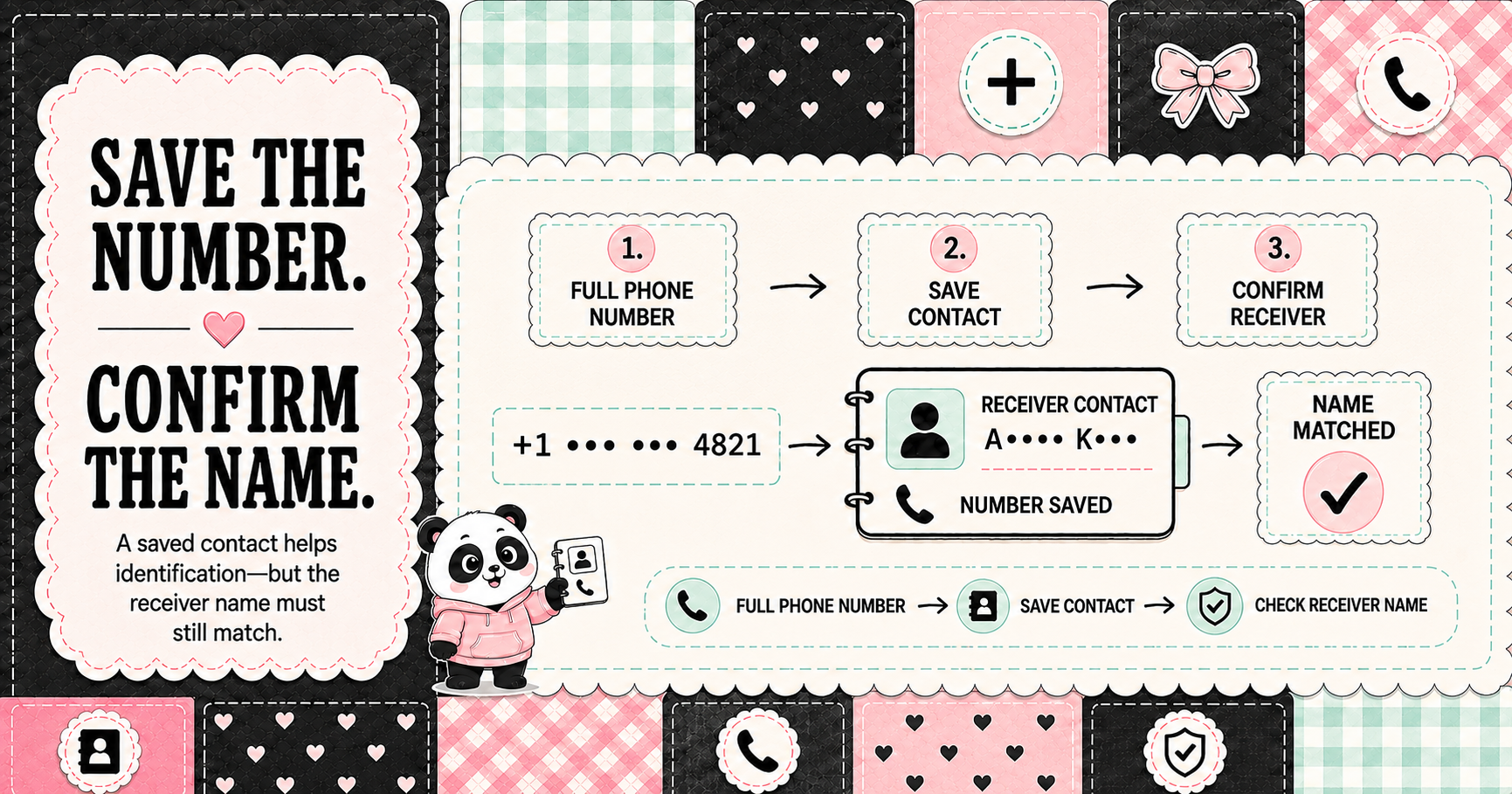
A phone number can also identify an Apple Cash receiver when the number is connected to the correct Apple Account. Use the full U.S. number, including the +1 country code, and save it as a contact before checking the receiver name.
Email vs Phone Number: Which One Should You Use?
There is no universal rule that email is better than phone number or that phone number is safer than email. Use the exact receiver detail confirmed for the current transaction.
How to Start an Apple Pay Transaction With PDCard
Receiver details can change between transactions. Before sending, open PDCard and contact Customer Service to check the currently available Apple Pay transaction option.
Keep the transaction record ready. If you need help later, the record can make it easier for Customer Service to understand what happened.
Keep Your Transaction Details Ready
Apple gift card trading on PDCard
Apple Pay and Apple gift cards are different products. If your goal is to sell Apple gift cards, use the gift card workflow; the Apple Pay email or phone instructions above do not apply to submitting a card code.
Related guides: how to sell Apple gift cards in Nigeria and Apple gift card rates and naira value.