Beyond Rates: What Should You Look for in a Gift Card Trading App? [August 2026]
Beyond Rates: What Should You
Look for in a Gift Card
Trading App?
When choosing a gift card trading app, the first thing many users check is the rate.
Evaluate the complete Apple trading process
Alongside a current Apple quote, look for clear category requirements, an order record and official support. Use the dated per-$1 table to understand the amount, then review the submission and payout steps before trading.
Sell Apple gift cards in Nigeria: trading and bulk guide · Apple payouts for US$100, US$200 and US$500 by card type. Confirm the correct category and current app quote before submission.
That makes sense. You naturally want to know how much value you may receive. But the rate is only one part of the experience.
Beyond rates, what should you actually look for?
The Trading Process Should Be Clear
A gift card trade should not feel like a mystery.
Once you start a transaction, the app should guide you through a logical sequence instead of leaving you wondering what happens next.
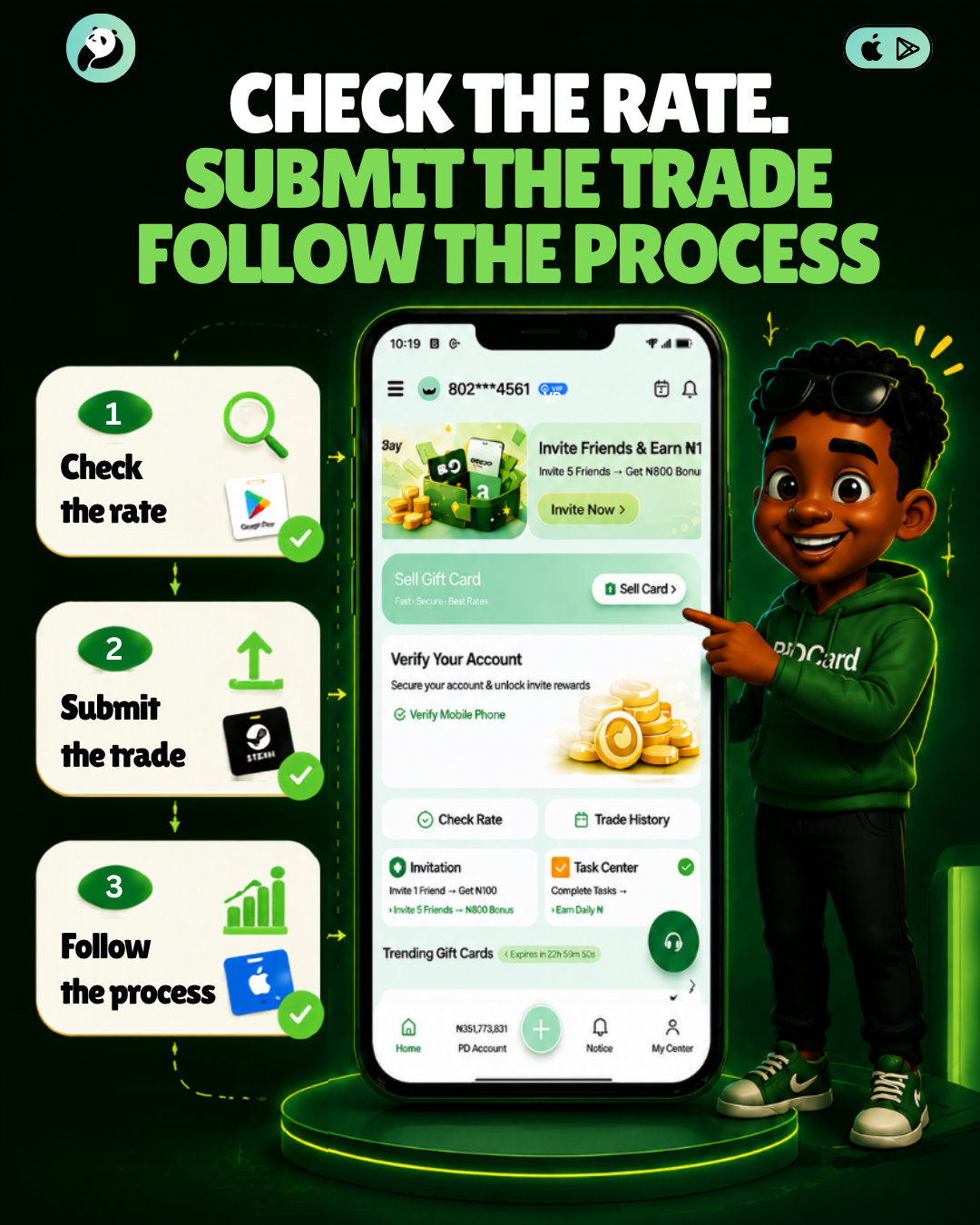
New to trading? See our complete guide on how to trade gift cards on PDCard.
Rates Should Be Easy to Check
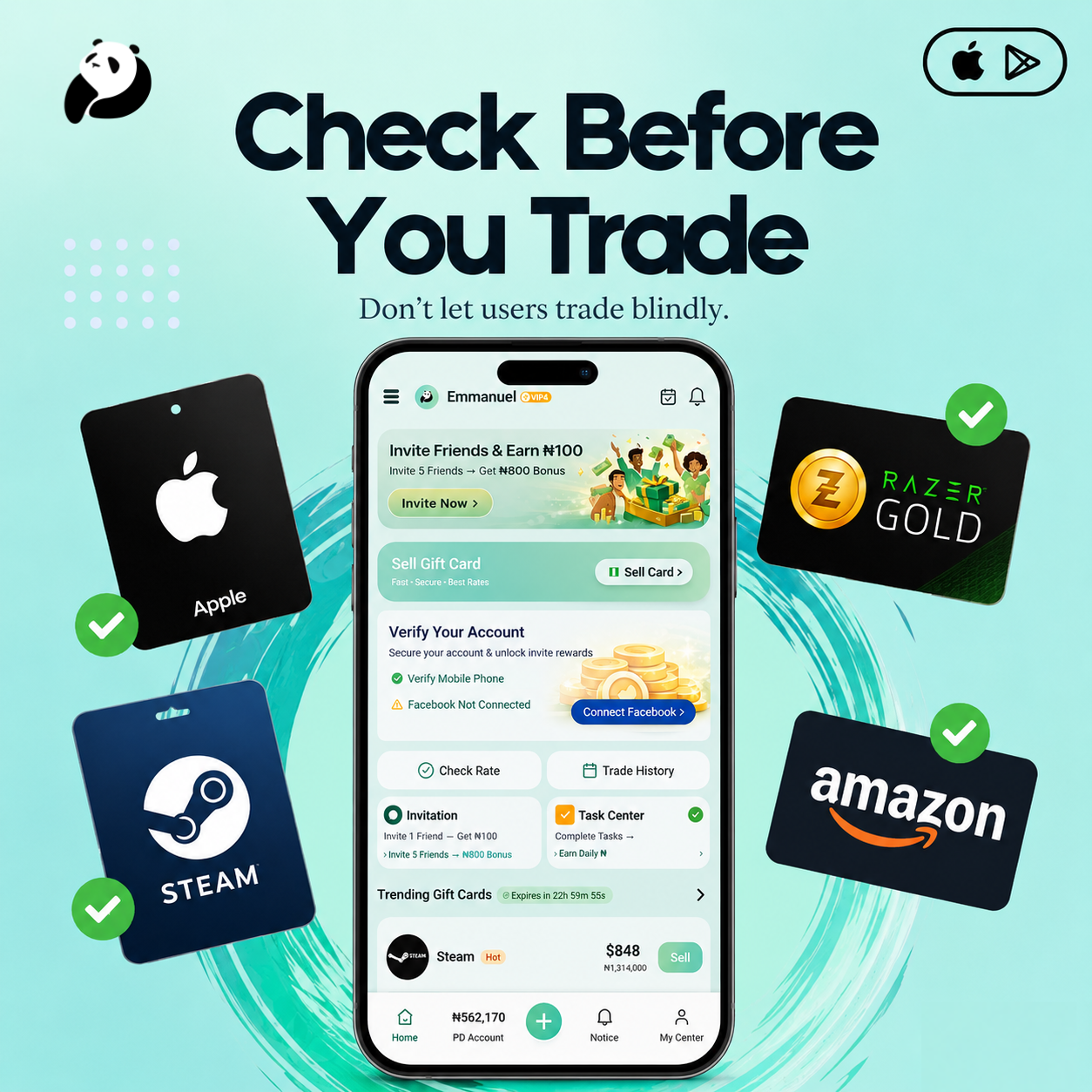
Before trading, the app may ask you to select a few details so it can show information that matches the card you actually have:
Not sure which option matches your card? Learn how to identify the correct gift card before submitting..
A Good App Should Tell You What Comes Next

You should not constantly have to ask:
- Did my trade submit successfully?
- Is it still being processed?
- Where can I check the status?
- Has the transaction finished?
- Do I need to submit the card again?
- What is my next step?
Learn how to track each step of your gift card trade on PDCard.
Support Should Be Available When You Need It
Before contacting support about a trade, it is useful to check your transaction records first. Having the relevant transaction information available can make it easier to explain what happened.

Support works better when the app already gives both the user and the support process clear transaction context.
How PDCard Brings the Trading Process Together
A clear process helps users understand what they are doing, where their transaction is and what comes next.

PDCard for a clearer gift card trading process.
Ready to Use PDCard?
Download the app or join the official PDCard community.
Get the PDCard App
Check rates, submit gift cards and follow your transaction progress.
Download on the App StoreGet it on Google PlayJoin the Community
Follow official updates, ask questions and connect with other users.
Join PDCard on TelegramJoin PDCard on WhatsAppUse official PDCard links only. Never share a complete gift card code in a public group.