3 Things to Check Before Selling Your Gift Card in Nigeria [2026]
3 Things to Check Before Selling Your Gift Card
Before you sell your next gift card, pause for a moment.
Three Apple checks before comparing the rate
Check the country, the Code/EcodeImage/Physical category and the individual denomination. Then compare the total naira amount shown for your actual card; the highest rate in another category is not an applicable quote.
Sell Apple gift cards in Nigeria: trading and bulk guide · Apple payouts for US$100, US$200 and US$500 by card type. Confirm the correct category and current app quote before submission.
Many users focus only on submitting the card quickly, but a few small checks before trading can make the process easier to understand. Checking the latest rate, the card details, and the right source of information can help users avoid confusion before they trade.
Gift card trading is not only about having a card. It is also about knowing what kind of card you have, checking the current value, and making sure you are using the correct platform or source for updates.

These small steps can make a real difference.
Why You Should Check Before Selling
Gift card rates and review requirements are not always the same. A card that had one estimated value yesterday may show a different value today. A card from one country may not be reviewed the same way as a card from another country.
That is why checking before selling is important.
When you check first, you can better understand:
- The current estimated rate
- The card type you are submitting
- The country and currency of the card
- Whether the card details are complete
- Whether you are using the right trading source
This helps reduce guesswork before you trade.
1. Check the Latest Gift Card Rate
Before selling your gift card, always check the latest rate.
Gift card rates can change depending on the card brand, country, amount, format, and current market conditions. This means the value you expect may not always be the same as the value available at the time you trade.
Checking the rate first helps you understand the estimated value of your card before submitting it.
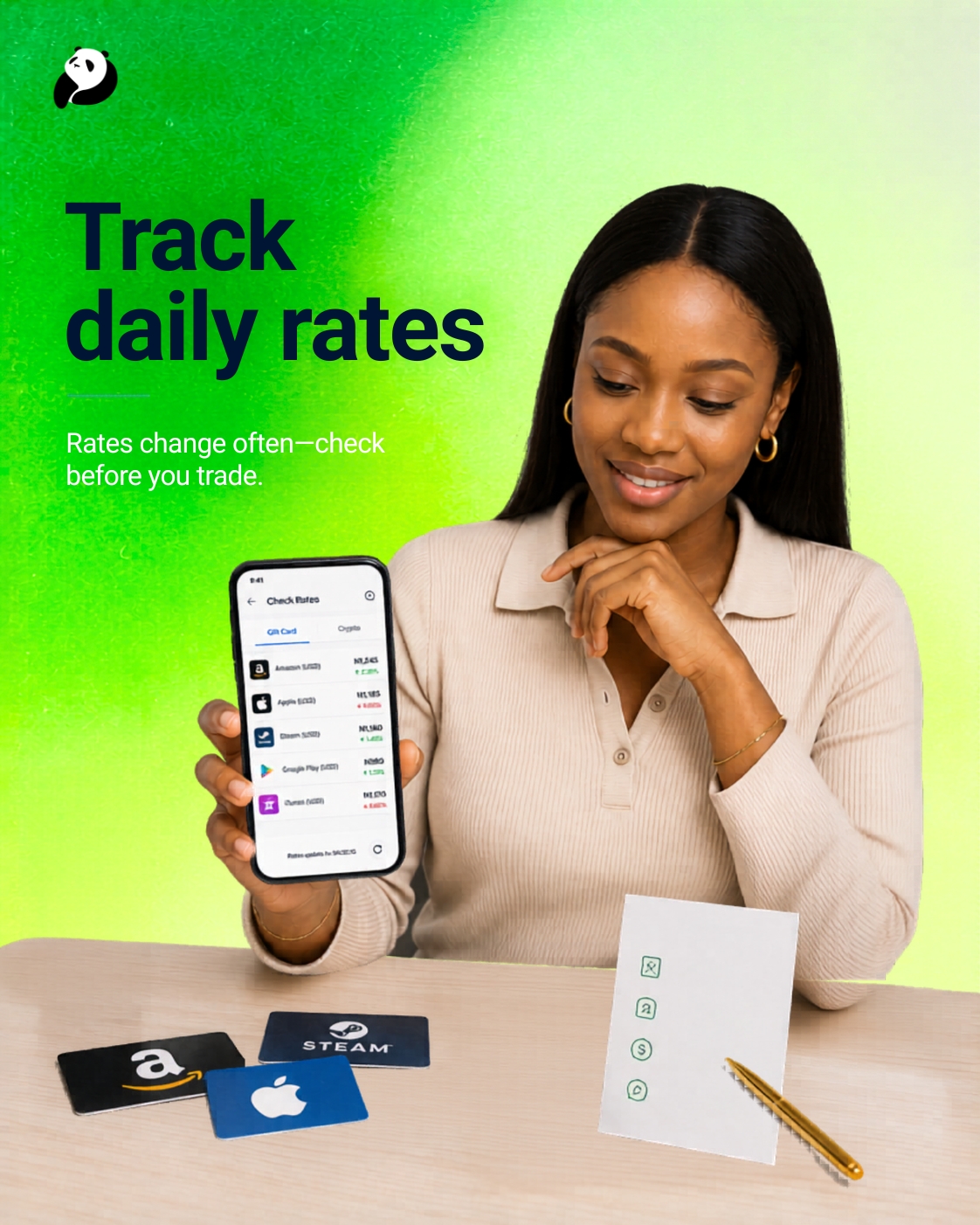
This is better than guessing or relying on old information from screenshots, chats, or previous trades.
2. Check If This Is the Right Time to Sell
Sometimes, users rush to sell without checking whether the current rate is suitable for them.
Before trading, take a moment to review the value shown and decide if you are comfortable with it. If the estimated value is clear and you are ready to continue, you can proceed with more confidence.
This does not mean users should wait forever. It simply means you should understand the value before submitting your card.

When money is involved, it is better to check first than to trade blindly.
3. Follow the Right Source for Updates
Another important step is knowing where your information comes from.
Gift card trading information can spread quickly through chats, groups, screenshots, and random posts. But not every update is accurate or current.
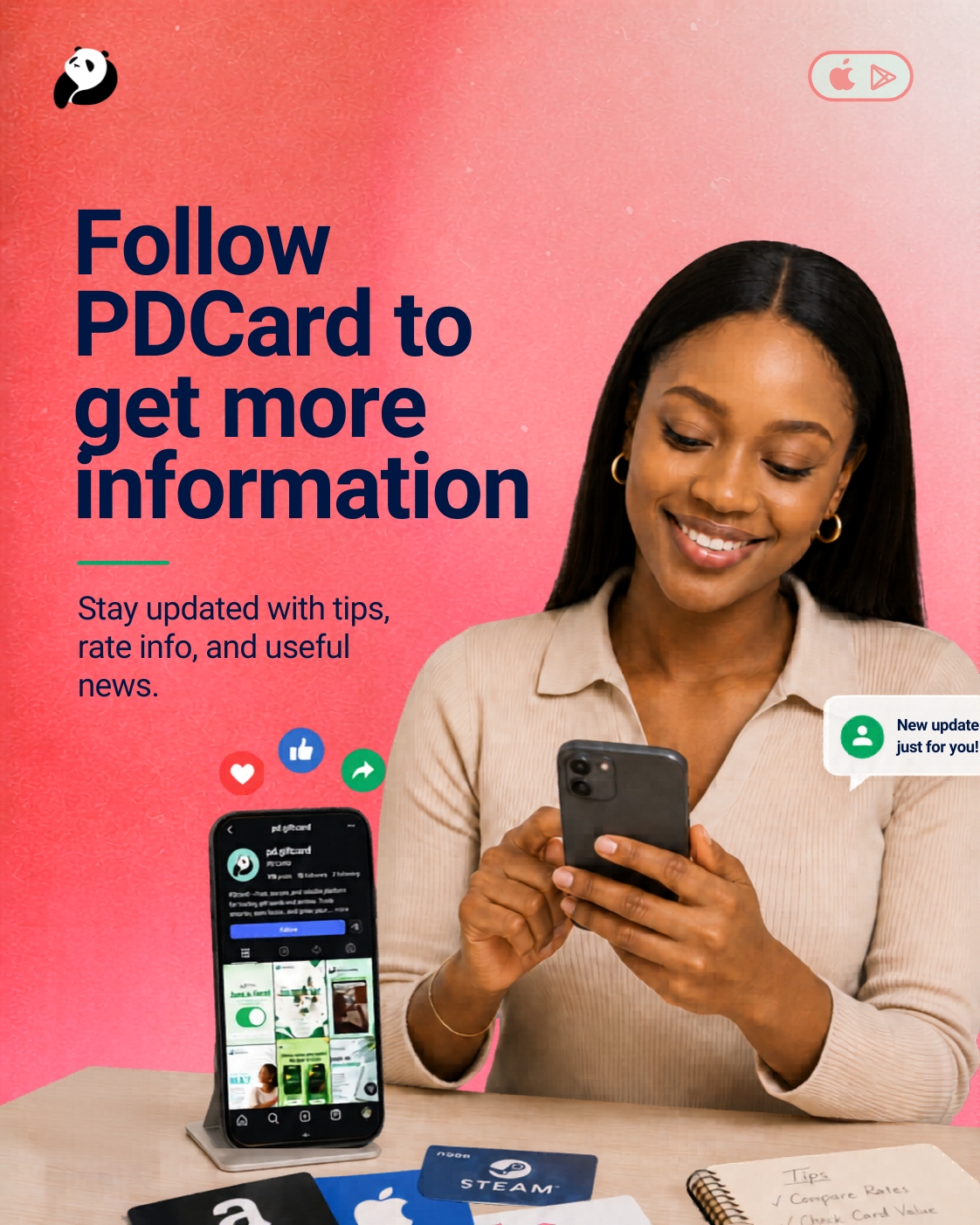
Before you trust any rate or trade instruction, make sure you are using the official PDCard app or official PDCard channels for updates.
Using the right source helps reduce confusion and protects users from wrong information.
What Else Should You Check Before Trading?
Apart from rate and timing, users should also check the card details carefully.
Before submitting your gift card, confirm:
- The card brand
- The card country
- The card currency
- The card amount
- The card type
- Whether it is physical or e-code
- Whether the image is clear
- Whether the details match what you selected
These details can affect how the card is reviewed.
Why Small Checks Matter
Small mistakes can lead to extra checking.
For example, choosing the wrong country, entering the wrong value, or submitting a blurry image may slow down the process. Support may need to ask for more details before the trade can continue.
Checking first helps users submit clearer information from the beginning.
A few seconds of checking can help prevent unnecessary confusion later.
How PDCard Helps Users Check Before Trading
PDCard gives users a more organized way to check gift card information before selling. Users can choose the card brand, card type, country, and amount, then check the estimated rate before continuing.
This helps users understand their card value more clearly before submitting a trade.
Instead of relying on random updates or guessing the value, users can check directly in the PDCard app and make a more informed decision.
FAQ
Why should I check the rate before selling my gift card?
You should check the rate because gift card values can change depending on the brand, country, amount, format, and current market conditions.
Can gift card rates change?
Yes. Gift card rates may change over time, so users should check the latest estimated rate before trading.
What details should I confirm before submitting my card?
You should confirm the card brand, country, currency, value, type, format, and image quality before submitting.
Why should I use official PDCard channels?
Official PDCard channels help users avoid wrong information, outdated rates, or unclear trade instructions.
Does checking first make trading easier?
Yes. Checking first helps users understand the card value, submit clearer details, and reduce unnecessary confusion during review.
Check Before You Trade
Before you sell your next gift card, take a moment to check the latest rate, confirm your card details, and use the right source for updates.
Small checks can make the trading process clearer and easier to follow.
Check first. Trade smarter with PDCard.
Article Summary
Before selling a gift card, users should check the latest rate, confirm whether it is the right time to sell, and follow the right source for updates. Gift card rates can change depending on the card brand, country, amount, and format. By checking card details and using the official PDCard app, users can reduce confusion, understand estimated value more clearly, and trade smarter.
KEEP PDCARD CLOSE
Download PDCard
Check today’s available rate, submit transfers, track your transactions, and manage your PDCard balance wherever you are.
OFFICIAL COMMUNITY
Get Official PDCard Updates
Join the PDCard community for platform updates, trading information, and support.