Wrong Gift Card Category: Why It Can Slow Down Your Trade [2026]
Current estimated payouts
Apple gift cards issued in the United States. Face values are in USD. Payout estimates are in Nigerian naira before any applicable fees.
| Card type | US$100 |
|---|---|
| Physical card | ₦131,415.50 |
| Code | ₦126,003.00 |
| E-code | ₦131,415.50 |
Last rate check . Earliest quote expiry (Lagos time).
Confirm your quote in the app before selling. Final payout is determined after review. Get the official PDCard app.
Wrong Gift Card Category: Why It Can Slow Down Your Trade
Choosing the wrong gift card category may look like a small mistake, but it can slow down your trade.
Why an Apple category mismatch changes the quote
Compare the same US$100 Apple face value by card format. Use the category that matches the card you hold and check the current estimate before selling.
Sell Apple gift cards in Nigeria: trading and bulk guide · Apple payouts for US$100, US$200 and US$500 by card type. Confirm the correct category and current app quote before submission.
Before submitting a gift card, users should check the card country, currency, value, and card type carefully. These details help support understand what kind of card is being reviewed and how the trade should be processed.
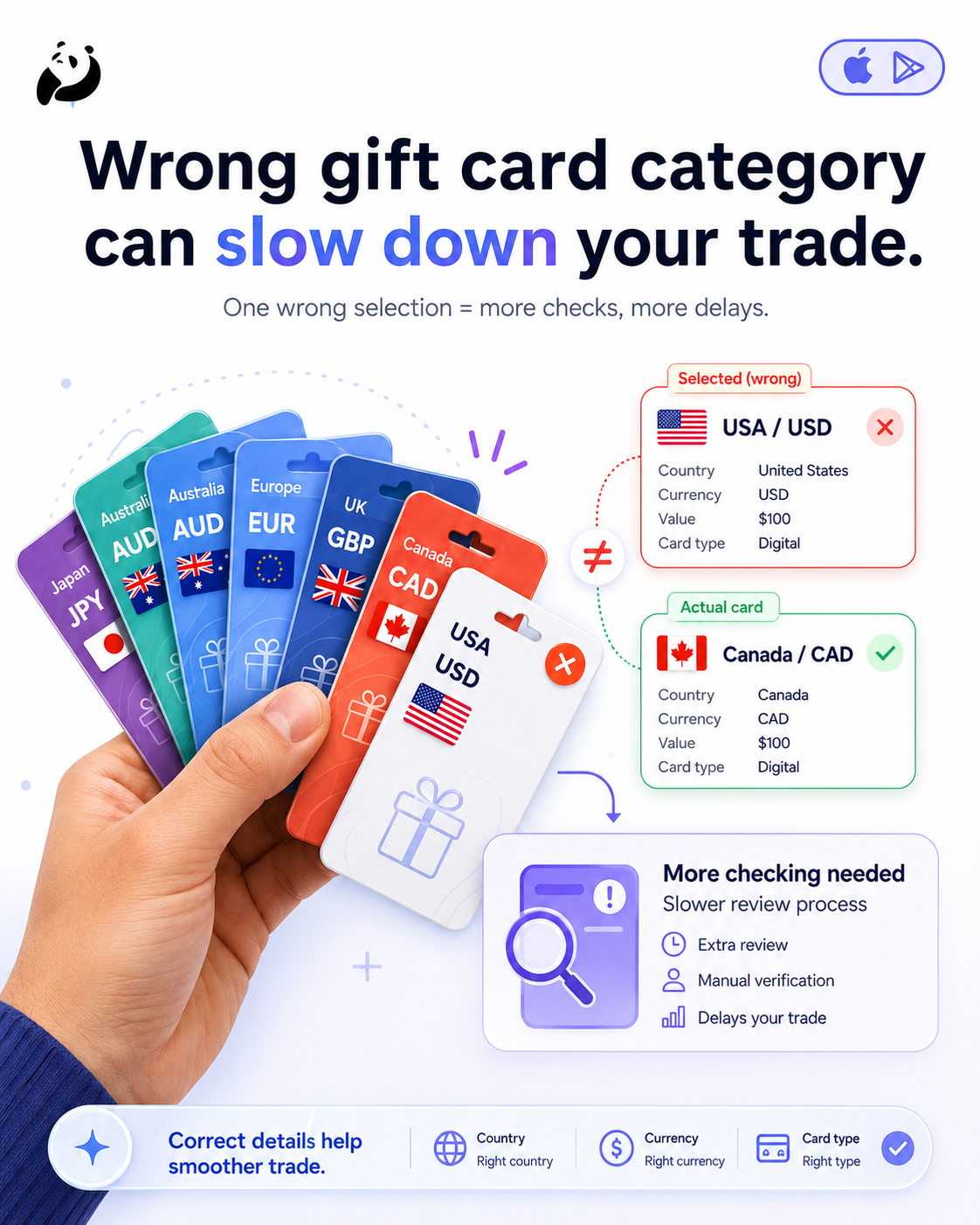
When the category is wrong, the information submitted may not match the actual card. This can lead to extra checking, more questions, and a longer review process.
What Does Wrong Gift Card Category Mean?
A wrong gift card category means the card was submitted under the wrong option or with details that do not match the actual card.
This can happen when a user selects the wrong:
- Gift card brand
- Card country
- Currency
- Card value
- Card format
- Card type
- Physical card or e-code option
For example, a user may submit a card as a USA card when it is actually from another country. Another user may choose the wrong currency or enter the wrong amount. These small mistakes can affect how the card is reviewed.
Why Category Details Matter
Gift cards are not always processed the same way. Even cards from the same brand can have different countries, currencies, values, and formats.
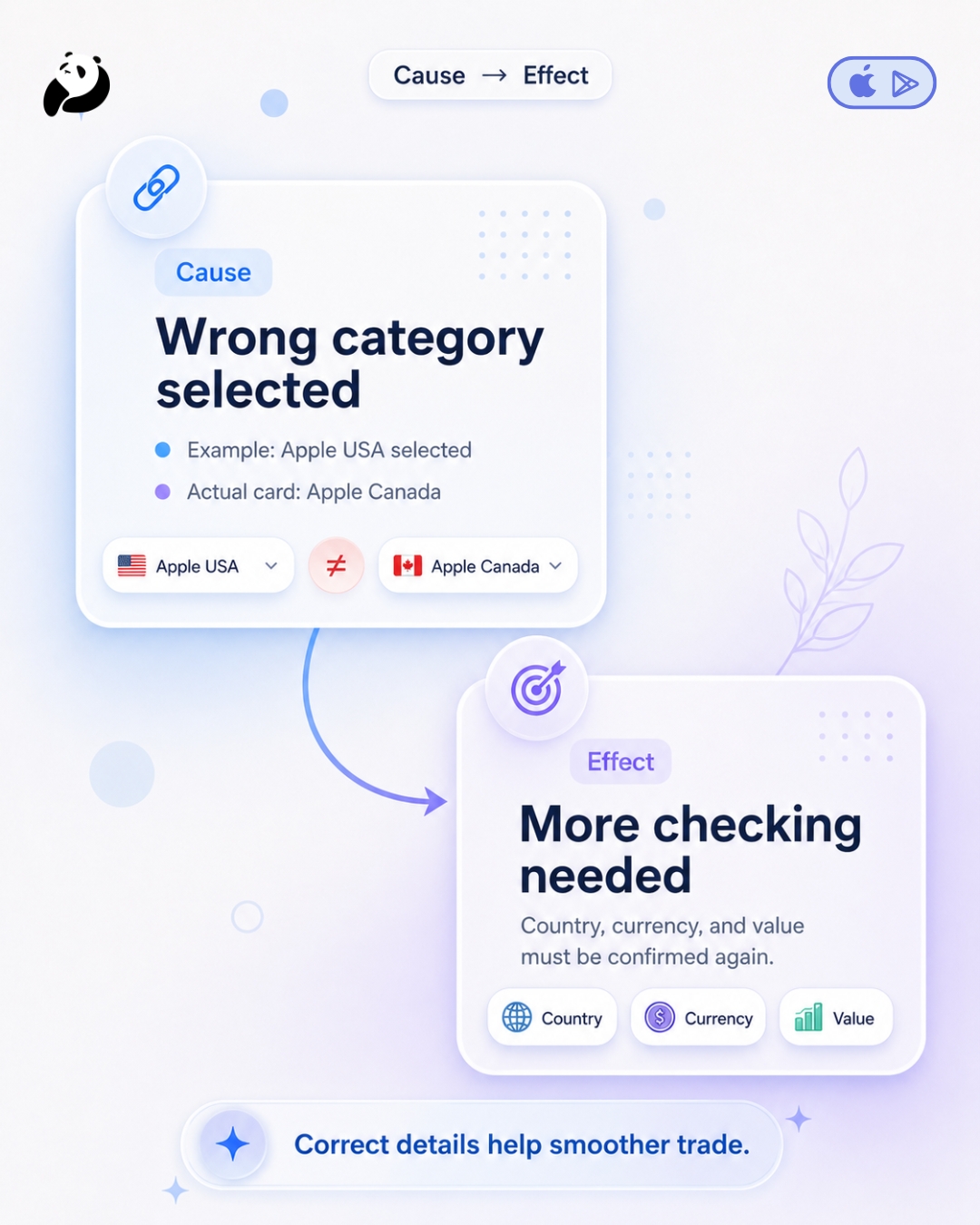
For example, an Apple gift card from the USA may not be the same as an Apple gift card from Canada or Australia. The symbol may look similar, but the country and currency can affect the estimated value and review process.
That is why checking the category before submitting is important.
How a Wrong Category Can Slow Down Your Trade
When the wrong category is selected, support may need to review the card again before moving forward.
This can happen because:
- The selected country does not match the card
- The currency is unclear
- The amount entered is different from the card value
- The card type does not match the uploaded image
- The image does not show enough information
- The submitted details are incomplete
When support needs to confirm these details again, the trade may take longer than expected.
Small Mistakes Can Create Extra Checking
A wrong category does not always mean the card is bad. In many cases, it simply means the submitted details were not clear enough.
For example, if the card country is wrong, support may need to confirm the correct region. If the card value is entered incorrectly, the estimate may need to be checked again. If the card image does not match the selected category, more information may be required.
These extra steps can slow down the process.
What to Check Before Submitting a Gift Card
Before submitting your gift card, take a few seconds to check the important details.
You should confirm:
- The card brand
- The card country
- The card currency
- The card value
- The card type
- Whether it is physical or e-code
- Whether the image is clear
- Whether the details match what you selected
Correct details help make the review process easier to understand.
Why Country and Currency Are Important
Country and currency are two of the most important details when submitting a gift card.
Some cards may use the same currency symbol, but they may not come from the same country. For example, a “$” symbol does not always mean the card is from the USA. It may also refer to another dollar currency depending on the card region.
If the wrong country or currency is selected, the estimated value may not match the actual card details.
How PDCard Helps Users Submit More Clearly
PDCard gives users a more organized way to submit gift card information. Instead of guessing, users can select the card brand, category, country, amount, and other important details before continuing.
This helps users understand what they are submitting and helps support review the card with clearer information.
Correct details can help reduce confusion and make the trading process easier to follow.
FAQ
What is a wrong gift card category?
A wrong gift card category means the card was submitted under the wrong brand, country, currency, value, format, or card type.
Can a wrong category delay my trade?
Yes. If the submitted category does not match the actual card, support may need to check the details again before the trade can continue.
Does choosing the wrong category mean my card is invalid?
Not always. It may only mean the submitted information was unclear or did not match the card properly.
What should I check before submitting my gift card?
You should check the card brand, country, currency, value, type, format, and image quality before submitting.
Why does PDCard need correct card details?
Correct details help PDCard review the card more clearly and help users understand the estimated value before trading.
Submit the Right Details Before You Trade
A small mistake in card category, country, currency, or value can slow down your trade.
Before you submit, double-check your gift card details. Correct information helps make the process clearer and easier to follow.
Submit smarter with PDCard.
Article Summary
Choosing the wrong gift card category can slow down a trade because support may need to check the submitted details again. Before trading, users should confirm the card brand, country, currency, value, type, and image quality. Correct gift card details help reduce confusion and make the review process easier to understand. PDCard gives users a more organized way to submit gift card information and trade smarter.
KEEP PDCARD CLOSE
Download PDCard
Check rates, submit trades and track your transactions anytime on PDCard.